
Corrupted Video Repair
The best 9 Corrupted Video Repair AI tools - Free & Paid
Explore 9 AI for Corrupted Video Repair
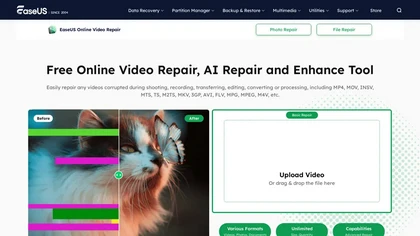
EaseUS Online Video Repair is an AI tool that repairs corrupted video files in formats like MP4, MOV, and AVI. It automatically fixes issues like pixelation and audio syncing while preserving original quality and offers advanced recovery options.
Free

Wondershare Repairit is an AI-powered data repair tool that quickly fixes corrupted or damaged videos, photos, audio, documents, and other files across devices.
Free trial

Wondershare Recoverit is a cross-platform data recovery tool that uses AI-powered scanning to restore lost files from various devices and storage media. It supports over 1,000 formats, repairs corrupted media, and offers advanced recovery from partitions, RAID, and system crashes.
Freemium

removefrom.video uses AI video inpainting to remove watermarks, logos, text, subtitles and unwanted objects from MP4, MOV and WEBM files. Drag-and-drop upload, automatic detection and manual masking with cloud processing that preserves motion and lighting.
Freemium
- $8.33/mo

VidHex is an AI-powered video enhancement tool that upscales low-resolution footage to 4K/8K, restores quality, and colorizes black-and-white clips. It optimizes exposure, contrast, and noise reduction for creators, educators, and casual users.
Freemium
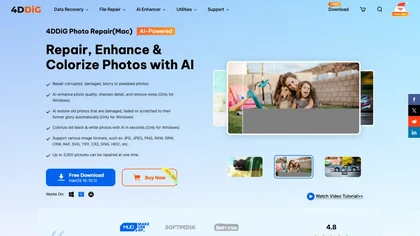
4DDiG Photo Repair uses AI to restore corrupted JPG, PNG, RAW, HEIC, and DNG images, correcting missing headers, color shifts, pixelation, and overexposure. It denoises, enhances faces, colorizes black‑and‑white, processes up to 3,000 files in batch on Windows and macOS.
Paid
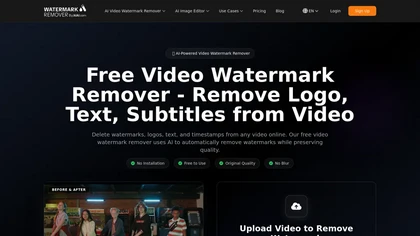
AI Video Watermark Remover removes watermarks, logos, timestamps, subtitles and unwanted objects from MP4/MOV/M4V/MKV (up to 500 MB/10 minutes) using automated detection, optional manual selection and AI inpainting for artifact-free, fast GPU processing.
Free trial
- $7.99

Winxvideo AI enhances videos and audio, upscaling to 4K/8K/HDR, stabilizing and interpolating frames while reducing noise. It offers batch GPU‑accelerated conversion, editing tools, 60 fps screen recording, and AI photo restoration for creators and educators.
Freemium
- $9.99/mo
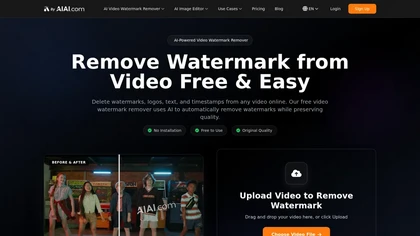
AI Video Watermark Remover uses AI-driven pixel restoration to automatically detect and remove watermarks, logos, text, and timestamps from short videos (up to 10 minutes/500 MB), preserving resolution and visual continuity for downloadable output.
Free trial
- $5