
Bank Statement To Csv
The best 8 Bank Statement To Csv AI tools - Free & Paid
Explore 8 AI for Bank Statement To Csv
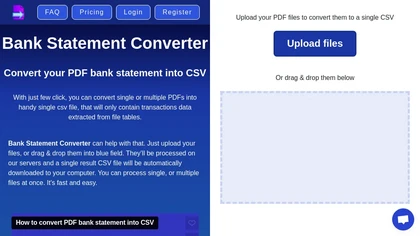
Transform your bank statements from PDF to CSV effortlessly with Bank Statement Converter. Easily upload your PDF files, convert them into a single CSV, and access all transaction data in organized tables.
Freemium
- $29/mo
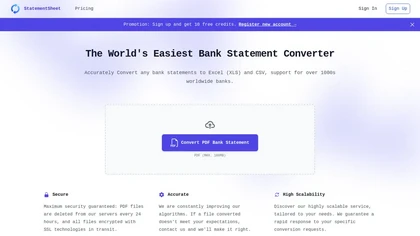
StatementSheet converts PDF bank statements to structured Excel or CSV files instantly using OCR, supporting over 1,000 banks. Files upload securely, are deleted after 24 h, and export to major accounting platforms for quick reconciliation.
Subscription
- $20/mo

BankConv converts bank statement PDFs from 1,000+ banks into CSV, Excel, Google Sheets, OFX or QFX with extracted dates, descriptions, amounts and running balances. It supports batch and password-protected uploads, fast processing, TLS encryption, and automatic file deletion.
Freemium
- $29/mo
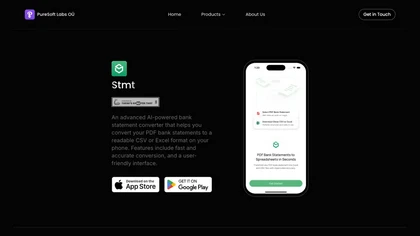
Stmt: Bank Statement Converter is an AI-powered mobile tool that converts PDF bank statements into CSV/Excel formats for seamless financial management. It offers fast, secure conversions with a user-friendly interface.
Freemium
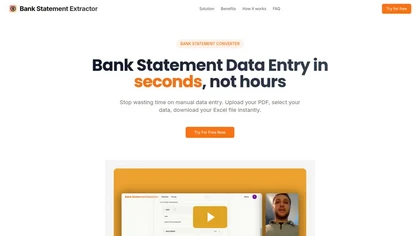
Bank Statement Converter extracts data from PDF bank statements into Excel spreadsheets automatically, handling unlimited pages and high transaction volumes with 99.8 % accuracy. It supports custom field selection and deletes files in memory to ensure privacy.
Free
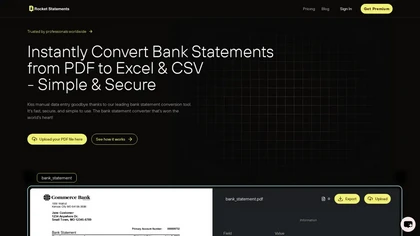
Rocket Statements uses AI OCR to convert PDFs, JPGs, TIFFs, and PNGs of bank statements into clean Excel, CSV, or JSON files. It auto‑deduplicates, normalizes dates, categorizes spend, and syncs with Google Sheets, Excel, QuickBooks, Xero, achieving 99 % accuracy.
Subscription
- $8/mo


AI Bank Statement Converter automates data extraction from bank statements and invoices, reducing manual entry time by up to 80%. It supports conversions to multiple formats and ensures data security with bank-level encryption.
Subscription
- $24/mo