
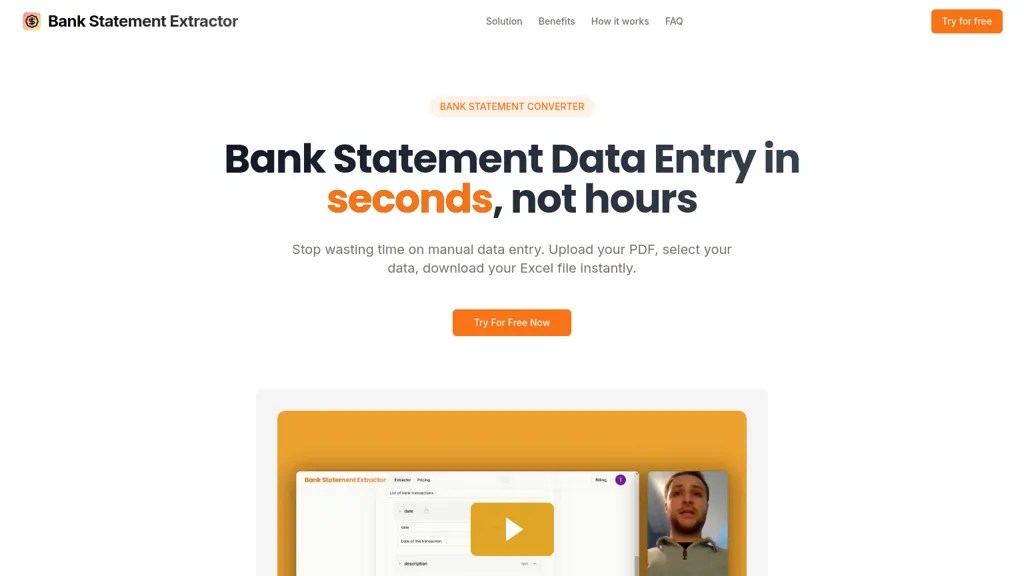
What is Bank Statement Extractor?
Bank Statement Converter turns PDF bank statements into Excel spreadsheets automatically. Upload one or multiple PDFs, define the fields you need, and download a ready‑to‑use Excel file in seconds. The tool supports unlimited pages per file and processes up to 1,000+ transactions per minute with 99.
8 % extraction accuracy. Users can create custom extraction schemas to match specific reporting or reconciliation workflows. All processing occurs in memory and files are deleted immediately, ensuring data privacy for finance teams, accountants, and small businesses that need rapid, error‑free data entry.
Bank Statement Extractor details
- Company
- Business Plume
- Jurisdiction
- Paris, France
- Built for
- Businesses and teams
Bank Statement Extractor pricing
FreeThis tool is free to use, with no credit card required.
- Refund window
- 14 days
- Auto-renewal
- Yes
Verify on the official pricing page.
Get started freeBank Statement Extractor's key features
-
Upload PDFs to Excel conversion
-
Custom schema data extraction
-
Multi-file PDF processing
-
Lightning-fast data extraction
-
99.8 percent extraction accuracy
-
Immediate file deletion
Bank Statement Extractor use cases
-
Automate monthly expense reconciliation by extracting every transaction from your bank PDF into a clean Excel sheet, then instantly filter and categorize vendors—saving hours of manual data entry with 99.8 % accuracy.
-
Streamline your annual audit by converting hundreds of pages of statements into one spreadsheet, allowing auditors to cross‑check entries against ledgers in seconds while the tool deletes the PDFs from memory for complete privacy.
-
Set up real‑time budgeting dashboards for SMBs by importing high‑volume bank statements into Excel, using custom field selection to match your chart‑of‑accounts, and automatically refreshing charts as new data arrives.
Bank Statement Extractor user reviews
Would you recommend Bank Statement Extractor?
Who is Bank Statement Extractor for?
-
Data analysts
-
Financial analysts
-
Small business owners
-
Financial accountants
-
E-commerce sellers
Bank Statement Extractor FAQ
Is Bank Statement Extractor free?
Yes. Bank Statement Extractor is free to use and does not require a credit card.
Is Bank Statement Extractor safe to use?
Bank Statement Extractor is operated by Business Plume, registered in Paris, France.
What are the best alternatives to Bank Statement Extractor?
The closest alternatives to Bank Statement Extractor are Lido PDF to Excel, Bank statement converters, FormToExcel, Bank Statement Converter and BankConv. You can compare them side by side in the alternatives section further down this page.
What does Bank Statement Extractor do with my data?
Bank Statement Extractor states that customer content is not used to train its models. Its privacy policy states that personal data is not sold or shared for marketing purposes. Data may be shared with third-party service providers that help run the product.
Does Bank Statement Extractor auto-renew or offer refunds?
Bank Statement Extractor subscriptions renew automatically until you cancel. It states a 14-day refund window.
Who made Bank Statement Extractor?
Bank Statement Extractor is built and operated by Business Plume, a company registered in Paris, France.
Compliance, privacy and billing terms are as stated in each product's own published documentation and have not been independently verified by TopAI.tools.


