
Best Image Enhancement AI tools with mobile apps
Explore the best 13 AI tools for Image Enhancement that offer mobile applications and compare them for use cases, features and pricing. Use the AI-powered search to find more specialized tools for Image Enhancement and more.
13 AI Tools for: Image Enhancement
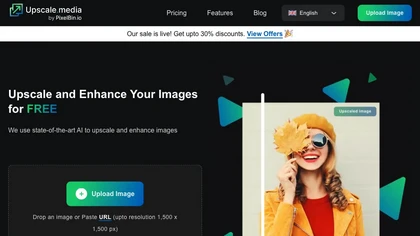
Upscale.media is a browser-based AI upscaler that increases image and short-video resolution up to 2×/4×/8×, reconstructs detail, reduces noise/artifacts, and offers deblur, sharpen, colorisation, face restoration, batch processing and API access.
20 10
Freemium
- $0.02
ImgUpscaler enlarges JPG, PNG, WebP images up to 400 % using super‑resolution, producing 16k × 16k outputs with minimal detail loss. Batch up to 5 images, offers basic editing, deletes uploads after 24 h, free commercial use.
16 5
Free
Bigjpg uses deep neural networks to enlarge images up to 16× without quality loss, preserving edges and colors. It supports anime, illustrations, photos, batch uploads, API resizing, noise reduction, and automatic data deletion after 3 days.
11 4
Paid
- $6
An online image tool with features including background removal, image resizing, text addition, color palettes, conversion, and AI-powered social media bios, market slogans, business name ideas, and hashtag generation.
19 7
1
Free
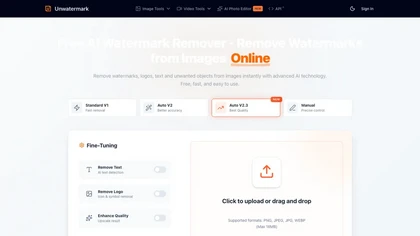
Unwatermark is a web tool that removes watermarks, logos, and text from images and videos using AI. It offers automatic and manual removal modes, batch processing, and supports multiple formats while ensuring user privacy.
11 6
Free trial
- $0.010

Remini is an AI photo enhancer that offers various tools to improve the quality of low-quality visuals and restore old photos with incredible detail.
19 7
Free
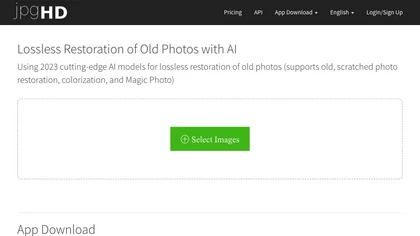
jpgHD uses AI to perform lossless restoration of old, scratched photos, adding color, repairing damage, and providing Ultra Restore. It animates up to ten faces, offers 2×/4× super‑resolution, denoising, and high‑definition enhancement via web UI or REST API.

Nero AI Image Upscaler uses deep neural networks to enlarge images up to 268 MP while adding detail, removing noise, and auto‑removing JPEG artifacts. It offers Face, Anime, Photo, Standard, and Reconstruct styles, plus batch processing for efficient workflows.
17 4
Freemium
- $0.03

My Best Pic uses AI to analyze uploaded photos for traits like authenticity, style, humor, and sociability. It provides real‑time community ratings, quantitative scores, and actionable feedback to improve dating, LinkedIn, Instagram, and business images.
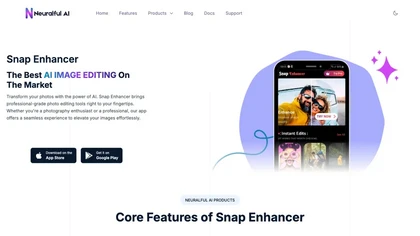
Snap Enhancer applies AI to upscale blurry photos, colorize black‑and‑white images, remove backgrounds, and create stylized anime or cartoon versions. It supports batch uploads, preview mode, cross‑platform use, and deletes files after processing.
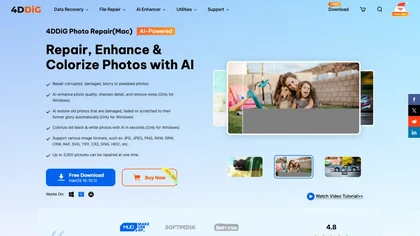
4DDiG Photo Repair uses AI to restore corrupted JPG, PNG, RAW, HEIC, and DNG images, correcting missing headers, color shifts, pixelation, and overexposure. It denoises, enhances faces, colorizes black‑and‑white, processes up to 3,000 files in batch on Windows and macOS.
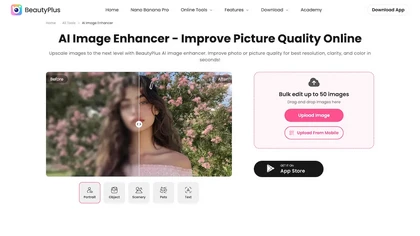
BeautyPlus AI Image Enhancer automates photo and video improvement with AI-driven noise reduction, deblurring, color/contrast correction, 4K upscaling, bulk editing (up to 50), background/object/watermark removal, face tools, and restoration/colorization for print, e-commerce, and social use.
2 2
Free trial
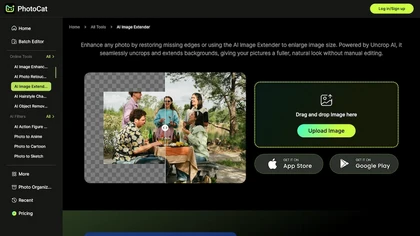
Photocat AI Image Extender uncrops and extends photo backgrounds by generating matching pixels around edges, preserving lighting, texture and perspective. Presets for social formats, upscaling, noise reduction, background replacement and photo restoration streamline resizing up to 4K.
4 0
Freemium