
Top Listnr AI Alternatives in 2026
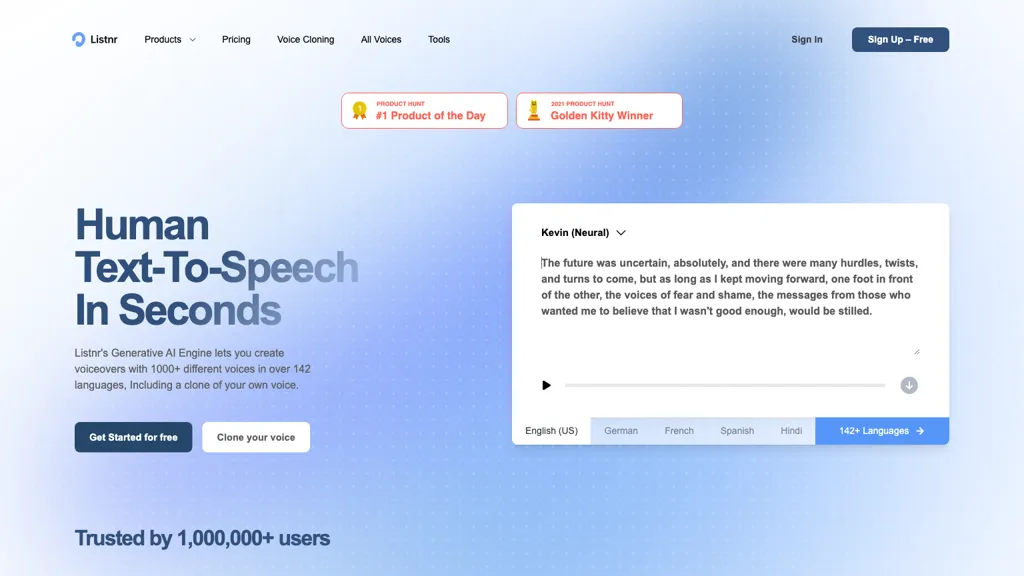
No user reviews yet PaidListnr AI converts text to speech with over 1,000 lifelike voices in 142 languages. It supports multi‑voice projects, fine‑tunes style, pitch, pauses, and emotion, and offers an API, dubbing, and a podcast studio for creators.
Best 5 Listnr AI Alternatives:
29 Listnr AI Alternatives & Competitors
Tool
Pricing
Rating
Popularity
Compare

#1
TTSMaker
Generate natural AI voice audio for content across 100+ languages
Free
70%
20 reviews
62 popularity
▼ -13.4% MoM

#2
AnySpeech.io
AI-driven multilingual expressive text-to-speech for content creators
Free trial
from $99/mo
No reviews yet
55 popularity
▲ +3.4% MoM

#3
Voicemaker
Generate AI-powered, customizable speech from text in multiple languages.
Freemium
92.9%
14 reviews
59 popularity
▲ +2.5% MoM

Generate realistic AI generated voices for multilingual audio content
Freemium
from $3/mo
75%
4 reviews
47 popularity
▼ -26.4% MoM

#5
SpeechGen
Convert text into AI-generated neural audio for multiple languages
Paid
from $4.99
75.9%
29 reviews
61 popularity
▲ +19.6% MoM

AI-powered text-to-speech conversion with customizable voice options
Free
100%
2 reviews
61 popularity
▲ +53.4% MoM

AI-powered multilingual text-to-speech with emotional voice synthesis
Freemium
from $11/mo
No reviews yet
49 popularity
▲ +20.6% MoM

#8
Voiser
AI-driven multilingual TTS, STT, voice cloning, and subtitle customization.
Freemium
No reviews yet
54 popularity
▼ -6.0% MoM

Generate AI‑powered text, voice, and video with automated editing.
Freemium
65.2%
23 reviews
52 popularity

#10
NaturalReader
AI-powered text-to-speech for multilingual audio
Freemium
78.6%
28 reviews
66 popularity
▼ -8.2% MoM

#11
ttsMP3.com
AI-powered text-to-speech conversion into MP3 in many languages
Free
91.7%
12 reviews
58 popularity
▲ +6.9% MoM

#12
Voice Design AI
Generate natural-sounding multilingual speech from text using AI
Free
No reviews yet
29 popularity
▼ -45.5% MoM

Generate realistic voiceovers in multiple languages using AI.
Free
66.7%
6 reviews
43 popularity

#14
Noiz AI
AI-powered voice cloning and customizable text-to-speech for creators
Subscription
from $3.9/mo
66.7%
6 reviews
58 popularity

#15
TexttoSpeech.im
Generate natural audio from text with AI voices
Free
75%
8 reviews
41 popularity
▲ +3.8% MoM

#16
TTSvox
Generate multilingual AI speech audio in MP3/WAV from text
Free trial
No reviews yet
38 popularity
▼ -2.7% MoM

AI-generated natural voice synthesis in multiple languages with customization.
Free trial
from $29/mo
67.9%
28 reviews
52 popularity
▼ -32.7% MoM

#18
Voice.ai
Realistic AI voice agents for multilingual calls
Freemium
from $5/mo
84.2%
19 reviews
62 popularity
▼ -6.0% MoM

#19
ElevenLabs
Generate ultra-realistic audio content quickly and accurately
Freemium
from $5/mo
85.7%
21 reviews
77 popularity
▲ +2.6% MoM

#20
notevibes.com
AI converts text, documents, and URLs into natural voice audio
Paid
from $19/mo
100%
1 review
58 popularity
▲ +35.9% MoM

#21
Luvvoice
Convert text to audio with customizable voices using AI
Freemium
67.9%
28 reviews
63 popularity
▲ +2.9% MoM

#22
LOVO AI
AI-driven text-to-speech and video creation platform
Freemium
76.9%
26 reviews
55 popularity

#23
AiVOOV
AI-generated realistic audio from text in seconds
Subscription
from $13.41/mo
No reviews yet
46 popularity
▼ -17.4% MoM

#24
voiceslab
Create realistic voice replicas using AI
Freemium
from $7/mo
100%
4 reviews
46 popularity
▼ -13.9% MoM

#25
Voxify
Create customizable AI voiceovers
Freemium
from $4.99/mo
66.7%
6 reviews
49 popularity
▲ +25.9% MoM

#26
Voicevector
AI-driven voice cloning and multilingual TTS/STT for content creation
Freemium
from $0.005
No reviews yet
31 popularity
▼ -39.2% MoM

#27
Murf.ai
Generate natural voiceovers with AI for videos, podcasts, presentations
Freemium
from $19/mo
76.9%
26 reviews
59 popularity
▼ -8.9% MoM

#28
Text Reader AI
Convert written text to lifelike audio with AI speech to text generation
Free
No reviews yet
37 popularity
▼ -26.0% MoM

Create realistic voice podcasts using AI voice cloning
Freemium
83.3%
6 reviews
49 popularity
▼ -19.6% MoM
Frequently Asked Questions
Based on user reviews, the highest-rated Listnr AI alternatives are
Voicemaker (92.9%),
ttsMP3.com (91.7%),
ElevenLabs (85.7%),
Voice.ai (84.2%),
Free Voice Cloning (83.3%).
Yes, 25 of the 29 alternatives listed here offer a free plan, including TTSMaker, AnySpeech.io, Voicemaker.
Free Text-To-Speech is the fastest-growing Listnr AI alternative here, with traffic up 53% month over month.