Best Brushless Alternatives in 2026
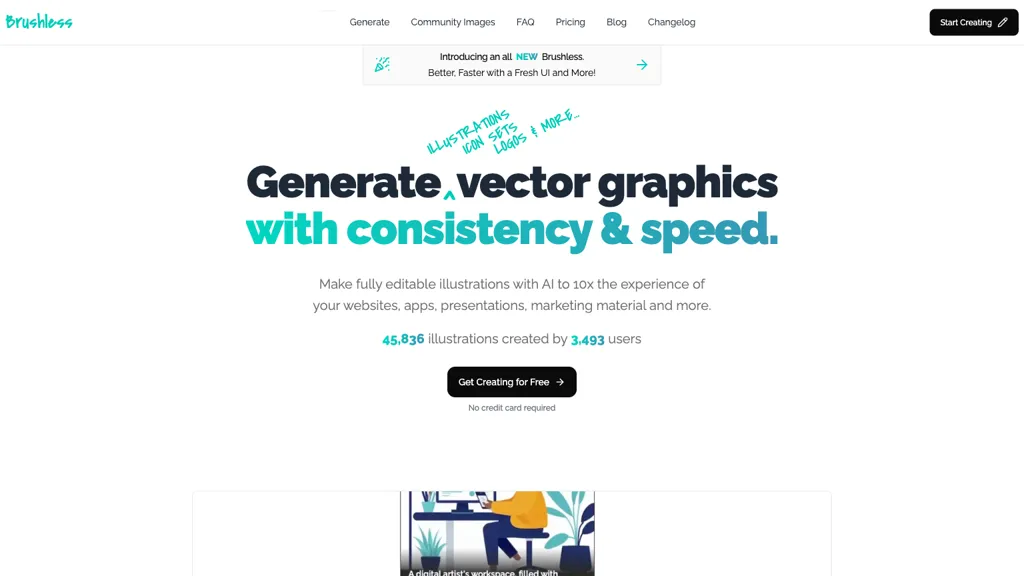
No user reviews yet FreemiumBrushless.ai uses AI to generate editable SVG illustrations from prompts, offering preset styles, reference image input, and color palette extraction. Created vectors include layers for fine‑tuning and can be inserted and edited directly in Figma.
We've ranked 29 Brushless alternatives, including 20 with a free plan. Rankings are based on feature coverage and user feedbacks.
Top-rated alternatives include VectorArt.ai, Canva AI, and Ai illustration generator.
29 Brushless Alternatives & Competitors, Ranked by User Reviews
Click Compare on any tool to compare it side-by-side with Brushless.
#1
VectorArt.ai
VectorArt.ai is an AI tool that simplifies vector image creation for websites, businesses, and apps. It allows users to generate custom logos, icons using text or sketch prompts, offers various illustration styles, provides SVG downloads, and features a free image gallery for inspiration.
#2
Canva AI
Canva's AI Image Generators turns text into visuals with customizable art styles and features like Magic Media, Create an Image, and automated reviews.
#3
Ai illustration generator
Ilus AI is an illustration generator that enables users to create consistent images using prompt-based techniques. It supports fine-tuning with example images and exporting in SVG and PNG formats, ideal for maintaining brand identity across various projects.
#4
AI Logo Generator
AI Logo Generator crafts vector logos from brief text prompts, offering instant SVG, PNG, JPG, and PDF options. Users can edit colors, fonts, layouts, and icons, with industry‑specific styles and high‑resolution files ready for web, print, or merchandise.
#5
AI Image Generator/Search
Generates millions of AI‑generated images from prompts, offering stylized, realistic, vintage, cartoon, and sci‑fi options. Users can fine‑tune style, color, and composition for concept art, storyboarding, teaching, or marketing, with workflow integration and export tools.
#6
SVG.io
PicTrix.ai is an AI studio that generates pixel, grayscale, and color SVG images in a single workflow. It offers prompt‑driven control, clean outputs, a history view, reusable settings, and API access for production use.
- Personalized recommendations
- Custom collections
- Save favorites
Already a member? Sign in
#7
illustroke
Illustroke turns text prompts into instantly generated SVG vector illustrations across 40+ styles, offering scalable, editable assets suitable for logos, icons, and UI graphics. Built‑in editor lets users tweak shapes and colors, then save or load projects from the cloud.
#8
Redesign With AI
Redesign With AI generates icons, logos, stickers, posters, mockups, and illustrations from text prompts using the Flux AI model. It delivers high‑quality images quickly, logs revisions, offers a simple interface, and supports export for web, social media, and print.
#9
ColorifyAI
Colorify AI turns text prompts or uploaded photos into black‑and‑white coloring pages in under three seconds, offering seven art styles and multiple sizes. Users download PNG or PDF, keep a temporary history, and use files commercially without login.
#10
SVGverseAI
SVGVerseAI is a web-based tool that converts images to scalable vector graphics (SVG) using AI-driven styles. It facilitates logo and icon creation while supporting project management and community sharing for designers and content creators.
#11
Vectorizer AI
Vectorizer.ai is an AI-powered tool that converts raster images into vector images quickly and easily.
#12
AI Line Art
Creates print-ready line drawings and coloring pages from text prompts or photos, offering multiple styles (sketch, woodcut, continuous line, 3D), image-to-line-art colorization, prompt-based controls, batch generation, and high-resolution exports for design and illustration.
#13
AI Comic Factory
AI-powered comic creation tool that enables users to easily generate diverse and engaging comics using multiple styles, layouts, and customization options. Ideal for non-artists, it simplifies the comic-making process with creativity and convenience.
#14
AI Generate SVG by SVG.la
AI Generate SVG is a web tool that creates high-quality, scalable SVG files by combining text prompts with reference images. It's user-friendly, suitable for various design needs, and offers unlimited design creation across multiple platforms.
#15
There is a logo for that
Stockimg AI produces logos, illustrations, photos, and social‑media assets from text prompts and builds short video clips with audio and subtitles. Users edit, schedule, and publish across multiple platforms, streamlining content creation for agencies, marketers, and creators.
#16
Tattoos AI
TattoosAI turns text prompts into tattoo designs across 18 styles—geometric, watercolor, Japanese, etc. Users customize colors, download concepts, and preview placements. A surprise button selects random styles for quick inspiration.
#17
Iconify AI
AI Icon Generator uses machine‑learning to produce custom app icons in seconds. Users describe the icon, choose one of 11 styles, set colors, and receive a 1024×1024 HD PNG/JPG or clipboard copy with full commercial rights.
#18
IllostrationAI
Illustration AI creates images from text, letting users pick styles, upload CSVs for bulk production, edit backgrounds, and export high‑res PNGs or SVGs. Figma integration and AI upscaling streamline design workflows.
#19
AI Vector.ai
AI Vector.ai is a tool that instantly converts PNG, JPG, and WEBP images into SVG format using advanced algorithms for high-quality, watermark-free results. It requires no account, offers unlimited daily conversions, and ensures your files are never stored.
#20
SVG AI
SVG AI is a browser-based platform that converts PNG, JPG, and WebP files into scalable vector graphics. It utilizes AI for custom designs while ensuring file encryption and immediate deletion after processing for user privacy.
#21
Sketch Logo AI
Sketch Logo AI transforms sketches or text prompts into 3‑D logo designs. It offers 4,000+ fonts, 30,000 icons, PNG and SVG outputs, and lets beginners and professionals iterate quickly for branding, marketing, and illustration needs.
#22
Designs.AI
Designs.ai is an AI-powered creative tool that simplifies content creation with features like logo and video makers, copywriters, design templates, and collaboration tools.
#23
Imagine.art
ImagineArt unifies AI‑driven image, video, and audio creation and editing, enabling prompt‑based generation, upscale tools, drag‑and‑drop video workflows, 4K cinematic rendering, and real‑time team collaboration for streamlined media production for artists, designers, and creators.
#24
Codia ai
Codia AI transforms visual assets—Figma, PDF, Photoshop, Canva, Web, Office—into editable formats or code. It detects UI patterns, outputs JSON, SVG, or Figma layers, and generates responsive code, streamlining design‑to‑code workflows for teams.
#25
VectorUbi
VectorUbi generates high‑quality SVG illustrations in under five seconds from text prompts, supporting consistent styles for designers, developers, and marketers. Batch creation, unlimited downloads, and easy editing in Illustrator or Figma streamline rapid prototyping and branding tasks.
#26
AI ColoringBook
Coloringbook.ai allows users to create personalized coloring pages from images or text. It offers downloadable formats like PDF and PNG, supports pre-made themes, and is suitable for creating coloring books, ensuring a user-friendly experience.
#27
Svgtrace.com
SvgTrace converts raster images to multi‑layer SVGs with AI, extracting each color into separate layers for high‑quality vector graphics. Its upscaling improves low‑res images, and a built‑in editor lets users edit layers. Drag‑and‑drop uploads enable quick use.
#28
edraw ai
Edraw.ai is an AI-driven platform for visual collaboration, offering a variety of diagram types and real-time editing. It enhances productivity by facilitating teamwork, streamlining workflows, and improving visual documentation across diverse industries.
LOGO.com offers an AI‑driven web logo maker that generates hundreds of concepts from a name and slogan. Users edit elements with a drag‑and‑drop editor and download high‑resolution files, brand assets, and social media graphics.
Frequently Asked Questions
Why look for Brushless alternatives?
Common reasons users switch from Brushless:
- Feature gaps: teams needing specific capabilities like Generate Images may find a more focused alternative better suited to their workflow.
- Flexibility: exploring alternatives helps find tools that better match your team size, integrations, and budget.
What is the best alternative to Brushless?
Based on 1 user review, VectorArt.ai (100% positive) ranks as the top Brushless alternative. VectorArt.ai is an AI tool that simplifies vector image creation for websites, businesses, and apps. It allows users to generate custom logos, icons It is available on a Free trial plan starting from $29/mo.
How do the top Brushless alternatives compare?
| Tool | Pricing | Starting Price | User Rating |
|---|---|---|---|
| Brushless this tool | Freemium | $25 | — |
| VectorArt.ai | Free trial | $29/mo | 100% (1) |
| Canva AI | Freemium | — | 76.9% (13) |
| Ai illustration generator | Free trial | — | — |
| AI Logo Generator | Free | — | 100% (1) |
| AI Image Generator/Search | Freemium | — | — |
Are there free Brushless alternatives?
Yes, 20 free alternatives found in our list: VectorArt.ai, Canva AI, Ai illustration generator. and 17 more — use the pricing filter above to see them all.
What should I look for in a Brushless alternative?
- Core capabilities: confirm the tool supports Generate Images, Edit Images, Generate Styles.
- Pricing transparency: look for clear free plan, trial period, or tiered pricing — avoid tools that hide costs.
- User reviews: check both the satisfaction percentage and the number of reviews; a high score from few users is less reliable.
- Integrations: verify it connects with your existing stack before committing.
- Support and updates: active development and responsive support are strong signals of a maintained product.
Which Brushless alternative has the highest user rating?
VectorArt.ai has the highest satisfaction score among Brushless alternatives, with 100% positive from 1 user review. It is available on a Free trial plan starting from $29/mo.
What are Brushless alternatives used for?
- Generate Images
- Edit Images
- Generate Styles
- Extract Colors