Best AI Keywording Tool Alternatives in 2026
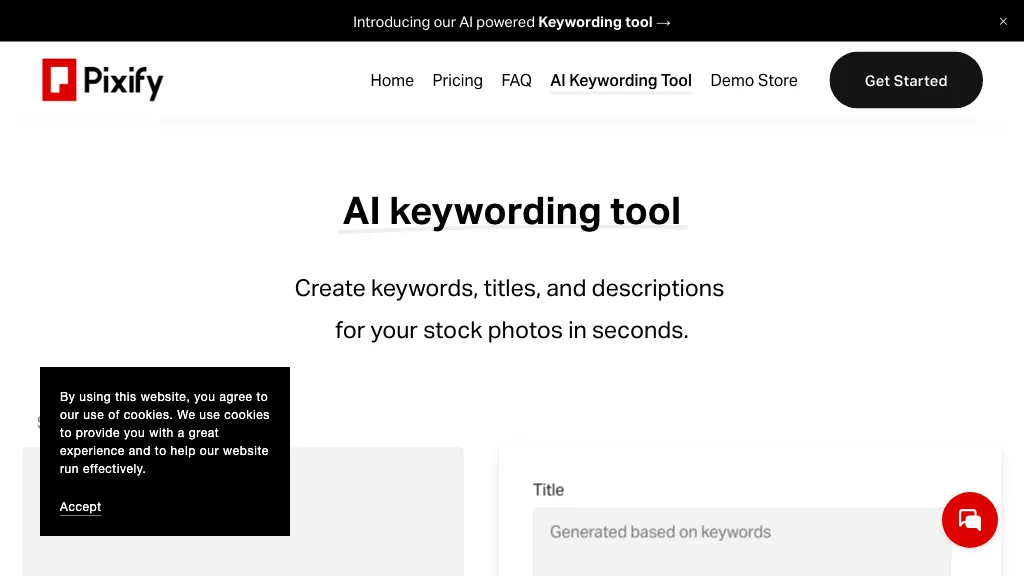
100% positive · 1 user review FreemiumPixify Studio automatically generates titles, descriptions, and keyword tags for images and videos. It supports drag‑and‑drop, folder uploads, and FTP, processes large batches with a single credit per asset, and stores metadata on Amazon S3.
We've ranked 29 AI Keywording Tool alternatives, including 18 with a free plan. Rankings are based on feature coverage and user feedbacks.
Top-rated alternatives include AI Stock Keywords, Canva AI, and Clipfly AI Video Generator.
29 AI Keywording Tool Alternatives & Competitors, Ranked by User Reviews
Click Compare on any tool to compare it side-by-side with AI Keywording Tool.
#1
AI Stock Keywords
AI Stock Keywords automatically generates XMP‑compatible titles, descriptions, and keywords for JPEG, PNG, MP4, and MOV files. Bulk processing up to 500 files, exportable as CSV or ZIP, streamlines metadata creation for stock platforms.
#2
Canva AI
Canva's AI Image Generators turns text into visuals with customizable art styles and features like Magic Media, Create an Image, and automated reviews.
#3
Clipfly AI Video Generator
AI Video Generator by Clipfly seamlessly transforms text into engaging video frames. Easily add subtitles, stickers, music, and merge clips. Enjoy features like face swap and voiceover for professional video creation effortlessly.
#4
vidIQ
vidIQ delivers real‑time YouTube analytics, keyword research, AI‑powered thumbnail creation, and competitive insights. Its AI coach refines titles and descriptions, while clipping tools produce short videos. Available via Chrome or mobile, it boosts visibility and engagement for creators.
#5
Flickify
Flickify converts URLs, scripts, or prompts into narrated videos. It extracts text, chooses voice and style, auto‑matches stock or AI images, and offers a slide editor for publishing. Bulk creation and auto‑pilot support large‑scale production.
#6
Tagbox
Tagbox automatically organizes photos, videos, PDFs, and editable files using computer vision for face, object, and scene tagging. Its search engine offers advanced filters and full‑text queries. Team collaboration and secure storage enable efficient asset management.
- Personalized recommendations
- Custom collections
- Save favorites
Already a member? Sign in
#7
Creatify AI
Creatify transforms product URLs into video ads, generating AI avatars and up to 50 variations per batch. It supports UGC or cinematic styles, auto‑optimizes for Meta, TikTok, YouTube, Snap, Amazon, and offers A/B testing and performance analytics.
#8
There is a logo for that
Stockimg AI produces logos, illustrations, photos, and social‑media assets from text prompts and builds short video clips with audio and subtitles. Users edit, schedule, and publish across multiple platforms, streamlining content creation for agencies, marketers, and creators.
#9
Meta Image Generator
Meta AI generates images and short videos from text prompts or uploaded photos, offering fast text-to-image, editing (add/remove elements, background removal), one-click restyling, and photo-to-animation tools for rapid prototyping and visual asset creation.
Upload a stock photo and use AI to generate multiple variations that match desired style, composition, and color. The tool automatically enhances quality while preserving the original content, enabling designers, creators, and marketing teams to produce variants quickly.
#11
ImageToVideo AI
ImageToVideo AI converts JPG, PNG, or WebP images into MP4 videos. Users can crop, resize to social‑media ratios, choose speed/quality presets, apply 50+ templates, add AI music, and edit motion via a prompt editor—all watermark‑free.
#12
Phot.ai
Phot.AI automates visual content creation—ads, video, product listings—using signal‑based creative angles and AI agents for parallel testing. It optimizes titles, bullets, images on Amazon and Shopify, delivers real‑time winner identification, and scales production with human review.
#13
PixVerse
Pixverse is a powerful video creation platform that transforms ideas into stunning visuals. Create breath-taking videos with Pixverse AI, showcasing majestic horses, underwater creatures, macro art, and more.
#14
Pixfy AI
Pixfy is an AI image editor that uses natural language commands for editing tasks. Features include background removal, object erasing, face swapping, and an image generator, making it suitable for e-commerce, social media, and personal projects.
Pixlr is a browser‑based photo editor that uses AI for background removal, generative fill, and object deletion. It offers cropping, color correction, collages, templates, and social media layouts across desktop, tablet, and mobile.
#16
CaptionMaster
Generate one‑click captions for photos in any language. Upload an image, pick a target platform, and receive a tailored caption from a library of 100+ categories. Copy or download the text directly for use on social media.
#17
PhotoGrid
PhotoGrid is a browser‑based AI photo editor that offers one‑click enhancement, background removal, and upscaling. It lets users build collages from 20,000 templates, add stickers, text, custom backgrounds, and convert images into short video clips.
#18
Vmake.ai
Vmake automates UGC and viral video cloning, producing product, fitness, and real‑estate clips with AI editing tools—watermark removal, background swap, noise suppression, upscaling. It auto‑generates captions, hooks, thumbnails, supports batch processing, and offers a teleprompter for polished delivery.
Image Prompt converts uploaded photos into detailed, AI‑optimized text prompts, supports non‑English input, offers object‑recognition analysis, and can generate high‑resolution images directly. Its batch processing, video prompt, and format‑translation features streamline design workflows.
#20
Thumbnails.ai
AI Thumbnail Creator automatically generates YouTube and social‑media thumbnails in about 30 seconds from a title or image. It offers multiple style templates, supports 16:9, 9:16, 1:1 ratios, and lets users create up to eight variations with editing options.
#21
Imagine.art
ImagineArt unifies AI‑driven image, video, and audio creation and editing, enabling prompt‑based generation, upscale tools, drag‑and‑drop video workflows, 4K cinematic rendering, and real‑time team collaboration for streamlined media production for artists, designers, and creators.
#22
AI Describe Picture
Describe Image & Picture extracts text, alt descriptions, and HTML snippets from PNG, JPEG, or WEBP files up to 2 MB, converting visuals into editable Markdown or code, auto‑tagging photos, and generating Flux image variants for creators, developers, and marketers.
#23
Pictory
Pictori is an AI-powered video creation tool designed for bloggers, social media managers, YouTubers, course creators, coaches and more. It offers auto-captions, transcription, summarization, and requires no technical skills or software downloads.
#24
Vidfly.ai
Vidfly.ai is an AI video generator that creates professional videos from scripts, text, or images using over 50 AI models. It automatically adds realistic voiceovers and subtitles, supports multiple export formats, and requires no editing experience.
#25
Image Caption Generator
The Image Caption Generator is a free online AI tool that generates captions and descriptions for images based on selected tones. You can use it to caption instagram, twitter or any social media post.
#26
Image Describer
Image Describer generates detailed text from jpg/png/webp/gif images up to 5 MB. Users choose templates or custom prompts, process bulk uploads, export English descriptions, alt text, marketing copy, or AI art prompts, with TTS and OCR support.
#27
Text To Book Cover
Stockimg AI generates logos, illustrations, wallpapers, posters, avatars, stock photos, and short‑form video from text prompts. It auto‑adds audio, subtitles, and offers a social‑media dashboard to edit, schedule, and publish across multiple accounts.
#28
Thumblytics
Thumblytics AI generates up to eight thumbnail variants from prompts, transcripts, or YouTube URLs, scoring them on readability, contrast, and hook strength. High‑scoring designs are stored for quick reuse, streamlining production and boosting click‑through rates.
#29
Pixcribe
Pixcribe converts photos and screenshots into descriptions, captions, and prompts with object recognition, emotion detection, text extraction and translation. Generates SEO-friendly alt text, metadata, and prompts to improve accessibility, searchability, and content production.
Frequently Asked Questions
Why look for AI Keywording Tool alternatives?
Common reasons users switch from AI Keywording Tool:
- Feature gaps: teams needing specific capabilities like Generate Titles may find a more focused alternative better suited to their workflow.
- Flexibility: exploring alternatives helps find tools that better match your team size, integrations, and budget.
What is the best alternative to AI Keywording Tool?
AI Stock Keywords ranks as the top AI Keywording Tool alternative. AI Stock Keywords automatically generates XMP‑compatible titles, descriptions, and keywords for JPEG, PNG, MP4, and MOV files. Bulk processing up to 5 It is available on a Paid plan.
How do the top AI Keywording Tool alternatives compare?
| Tool | Pricing | Starting Price | User Rating |
|---|---|---|---|
| AI Keywording Tool this tool | Freemium | — | 100% (1) |
| AI Stock Keywords | Paid | — | — |
| Canva AI | Freemium | — | 76.9% (13) |
| Clipfly AI Video Generator | Freemium | — | 76.5% (17) |
| vidIQ | Subscription | $31/mo | 85.7% (14) |
| Flickify | Freemium | $18/mo | — |
Are there free AI Keywording Tool alternatives?
Yes, 18 free alternatives found in our list: Canva AI, Clipfly AI Video Generator, Flickify. and 15 more — use the pricing filter above to see them all.
What should I look for in a AI Keywording Tool alternative?
- Core capabilities: confirm the tool supports Generate Titles, Generate Keywords, Analyze Images.
- Pricing transparency: look for clear free plan, trial period, or tiered pricing — avoid tools that hide costs.
- User reviews: check both the satisfaction percentage and the number of reviews; a high score from few users is less reliable.
- Integrations: verify it connects with your existing stack before committing.
- Support and updates: active development and responsive support are strong signals of a maintained product.
Which AI Keywording Tool alternative has the highest user rating?
Thumbnails.ai has the highest satisfaction score among AI Keywording Tool alternatives, with 100% positive from 2 user reviews. It is available on a Freemium plan.
What are AI Keywording Tool alternatives used for?
- Generate Titles
- Generate Keywords
- Analyze Images
- Analyze Videos