
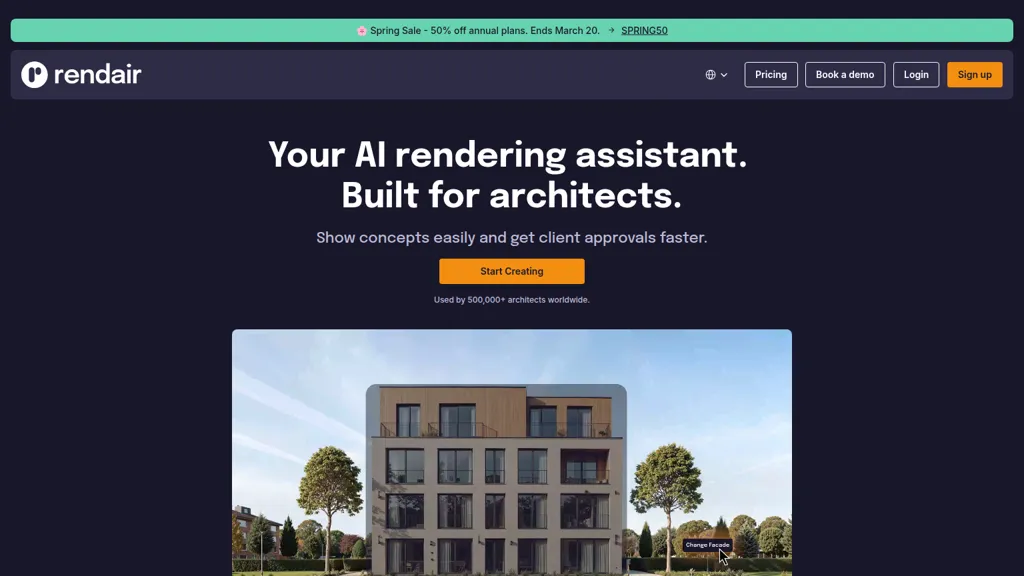
What is Rendair?
Rendair AI is an AI architecture rendering platform for architects, designers, and visualization teams.It converts sketches, 2D plans, and 3D models (SketchUp, Rhino, Revit, ArchiCAD, Blender, AutoCAD) into photorealistic renders and high-resolution images.
Rendair Chat provides natural-language editing to generate, refine, and adjust renders through conversational prompts.Image editing tools allow users to change materials, lighting, furniture, and composition, produce one-click render variations, and upscale outputs for presentations.
Animation features convert still renders into walkthroughs and cinematic videos for client delivery.Workflow integrations and collaboration tools support faster concept iterations, streamlined 3D model rendering, and accelerated client approvals.
Rendair pricing
FreemiumRendair offers a free plan with paid upgrades available.
Verify on the official pricing page.
View plansRendair's key features
-
Natural-language AI chat for generating, editing, and improving renders
-
Photorealistic rendering from drawings, sketches, floorplans, and 3D models
-
Pixel-level image editing to change materials, finishes, furniture, and specific parts
-
Image upscaling and enhancement to ultra-high resolution for presentation
-
Video generation and animation converting still renders into cinematic walkthroughs
Rendair use cases
-
Convert hand sketches, 2D plans or CAD models (SketchUp, Revit, Rhino, AutoCAD, Blender) into photorealistic interior and exterior renders and walkthrough animations with Rendair AI, then use natural-language editing to tweak materials, lighting and camera angles for client-ready visuals
-
Import architectural models into Rendair AI to generate multiple high-resolution material and lighting variations, quickly upscale selected images, and produce presentation-ready render sets for design reviews and marketing
-
Collaborate with teammates and clients in Rendair AI to iterate on photorealistic renders and animated walkthroughs—request conversational edits, apply site-context from 2D plans, and export final assets for planning approvals or promotional use
Rendair user reviews
Would you recommend Rendair?
Who is Rendair for?
-
Architectural visualizers
-
Interior designers
-
3d artists
-
Product designers
-
Cad designers
Rendair FAQ
Is Rendair free?
Partly. Rendair has a free plan with usage limits, and paid plans unlock the full feature set.
What are the best alternatives to Rendair?
The closest alternatives to Rendair are MyArchitectAI, mnml.ai, RenderAI, ArchiVinci and Archsynth. You can compare them side by side in the alternatives section further down this page.


