
What is Archsynth?
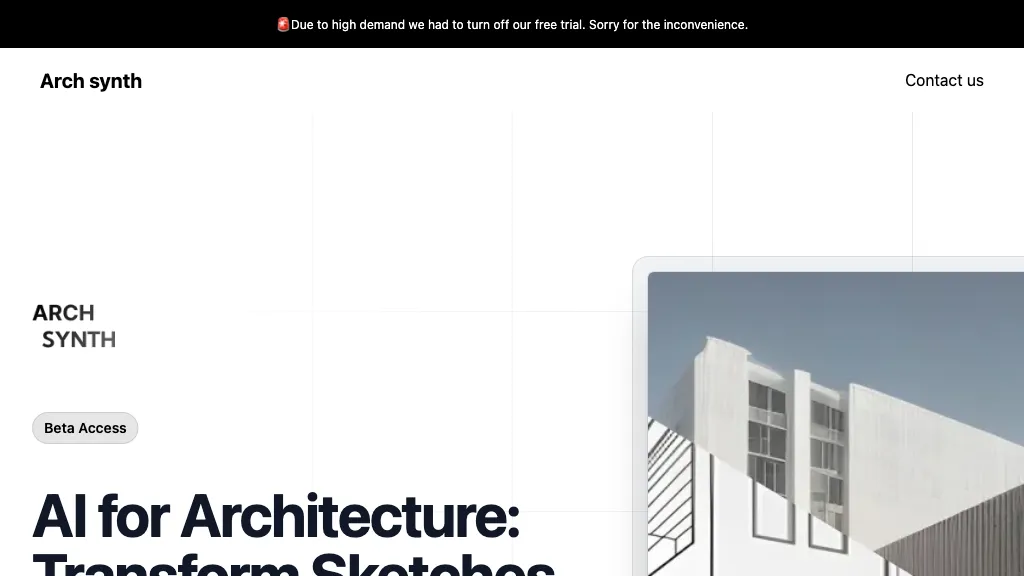
Archsynth converts 2‑D architectural sketches and images into detailed 3‑D models and high‑resolution renders in seconds, enabling rapid visual communication of design concepts.
The tool supports image‑to‑CAD conversion, mood‑board generation, texture creation, and virtual staging, allowing designers to produce complete project packages from a single input.
Built‑in AI inpainting and background removal streamline image preparation, while upscaling algorithms enhance output clarity without manual retouching.
Text‑to‑image and edit‑with‑words capabilities provide flexible content generation and quick iterative adjustments.
Archsynth integrates exported models with popular BIM and 3‑D software such as SketchUp, Rhino, Revit, and 3ds Max for seamless workflow continuation.
These features reduce rendering time, increase production volume, and support architects, interior designers, and visualization specialists in delivering polished visuals efficiently.
Archsynth details
- Jurisdiction
- India
- Built for
- Individuals
- Data residency
- North America
Archsynth pricing
Freemium- Refund window
- 7 days
Verify on the official pricing page.
View plansArchsynth's key features
-
Convert 2D sketches to 3D
-
Render images in 14 seconds
-
AI inpainting for missing parts
-
Up-scaling images with advanced algorithms
-
Text-to-image synthesis
-
Edit images via textual commands
Archsynth use cases
-
Instantly convert hand‑drawn floor plans into precise 3‑D models and photorealistic renders for architects, eliminating manual CAD work
-
Generate virtual staging for real‑estate listings by importing mood‑board sketches and AI‑created textures, then exporting to Revit for BIM integration
-
Create game‑ready assets by turning concept art sketches into 3‑D models and high‑resolution textures, with upscaling and inpainting, then exporting to 3ds Max
Archsynth user reviews
Based on 2 reviews, 100% of users recommend Archsynth, rated highly for quality results.
Liked for
Would you recommend Archsynth?
Main competitors of Archsynth
Here are some of the major competitors comparisons vs. Archsynth.


Who is Archsynth for?
-
Visual designers
-
Digital artists
-
Creative technologists
-
Marketing strategists
-
Software developers
Archsynth FAQ
Is Archsynth free?
Partly. Archsynth has a free plan with usage limits, and paid plans unlock the full feature set. Plans include Plan1 at $10, Plan8 at $10, Plan4 at $21 and Plan3 at $29.
What are the best alternatives to Archsynth?
The closest alternatives to Archsynth are ReRender AI, MyArchitectAI, mnml.ai, RenderAI and VisualizeAI. You can compare them side by side in the alternatives section further down this page.
What does Archsynth do with my data?
Its privacy policy states that personal data is not sold or shared for marketing purposes. Data may be shared with third-party service providers that help run the product. Customer data is held in North America.
Does Archsynth auto-renew or offer refunds?
Archsynth states a 7-day refund window.
Compliance, privacy and billing terms are as stated in each product's own published documentation and have not been independently verified by TopAI.tools.


