
What is Video Trimmer?
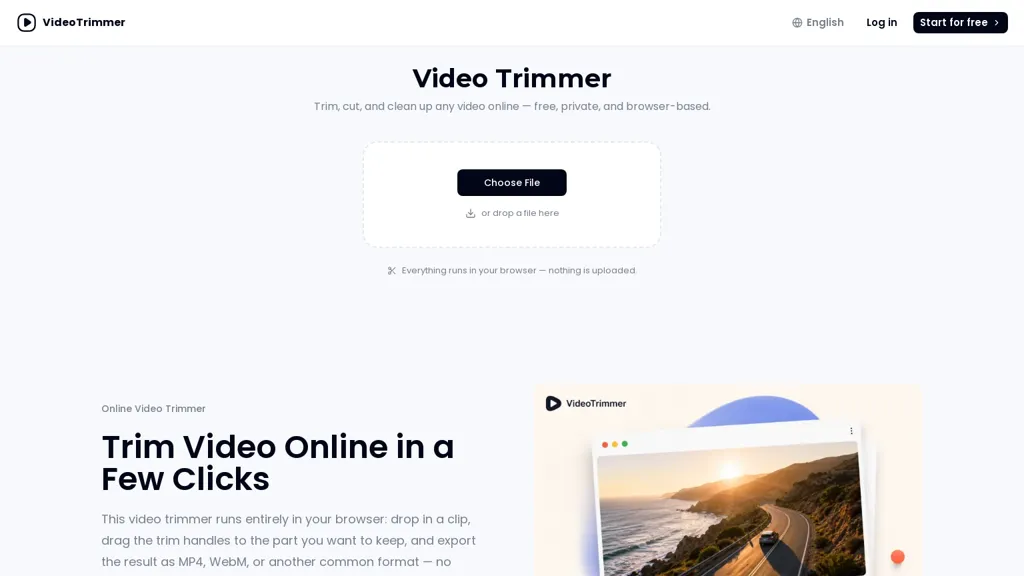
Video Trimmer is a browser-based video trimmer that performs edits locally so files are not uploaded. Trim and cut clips with drag handles and export edited footage without installing software or creating a project.
Includes quick editing actions—crop, rotate, flip, resize, change speed, adjust volume, loop, and add text or image overlays—applied without reloading the file. Handles both short clips and longer recordings using a single editor interface instead of a timeline.
Edits preserve source quality and export to standard video formats for immediate use.
Video Trimmer pricing
Free trialVideo Trimmer offers a free trial before requiring payment.
Verify on the official pricing page.
Start free trialVideo Trimmer's key features
-
Browser-based local editing (edits performed locally; no file upload)
-
Trim and cut clips using drag handles
-
Quick editing actions (crop, rotate, flip, resize, change speed, adjust volume, loop, add text/image overlays) applied without reloading
-
Single-editor interface for short and long recordings (no timeline)
-
Preserve source quality and export to standard video formats
Video Trimmer use cases
-
Trim and optimize raw footage for social media quickly in your browser without uploads or installation, using the editor to cut unwanted sections, crop and resize to platform aspect ratios (9:16, 1:1, 16:9), change speed and volume, add text or image overlays like captions and logos, and export high-quality MP4/WebM ready to publish while keeping source files local for privacy
-
Produce polished training or product demo clips by removing errors and dead space, rotating/ flipping and resizing phone-shot video, looping key segments, and overlaying explanatory text and screenshots — all in a single no-timeline editor that preserves original quality and exports standard formats for LMS or internal use without uploading sensitive content
-
Repurpose long recordings into short ads and thumbnails: crop and resize for multiple channels, adjust playback speed and audio levels for better pacing, add branded image overlays and call-to-action text, preview edits instantly in-browser and export ready-to-use high-quality files without installing software or sending footage to the cloud
Video Trimmer user reviews
Would you recommend Video Trimmer?
Who is Video Trimmer for?
-
Social media creators (tiktok, reels, shorts)
-
Youtubers and vloggers
-
Marketing and social media managers
-
Teachers and online educators
-
Students
-
Journalists and field reporters
-
Small business owners creating promos
-
Privacy-conscious users who want local editing
-
Non-technical users who need quick edits
-
Event videographers needing fast exports
-
Product demo creators and ux teams
-
Podcasters and livestreamers clipping highlights
Video Trimmer FAQ
Is Video Trimmer free?
Not permanently. Video Trimmer gives you a free trial, after which a paid plan is required.
What are the best alternatives to Video Trimmer?
The closest alternatives to Video Trimmer are Video Cutter, Audio Cut, FlexClip, SLICETUBE and CapCut. You can compare them side by side in the alternatives section further down this page.


