
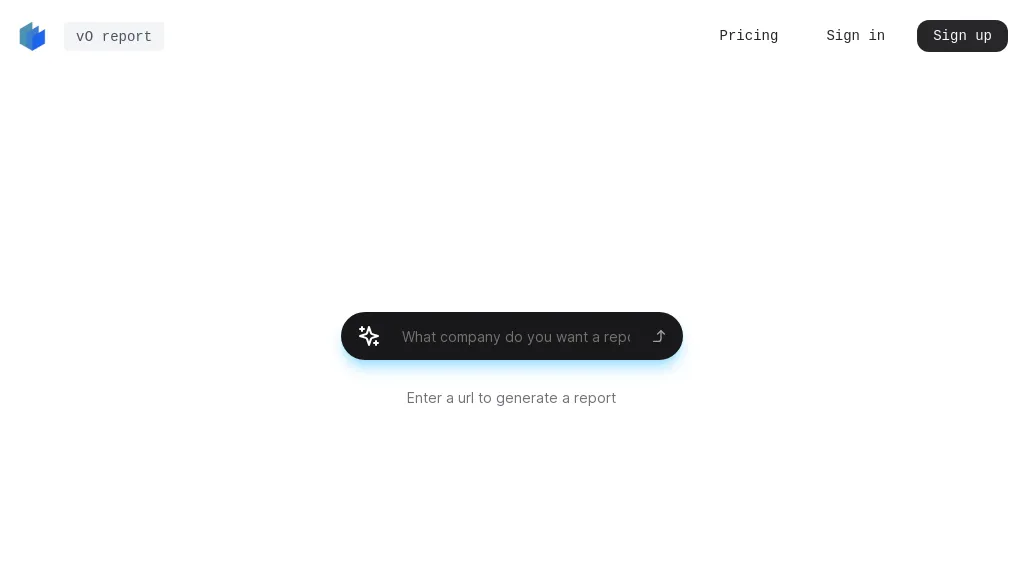
What is v0 report?
v0 Report is an AI‑powered document generation platform that creates professional‑quality reports, essays, literature reviews, research papers, and business documents within minutes. The tool accepts plain text or PDF uploads and applies OCR to read and summarize long documents, making it useful for students, researchers, and industry professionals.
It offers pre‑structured templates for academic assignments, corporate reports, and technical manuals, allowing users to customize tone, style, and citation formats. The interface is designed for non‑technical users, requiring only a brief prompt to generate content, edit sentences, or rewrite paragraphs.
v0 Report tracks document versions, supports collaboration, and integrates standard citation styles (APA, MLA, Chicago) for research compliance. The system’s language model ensures grammatical accuracy and consistency across all output, while the summarizer extracts key points from extensive PDFs.
v0 report details
- Built for
- Individuals
v0 report tech specs
- Integrations
- Typeform
v0 report pricing
Subscription- Free trial
- 7 days
Verify on the official pricing page.
View plansv0 report's key features
-
Automated AI document generation
-
Google Docs integration support
-
AI PDF summarization with OCR
-
Essay literature and thesis writing
-
Customizable research paper assistant
-
User-friendly no-expertise interface
v0 report use cases
-
Generate a comprehensive market research report from raw PDFs and plain text in minutes using pre‑built templates, APA citation formatting, and real‑time collaboration with your team
-
Create a polished literature review for a research paper by ingesting PDF articles, employing OCR summarization, automatically formatting citations in MLA, and exporting the final document to Word
-
Produce an executive business summary and slide deck from corporate documents, leveraging OCR summarization, customizable tone, and version control for iterative edits
v0 report user reviews
Based on 5 reviews, 100% of users recommend v0 report, rated highly for quality results.
Liked for
Would you recommend v0 report?
Who is v0 report for?
-
Business analysts
-
Report producers
-
Data analysts
-
Executive leaders
-
Notion editors
v0 report FAQ
How much does v0 report cost?
v0 report is a paid product with no free plan. Plans include Personal at $7/mo billed annually, Consultant at $24/mo billed annually and Business at $74/mo billed annually.
What are the best alternatives to v0 report?
The closest alternatives to v0 report are Ai Summary Generator, aidocmaker.com, ThesisAI, Innerai.com and Student AI. You can compare them side by side in the alternatives section further down this page.
What does v0 report integrate with?
v0 report connects with Typeform.


