
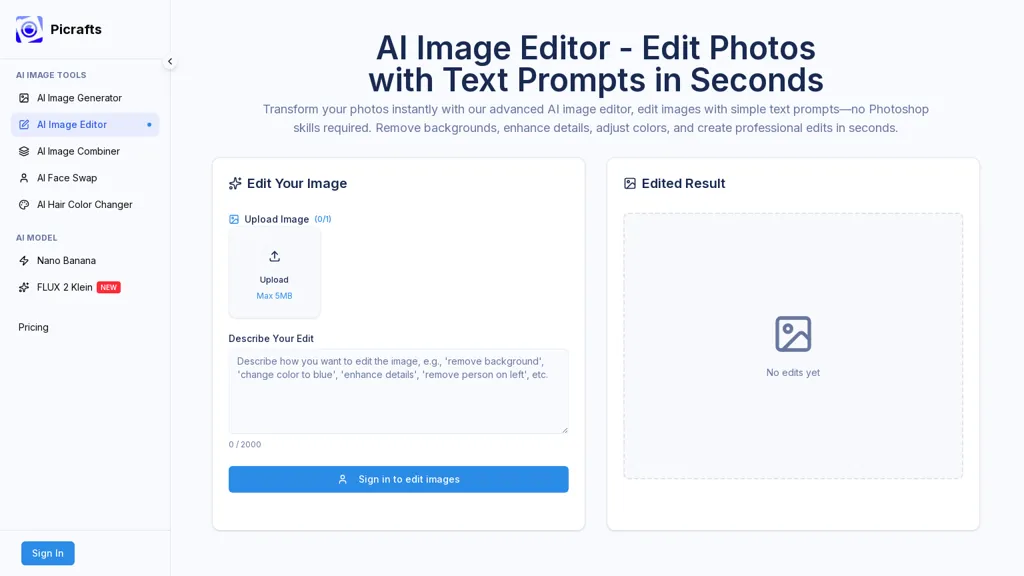
What is PiCrafts ai image editor?
Picrafts AI Image Editor. text-driven image editor that applies natural-language prompts to modify photos. Remove backgrounds, swap faces, change hair color, combine images, and create artistic variations with automatic object detection. Adjust colors, lighting, and perform color correction, detail enhancement, retouching and masking through text commands. Text-to-edit workflow. upload JPG/PNG/WebP (up to 20 MB), describe edits, preview and download high-resolution PNG or JPG outputs. Edits are processed in seconds with options to regenerate or iterate for refinements. Built for content creators, marketers, photographers and e-commerce teams needing background removal, product photos, social media visuals and ad assets. Includes support for commercial use and integration into content workflows for faster image production.
PiCrafts ai image editor pricing Freemium
Verify on the official pricing page.
View plansPiCrafts ai image editor user reviews
Based on 4 reviews, 75.0% of users recommend PiCrafts ai image editor, rated highly for quality results.
Liked for
Disliked for
Would you recommend PiCrafts ai image editor?
PiCrafts ai image editor's key features
-
Text-driven image editing via natural-language prompts
-
Automatic object detection for background removal, face swapping, hair color changes, image combination and artistic variations
-
Color and lighting adjustments, color correction, detail enhancement, retouching and masking via text commands
-
Upload JPG/PNG/WebP (up to 20 MB) and preview/download high-resolution PNG or JPG outputs
-
Edits processed in seconds with options to regenerate or iterate for refinements
PiCrafts ai image editor use cases
-
Create polished product photos for your ecommerce store using Picrafts AI Image Editor by removing backgrounds, applying object-aware retouching and adjusting color, lighting and details with natural-language prompts to generate high-resolution JPG/PNG/WebP images ready for listings
-
Quickly prototype social posts and marketing creatives by swapping faces, changing hair color and combining images in Picrafts with text-based prompts, previewing iterations and downloading final high-resolution results
-
Assemble composite banners and promotional visuals without manual masking using Picrafts to combine images, remove unwanted objects, harmonize colors and fine-tune lighting via simple text instructions and iterative previews
Who is it for?
-
Content creators
-
Visual photographers
-
Graphic designers
-
Marketing marketers
-
E-commerce sellers


