
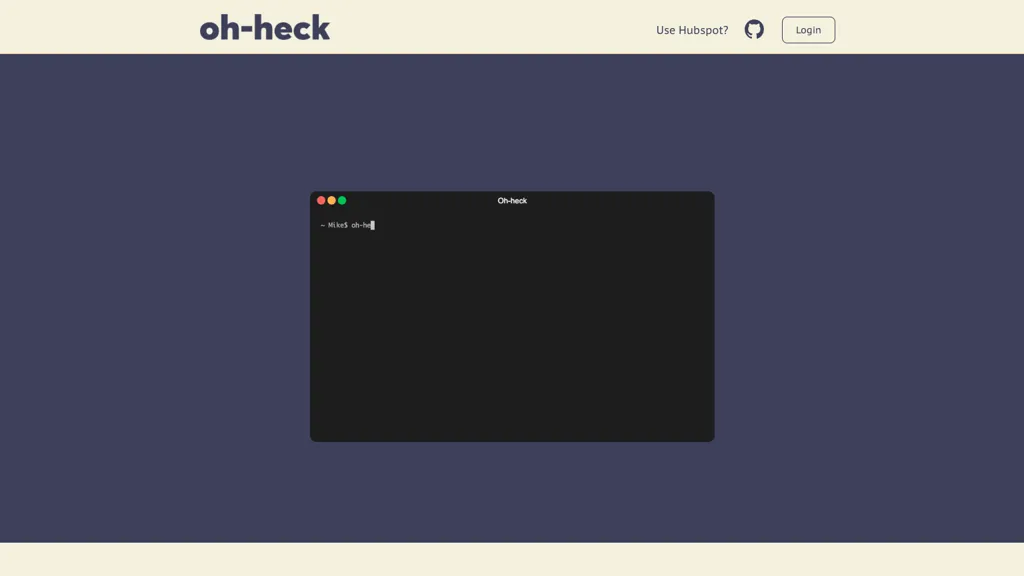
What is Oh-heck?
oh-heck is a command‑line utility that translates natural‑language questions into terminal commands using the GPT‑3 model. It runs on macOS, supporting both Intel (x86) and Apple Silicon (arm) architectures. After downloading the appropriate binary and moving it to /usr/local/bin, users invoke the tool by quoting a question; the assistant returns a suggested command, which can be accepted with ‘y’ to copy it to the clipboard or rejected with ‘n’ to refine the query.
The application manages a free API key that allows up to ten requests per month, with an option to obtain unlimited usage via an API subscription. Developers, system administrators, and everyday users can use oh-heck to quickly generate and execute shell commands, reducing the need to search online documentation or recall syntax.
Oh-heck pricing
SubscriptionPricing details aren't listed here — check the official pricing page below.
Verify on the official pricing page.
View plansOh-heck's key features
-
Generate terminal commands
-
CLI accepts quoted question
-
Returns best guess command
-
Accept copies to clipboard
-
Reject allows question editing
-
Exit with Ctrl+C anytime
-
Install binary to /usr/local/bin
Oh-heck use cases
-
Translate a simple natural‑language request like 'find all .jpg files in my Downloads folder' into an accurate macOS shell command, instantly copying it to the clipboard for seamless execution.
-
Generate complex Git workflow commands from plain English, enabling users to perform branching, merging, and rebasing without memorizing command syntax.
-
Convert user‑friendly prompts into Swift script snippets that automate repetitive terminal tasks, ensuring consistent environment setup across macOS machines.
Oh-heck user reviews
Would you recommend Oh-heck?
Who is Oh-heck for?
-
Software developers
-
Data analysts
-
System administrators
-
Information technology students
-
Tech enthusiasts
Oh-heck FAQ
Is Oh-heck free?
No. Oh-heck is a paid product and requires a paid plan to use.
What are the best alternatives to Oh-heck?
The closest alternatives to Oh-heck are gptcli, OpenAI Codex CLI, chatGPT on your terminal, AI Actions and MindMac. You can compare them side by side in the alternatives section further down this page.
Does Oh-heck have an API?
Yes. Oh-heck offers an API, so you can call it from your own applications instead of using the interface directly.


