
What is Granola AI?
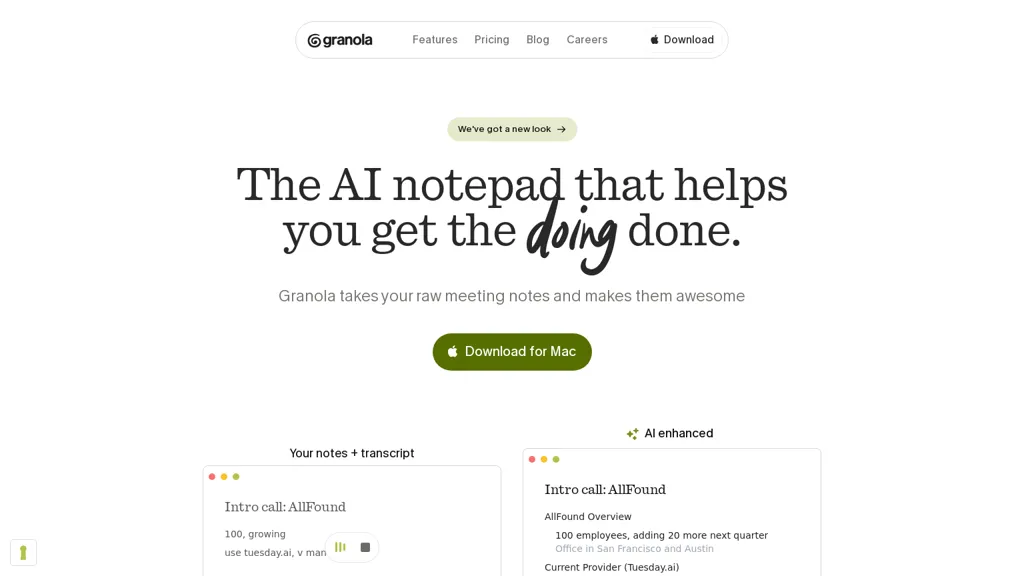
Granola is an AI notepad that captures and transcribes meetings into searchable notes and full transcripts.It extracts action items, generates follow-up emails and concise summaries, and formats notes using customizable templates for customer calls, user interviews, one‑on‑ones, and standups.
Integrations with Slack, Notion, and common meeting platforms enable one‑click sharing and routing into existing workflows.Desktop and mobile apps plus meeting bots that join calls or transcribe computer audio support teams with back‑to‑back schedules and remote participants.
Features for standardized note formats and reduced manual data entry benefit product teams, non-technical staff, and managers tracking tasks and decisions.Searchable transcripts, export options, permissioned sharing, and security controls support collaboration, onboarding, and compliance needs.
Granola AI details
- Built for
- Businesses and teams
- Data residency
- U.S.
- Stated compliance
- SOC 2
Compliance as stated in Granola AI's own published documentation.
Granola AI tech specs
- Works with
- OpenAI / GPT
- Cloud
- Vercel
- Payment Processors
- Stripe
- Integrations
- Zapier Slack HubSpot Jira
Granola AI pricing
FreemiumVerify on the official pricing page.
View plansGranola AI's key features
-
Meeting capture and transcription into searchable notes and full transcripts
-
Automatic extraction of action items and generation of follow-up emails and concise summaries
-
Customizable note templates for customer calls, user interviews, one-on-ones, and standups
-
Integrations with Slack, Notion, and meeting platforms for one-click sharing and workflow routing
-
Desktop and mobile apps plus meeting bots that join calls or transcribe computer audio
Granola AI use cases
-
Capture compliance-ready, searchable meeting records with Granola by automatically transcribing calls via its call transcription bot, storing full transcripts and indexed notes, and syncing them to Notion or Slack for auditability and fast retrieval
-
Automate post-meeting follow-up using Granola to extract action items and owners, draft and send follow-up emails from customizable templates, and push tasks and summaries into Slack or Notion to keep teams aligned without manual work
-
Turn customer calls and team standups into concise summaries and next-step lists with Granola’s searchable meeting notes, customizable templates and compliance-ready transcripts, then share them across Slack and Notion for onboarding, client updates and cross-team visibility
Granola AI user reviews
Would you recommend Granola AI?
Who is Granola AI for?
-
Product managers
-
Engineering managers
-
Project managers
-
Sales representatives
-
Customer success managers
Granola AI FAQ
Is Granola AI free?
Partly. Granola AI has a free plan with usage limits, and paid plans unlock the full feature set. Plans include Business at $14 and Enterprise at $35.
Is Granola AI safe to use?
Granola AI states SOC 2 compliance in its own published documentation. It has a substantial audience that is independently measured month to month.
What are the best alternatives to Granola AI?
The closest alternatives to Granola AI are Read AI, tl;dv, Noty.ai, Mymeet.ai and ScreenApp. You can compare them side by side in the alternatives section further down this page.
What does Granola AI do with my data?
Granola AI states that customer content may be used to train its models. Its privacy policy states that personal data is not sold or shared for marketing purposes. Data may be shared with third-party service providers that help run the product. Customer data is held in U.S..
Which AI models does Granola AI use?
Granola AI is built on OpenAI / GPT. Which models you can reach may depend on your plan.
What does Granola AI integrate with?
Granola AI connects with Zapier, Slack, HubSpot and Jira.
Compliance, privacy and billing terms are as stated in each product's own published documentation and have not been independently verified by TopAI.tools.


