
What is Dante AI?
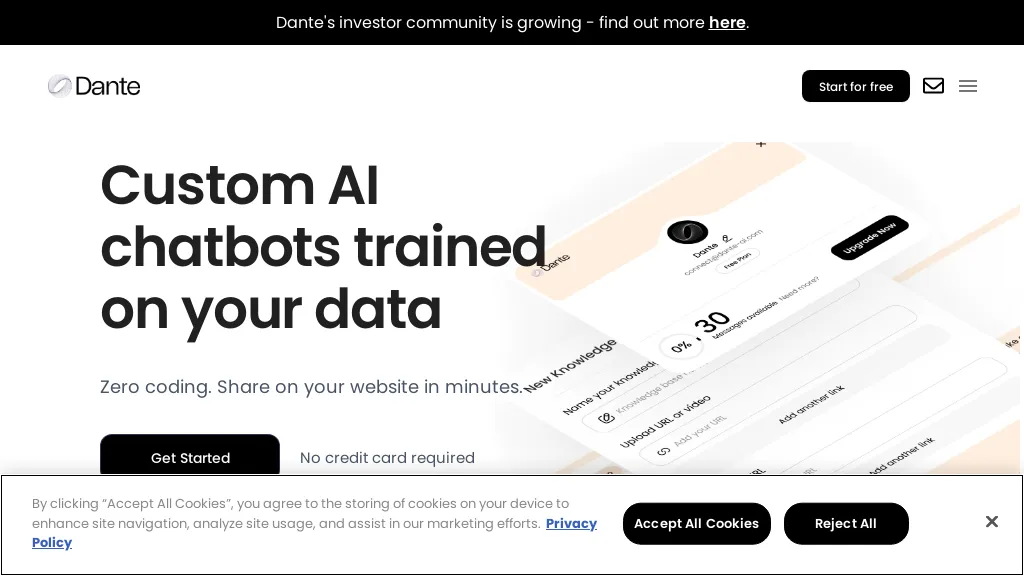
Dante AI is a customer‑service automation platform that deploys a conversational AI agent across chat, voice, and phone channels. It pulls business information from a website or uploaded documents in under a minute, enabling real‑time answers about products, inventory, and policies.
The agent escalates to human agents when necessary, notifying customers with agent details and providing full conversation history for a seamless handoff. Integration options include website widgets, WhatsApp Business, Instagram, phone lines, Slack, Microsoft Teams, and Zapier, allowing a single AI agent to serve all communication channels.
The system captures leads, schedules appointments, and supports booking workflows automatically. Dante AI operates 24/7 without additional staff, handling unlimited simultaneous conversations while maintaining a consistent brand voice, making it suitable for e‑commerce merchants, SaaS providers, and SMBs seeking efficient customer support and lead capture.
Dante AI details
- Company
- Dante AI Inc.
- Jurisdiction
- United States
- Built for
- Individuals
- Data residency
- United Kingdom
- Stated compliance
- GDPR
Compliance as stated in Dante AI's own published documentation.
Dante AI tech specs
- Works with
- OpenAI / GPT Anthropic / Claude
- Cloud
- AWS DigitalOcean
- Analytics
- Mixpanel
- Integrations
- Zapier Slack Discord Salesforce HubSpot Microsoft Teams Shopify WordPress WhatsApp Calendly
Dante AI pricing
Subscription- Auto-renewal
- Yes
Verify on the official pricing page.
View plansDante AI's key features
-
Learn website content in 60 seconds
-
24/7 multi-channel chatbot (chat, voice, phone)
-
Flat monthly pricing, unlimited conversations
-
No-code, instant setup
-
Real-time analytics dashboard
-
One AI agent across channels
Dante AI use cases
-
Automate 24/7 customer support across WhatsApp and website chat for your e‑commerce store, pulling real‑time product availability from your inventory database and escalating return requests to human agents via Teams, while logging every interaction in Zapier for analytics
-
Deploy a voice‑activated booking assistant on your call center line that schedules appointments from your calendar, captures lead details in Salesforce, and sends confirmation through Instagram Direct, all while maintaining a searchable conversation history
-
Integrate Dante AI into your Slack channel to handle internal IT support tickets, automatically fetching troubleshooting steps from your knowledge base, escalating unresolved issues to on‑call engineers, and creating tickets in Jira with full chat logs for future reference
Dante AI user reviews
Based on 1 review, 0% of users recommend Dante AI.
Disliked for
Would you recommend Dante AI?
Who is Dante AI for?
-
Software developers
-
Content creators
-
Business owners
-
Product managers
-
Non-technical stakeholders
Dante AI FAQ
How much does Dante AI cost?
Dante AI is a paid product with no free plan. Plans include Unlimited conversations at $29-$299/mo.
Is Dante AI safe to use?
Dante AI states GDPR compliance in its own published documentation. Dante AI is operated by Dante AI Inc., registered in United States.
What are the best alternatives to Dante AI?
The closest alternatives to Dante AI are Intercom, LiveChatAI, Fin AI, Asinstant and Voiceflow. You can compare them side by side in the alternatives section further down this page.
What does Dante AI do with my data?
Dante AI states that customer content may be used to train its models. Its privacy policy states that personal data is not sold or shared for marketing purposes. Data may be shared with third-party service providers that help run the product. Customer data is held in United Kingdom.
Does Dante AI auto-renew or offer refunds?
Dante AI subscriptions renew automatically until you cancel.
Who made Dante AI?
Dante AI is built and operated by Dante AI Inc., a company registered in United States.
Which AI models does Dante AI use?
Dante AI is built on OpenAI / GPT and Anthropic / Claude. Which models you can reach may depend on your plan.
What does Dante AI integrate with?
Dante AI connects with Zapier, Slack, Discord, Salesforce, HubSpot, Microsoft Teams, Shopify, WordPress, WhatsApp and Calendly.
Compliance, privacy and billing terms are as stated in each product's own published documentation and have not been independently verified by TopAI.tools.


