
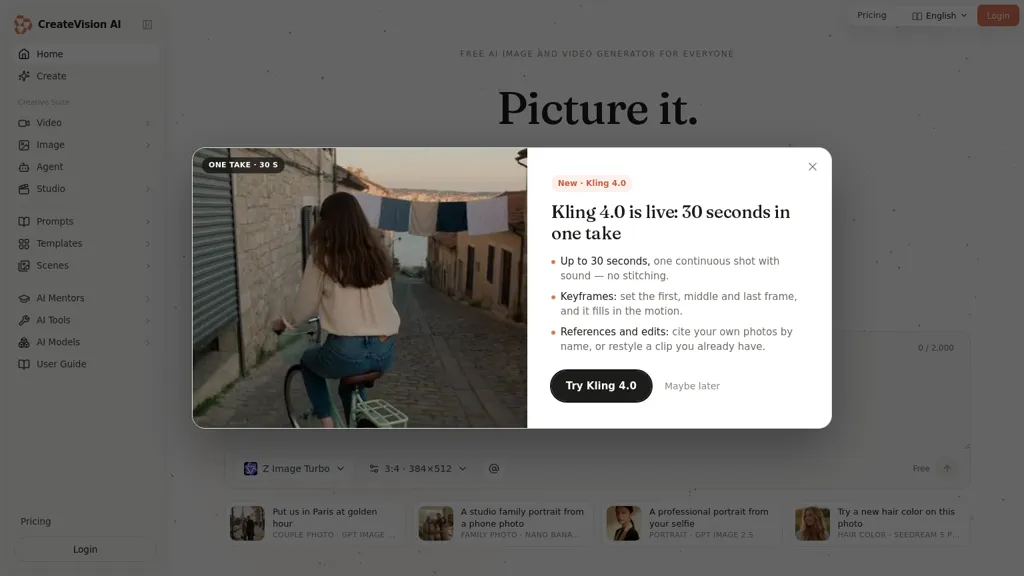
What is CreateVision?
CreateVision is an AI image and video studio that generates images, edits photos, creates avatars, and turns stills into short clips from text prompts or reference photos.
It aggregates multiple image and video models in one workspace and uses an internal agent to select models and construct prompts automatically.
A built-in template library and editable prompt collection speed up production, while an AI Mentor system rewrites prompts and offers composition and shot guidance.
One-click tools handle common edits such as background removal, face swaps, upscaling, restoration, and object or text removal.
Image-to-video and photo-animation features produce short clips with native audio and frame control, plus options for multi-image fusion and iterative edits.
The interface keeps generation history, model and prompt settings in a single project workflow for repeatable output.
Generated assets are provided with usage rights suitable for commercial and personal projects.
CreateVision pricing
FreemiumVerify on the official pricing page.
View plansCreateVision's key features
-
Generates images, edits photos, creates avatars, and converts stills into short clips from text prompts or reference photos (including image-to-video/photo-animation with native audio, frame control, multi-image fusion, and iterative edits)
-
Aggregates multiple image and video models in one workspace and uses an internal agent to select models and construct prompts automatically
-
Built-in template library and editable prompt collection
-
AI Mentor that rewrites prompts and provides composition and shot guidance
-
One-click editing tools including background removal, face swaps, upscaling, restoration, and object/text removal
CreateVision use cases
-
Create compelling marketing videos and hero images for product launches using CreateVision's text-to-image and image-to-video generators, leverage templates and automatic prompt engineering to optimize visuals, and apply one-click background removal and photo animation to produce polished commercial-use assets ready for ads
-
Produce high-frequency social media content—short clips and animated posts—by turning reference photos into stylized videos with CreateVision's multi-model generation, use prompt optimization and one-click edits to iterate fast and maintain brand-consistent creatives
-
Build an e-commerce-ready product catalog with consistent, polished photos and 360° product spins: use one-click background removal, bulk one-click edits, image-to-video animations for product rotations, and workflow history to reproduce commercial-use assets across thousands of SKUs
CreateVision user reviews
Would you recommend CreateVision?
Who is CreateVision for?
-
Content creators
-
Social media managers and influencers
-
Marketing teams
-
Advertisers and brand managers
-
Graphic designers and illustrators
-
Photographers and retouchers
-
Video producers and motion designers
-
E-commerce sellers and product marketers
-
App and game developers
-
Small business owners
-
Creative agencies
-
Educators and trainers
CreateVision FAQ
Is CreateVision free?
Partly. CreateVision has a free plan with usage limits, and paid plans unlock the full feature set. Plans include Starter pack at $0.01/credit.
What are the best alternatives to CreateVision?
The closest alternatives to CreateVision are Image Prompt Generator, VideoAI, Canva AI, Aimage AI and Video Generator - A2E.ai . You can compare them side by side in the alternatives section further down this page.
Does CreateVision have an API?
Yes. CreateVision offers an API, so you can call it from your own applications instead of using the interface directly.


