
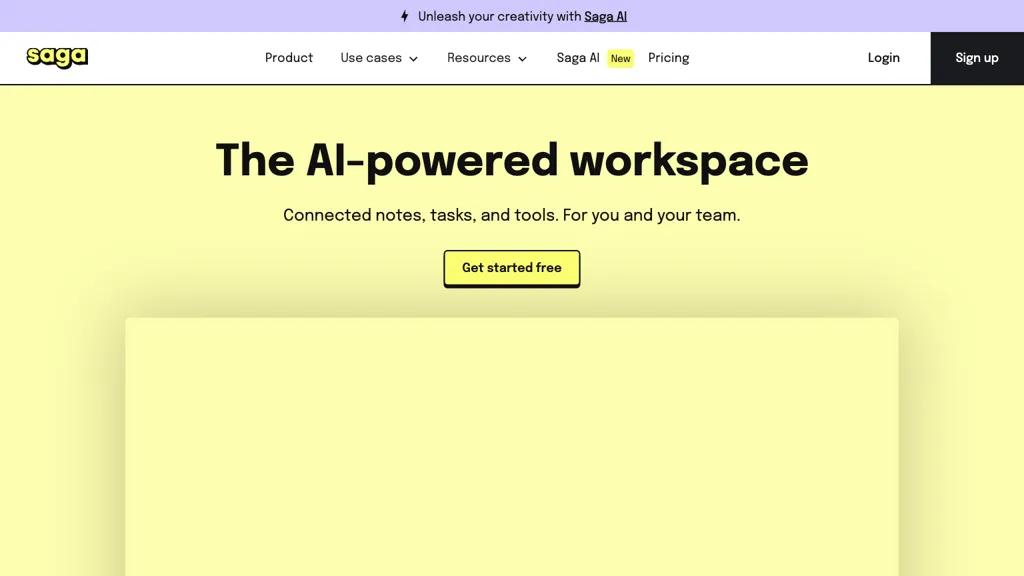
What is Saga AI?
Saga is an AI‑enabled workspace that consolidates notes, documents, and task management into one interface. It supports real‑time collaboration and integrates with Google Drive, Linear, and other third‑party apps. AI features provide text generation, translation, grammar checking, and content creation directly within the editor.
Built‑in task tools include a Kanban board, to‑do lists, and task tracking that sync with notes. Automatic page linking, live block updates, and reference discovery keep knowledge connected and up to date. The side‑by‑side view allows users to open internal pages or external files side by side for focused work.
Autocomplete and mentions streamline content addition and collaboration. A fast search function retrieves information across all pages and integrated apps. Saga is suitable for individuals, small teams, and project managers needing efficient meeting notes, knowledge management, documentation, and studying tools.
Saga AI details
- Company
- Saga Labs Ltd.
- Jurisdiction
- United Kingdom
- Built for
- Businesses and teams
- Data residency
- England (United Kingdom) and the European Union
Saga AI tech specs
- Works with
- OpenAI / GPT
- Integrations
- Google Workspace
Saga AI pricing
FreemiumVerify on the official pricing page.
View plansSaga AI's key features
-
Real-time collaborative editing
-
AI-driven prompt assistant
-
Fast Cmd+K workspace search
-
Integrated cross-referencing knowledge
-
AI-generated tables
-
Auto-sync across pages
-
Side-by-side page view
Saga AI use cases
-
Create an AI‑generated project brief and task board for a new product launch, integrating Google Drive docs and Linear tickets in real‑time for seamless collaboration
-
Draft, edit, and collaboratively review technical documentation within Saga’s integrated editor, leveraging AI grammar checking and live linking to keep all stakeholders aligned
-
Quickly pull up related notes, files, and task cards side‑by‑side during client meetings, using Saga’s rapid cross‑app search to maintain context without switching apps
Saga AI user reviews
Based on 2 reviews, 100% of users recommend Saga AI, rated highly for ease of use.
Liked for
Would you recommend Saga AI?
Who is Saga AI for?
-
Creative designers
-
Knowledge workers
-
Content creators
-
Project managers
-
Product developers
Saga AI FAQ
Is Saga AI free?
Partly. Saga AI has a free plan with usage limits, and paid plans unlock the full feature set. Plans include Standard at $6 per member/mo and Business at $12 per member/mo.
Is Saga AI safe to use?
Saga AI is operated by Saga Labs Ltd., registered in United Kingdom. It has a substantial audience that is independently measured month to month.
What are the best alternatives to Saga AI?
The closest alternatives to Saga AI are Genspark.ai, Saner.ai, The Drive, MyMind and Microsoft Copilot. You can compare them side by side in the alternatives section further down this page.
What does Saga AI do with my data?
Saga AI states that customer content is not used to train its models. Its privacy policy states that personal data is not sold or shared for marketing purposes. Data may be shared with third-party service providers that help run the product. Customer data is held in England (United Kingdom) and the European Union.
Who made Saga AI?
Saga AI is built and operated by Saga Labs Ltd., a company registered in United Kingdom.
Which AI models does Saga AI use?
Saga AI is built on OpenAI / GPT. Which models you can reach may depend on your plan.
What does Saga AI integrate with?
Saga AI connects with Google Workspace.
Compliance, privacy and billing terms are as stated in each product's own published documentation and have not been independently verified by TopAI.tools.


