
What is Copyslides?
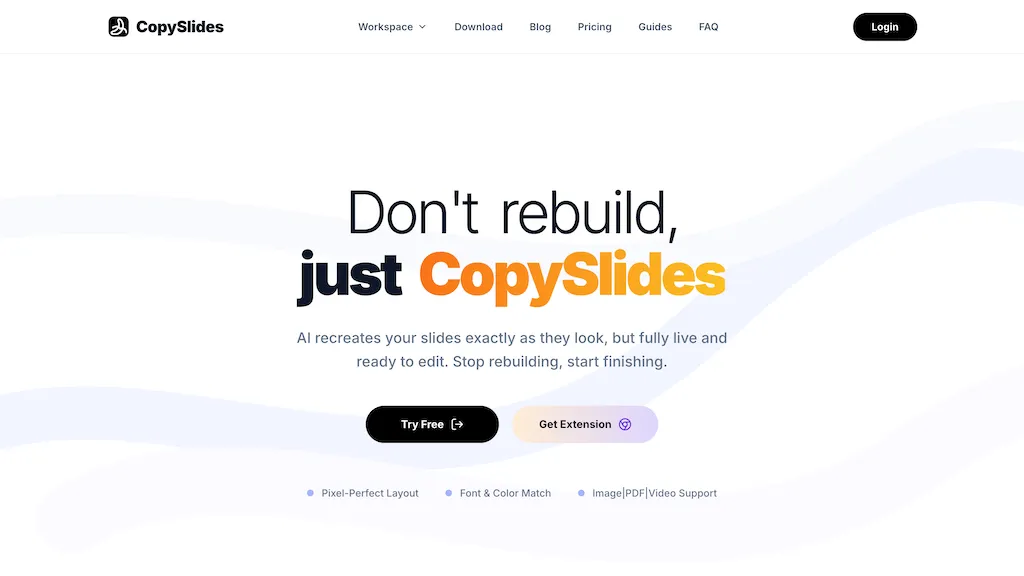
Copyslides converts images, PDFs, and videos into editable PowerPoint presentations, supporting convert PDF to PowerPoint, image to PPT, and video to slides workflows with pixel-perfect layout, font, and color matching.
It recreates text boxes, shapes, and vector elements as live, editable PPTX objects so users can modify content directly.AI-driven layout recovery and image splitting preserve original formatting and structure for accurate slide reconstruction.
The tool extracts video frames and webinar moments into editable slides and converts charts, figures, and screenshots into editable objects.One-click PPTX export, bulk conversion, and a desktop app enable local, offline processing for privacy-sensitive workflows.
Supported inputs include PDFs (including NotebookLM exports), images, and video files, with outputs in standard editable PowerPoint formats.
Copyslides details
- Built for
- Individuals
Copyslides pricing
Free trialVerify on the official pricing page.
Start free trialCopyslides's key features
-
Convert images, PDFs, and videos into editable PPTX with pixel-perfect layout, font, and color matching
-
Recreate text boxes, shapes, and vector elements as live, editable PPTX objects
-
AI-driven layout recovery and image splitting to preserve original formatting and structure
-
Extract video frames and webinar moments into editable slides; convert charts, figures, and screenshots into editable objects
-
One-click PPTX export, bulk conversion, and a desktop app for local/offline processing
Copyslides use cases
-
Convert a multi-page PDF report into a fully editable PowerPoint using Copyslides with pixel‑accurate layout, preserved fonts and colors, and recovered vector elements so you can quickly update content and present professionally without manual retypesetting
-
Extract slides from product demo videos or recorded webinars into editable PPTX decks using Copyslides' video-to-slides extractor, retaining editable charts, shapes and visuals to rapidly build highlight reels, training materials and slide summaries
-
Bulk-convert image-heavy marketing assets and scanned documents into editable PowerPoint decks offline with Copyslides' desktop and bulk export support, keeping live text, charts and exact layout for faster localization, versioning and team collaboration
Copyslides user reviews
Would you recommend Copyslides?
Who is Copyslides for?
-
Content creators
-
Product designers
-
Marketing directors
-
E-commerce sellers
-
Educators
Copyslides FAQ
Is Copyslides free?
Not permanently. Copyslides gives you a free trial, after which a paid plan is required. Plans include Starter at $9/mo, Plus at $19/mo and Lifetime at $199 one-time.
What are the best alternatives to Copyslides?
The closest alternatives to Copyslides are Edit in PPT, AiPPT, SlideSpeak, Xpptx and KindlePPT. You can compare them side by side in the alternatives section further down this page.


can i import my slides and have the tool extract its content and add to a new themed deck ?