
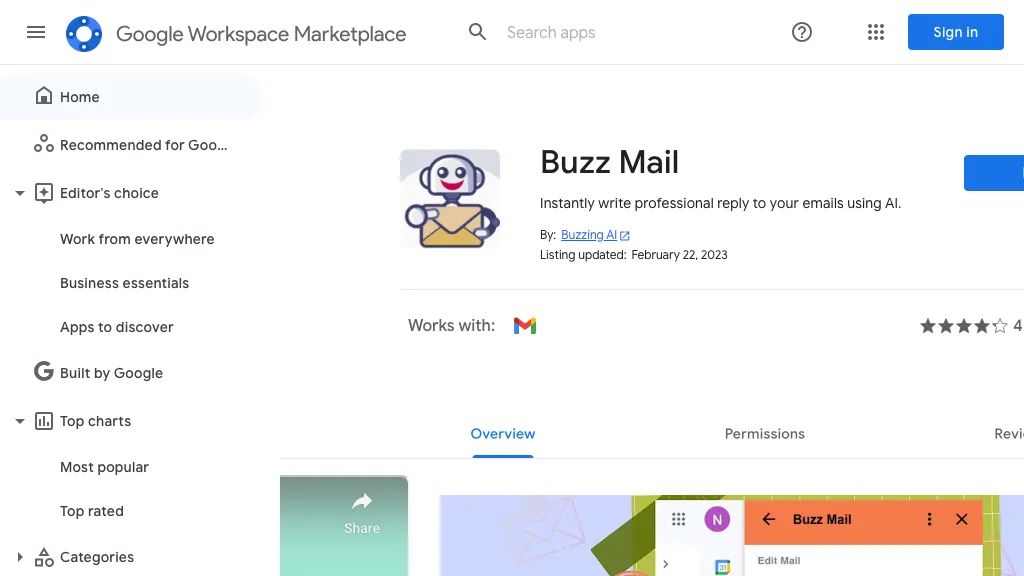
What is Buzz Mail?
Buzz Mail is a Gmail add‑on that uses artificial‑intelligence to draft and send professional email replies with a single click. It automatically manages draft messages, schedules responses, and integrates seamlessly with Google Workspace to view and send messages directly from your inbox.
The tool is designed for sales teams, customer‑support agents, and business professionals who need to reply to incoming customer queries quickly and consistently. By generating context‑appropriate responses, Buzz Mail helps maintain timely communication, reduces email turnaround time, and supports a professional tone across all customer interactions.
Buzz Mail details
- Built for
- Individuals
Buzz Mail tech specs
- Integrations
- Google Workspace
Buzz Mail pricing
FreemiumBuzz Mail offers a free plan with paid upgrades available.
Verify on the official pricing page.
View plansBuzz Mail's key features
-
AI meeting notes
-
AI analytics
-
Seamless Meet integration
-
AI innovation workspace
-
Real‑time whiteboard collaboration
Buzz Mail use cases
-
Draft and send consistent sales follow‑ups with one click, cutting response time and boosting conversion rates
-
Schedule customer support replies to be sent during optimal hours for higher engagement, ensuring timely and polite customer interactions
-
Organize and archive email drafts with AI‑driven tagging and categorization, streamlining Gmail management for sales and support teams
Buzz Mail user reviews
Would you recommend Buzz Mail?
Who is Buzz Mail for?
-
Digital marketers
-
Business owners
-
Content creators
-
E-commerce sellers
-
Customer support agents
Buzz Mail FAQ
Is Buzz Mail free?
Partly. Buzz Mail has a free plan with usage limits, and paid plans unlock the full feature set.
What are the best alternatives to Buzz Mail?
The closest alternatives to Buzz Mail are InboxGPT, AImReply, Klart AI, Ready to Send and EmailTriager. You can compare them side by side in the alternatives section further down this page.
What does Buzz Mail integrate with?
Buzz Mail connects with Google Workspace.


