
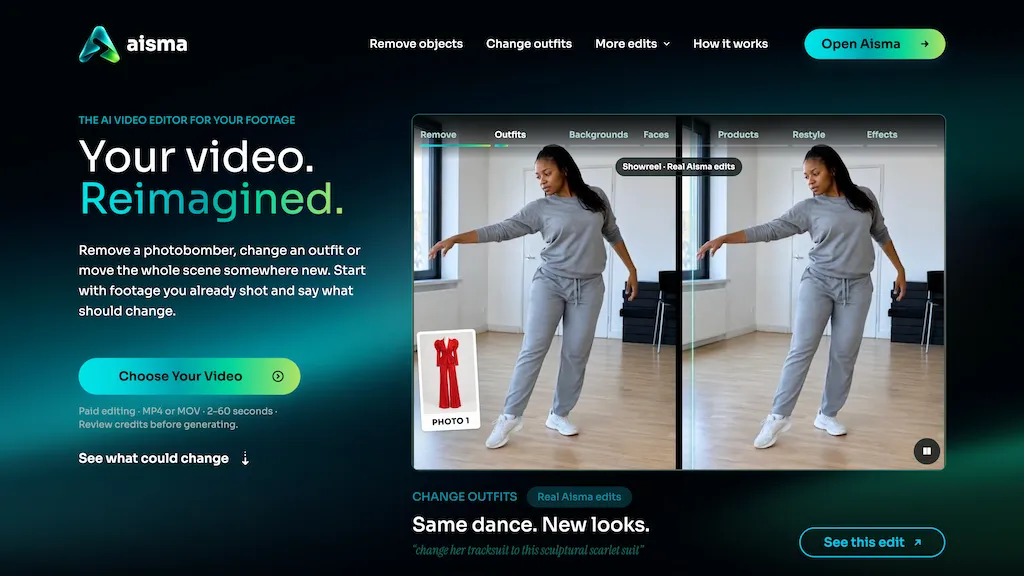
What is aisma?
aisma Video Style Transfer restyles existing footage by redrawing each frame into a named material or art style while preserving motion, timing, framing, and original audio.
You describe the desired look in plain language (for example wool, watercolor, clay or cut paper) and the system applies that style across the clip or to specific elements. The edit preserves camera moves and subject timing so the restyled clip can be cut seamlessly with the original.
Requests can keep people or objects photographic while changing backgrounds or other scene elements. Results are delivered to a private library for review and can be refined through follow-up prompts.
The tool processes short clips up to one minute and returns a recreated version that maintains the original framing and duration.
aisma pricing
SubscriptionVerify on the official pricing page.
View plansaisma's key features
-
Redraws each frame into a named material or art style (e.g., wool, watercolor, clay, cut paper)
-
Accepts plain-language style descriptions and applies them across the clip or to specific elements
-
Preserves original motion, timing, framing, and audio during restyling
-
Supports selective styling to keep people or objects photographic while changing backgrounds or other scene elements
-
Processes short clips up to one minute, delivers recreated versions to a private review library, and supports iterative refinement via follow-up prompts
aisma use cases
-
Create attention-grabbing social media ads using Aisma Video Style Transfer to restyle short product clips (up to one minute) into cinematic film stocks or branded materials while preserving motion, timing, framing and audio so the clips are edit-ready without re-shooting
-
Convert product demos, tutorials or UI walkthroughs into a cohesive brand aesthetic by selectively restyling backgrounds or on-screen elements with Aisma’s material-based re-rendering (watercolor, paper, neon, etc.), iteratively refining results until they match your look
-
Produce fast previsualization and VFX passes for filmmakers by redrawing frames into named art styles with Aisma while keeping motion and timing intact—use selective element restyling to test different looks on characters or sets and export edit-ready stylized clips
aisma user reviews
Would you recommend aisma?
Who is aisma for?
-
Film and video editors
-
Independent filmmakers
-
Social media creators and influencers
-
Advertising and marketing teams
-
Motion designers and vfx artists
-
Music video directors
-
Post-production studios
-
Content and creative agencies
-
Brand and product teams
-
Educators and instructional video creators
aisma FAQ
How much does aisma cost?
aisma is a paid product with no free plan. Plans include New customer introductory week at $0.99, 100 credits pack at $1.99, 600 credits pack at $9.99 and 1,500 credits pack at $19.99.
What are the best alternatives to aisma?
The closest alternatives to aisma are VMagic, Flow AI Video, Morph Studio, FixArt and videoeditai.app. You can compare them side by side in the alternatives section further down this page.


