
Bulk File Renaming
The best 7 Bulk File Renaming AI tools - Free & Paid
Explore 7 AI for Bulk File Renaming
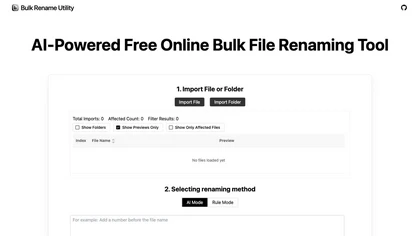
Web‑based AI bulk renamer that processes files locally, interpreting natural‑language instructions for batch renaming, numbering, or pattern rules. Supports Windows, macOS, and browsers via the File System Access API, offering preview, instant execution, and photo tagging by date or event.
Free

Renamer.ai is an AI-powered tool that automatically renames and organizes batches of documents, images, and PDFs using customizable templates. It works as a web or desktop app to enforce consistent naming conventions, improve searchability, and streamline digital asset management.
Free trial
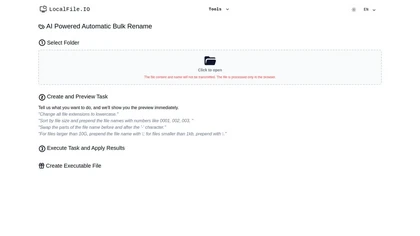
AI‑powered bulk rename tool runs locally in the browser, letting users define custom tasks, preview changes, and apply features like lowercase extensions, numeric prefixes, size‑based sorting, and segment swapping. Ideal for photographers, developers, archivists, and data scientists.
Paid

Bulk Image Generation quickly produces up to 100 images in 15 seconds with the Flux 1.1 model, needs only a simple description, and offers bulk editing, resizing, aspect‑ratio calculations, and prompt conversion for diverse projects.
Subscription
- $15/mo

AI Renamer automates file renaming by analyzing content, including EXIF data, and offers features like smart recognition, custom rules, and batch processing. It supports various formats and provides both local and cloud processing options for flexibility.
Freemium
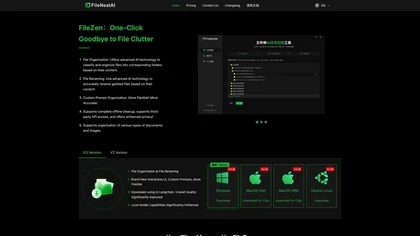
FileZen AI automates document and image organization by categorizing files based on content and enabling AI-driven bulk renaming. It supports multiple file types and offers both online and local deployment for enhanced security and privacy.
Freemium

BulkCorrector segments large documents into ChatGPT‑sized chunks to auto‑correct grammar, spelling, and punctuation in one workflow. It also supports bulk translation, custom prompts, a prompt library, and a ten‑session history log via a copy‑paste web interface.
Subscription
- $29