
Best Video Editing AI tools with mobile apps
Explore the best 8 AI tools for Video Editing that offer mobile applications and compare them for use cases, features and pricing. Use the AI-powered search to find more specialized tools for Video Editing and more.
8 AI Tools for: Video Editing
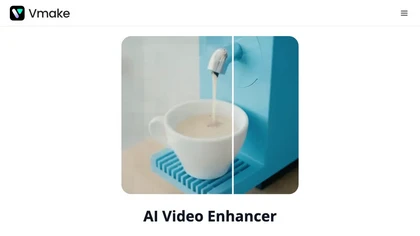
Vmake AI Video Enhancer upsamples MP4, MOV, AVI, etc. to 2K/4K/AI 4K+, removes artifacts, improves low‑light, reduces noise, and offers watermark/text removal, background elimination, and subtitle generation, giving creators, e‑commerce, and gamers sharper, cleaner videos.
8 3
Subscription
- $9.99/mo
Vozo AI Video Translator converts video content into 110+ languages with context‑aware translation and automatic transcription. It clones original speaker voices, syncs lip movements, replaces on‑screen text, and offers bilingual subtitles, real‑time editing, and secure enterprise integration.
InShot is a mobile video editor that lets users cut, trim, and layer clips, auto‑generate multilingual captions, add music, intros/outros, and apply AI‑driven, 3D, glitch, and lens transitions, text, stickers, and picture‑in‑picture overlays.
18 5
Free
Videoleap is a cross‑platform editor with AI background removal, infinite‑zoom, text‑to‑video, audio cutting, subtitles, and built‑in filters. It offers templates for TikTok, Reels, Shorts, and ads, plus a drag‑and‑drop interface for quick professional videos on web or mobile.
10 3
Free trial
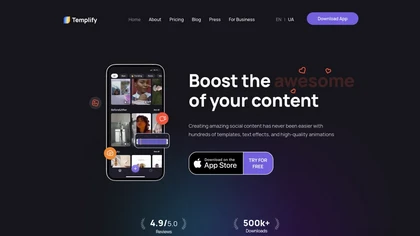
Templify App automates video and photo editing for creators and small‑business teams. It offers a full‑featured editor, audio‑syncing, one‑tap background removal, a library of 1,000+ templates, overlays, and a carousel builder for quick, brand‑consistent posts.

Livideo is an AI tool for unlimited face-swapping in videos, allowing users to easily customize content by inserting images into videos. It ensures privacy by processing files locally on the user's computer without cloud dependency.
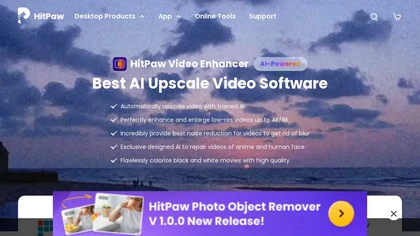
HitPaw Video Enhancer is an AI-powered tool that upscales and enhances low-resolution videos to higher resolutions and improves video quality without losing it.
25 4
Free trial

Upload video files (MP4, MOV, MKV, M4V, AVI) and apply AI models—Face, Animation, Denoise, Low‑Light, Colorize—to improve clarity, reduce noise, brighten dark scenes, or add color. Preview changes, upscale to 4K, then download without watermarks.
18 6
Paid
- $9.99