
Best QR Code Generation AI tools
Explore the top AI app list for QR Code Generation and compare them for use cases, features and pricing. You will find Tools for qr code generation within Art Generation.
See all 6 AI Tools for: QR Code Generation
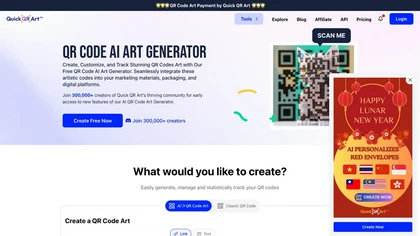
Quick QR Art is an AI tool for generating unique, artistic QR codes that can be seamlessly integrated into marketing materials and digital platforms. Customize codes, track analytics, and manage links easily with this free tool.
0 1
Freemium
- $45
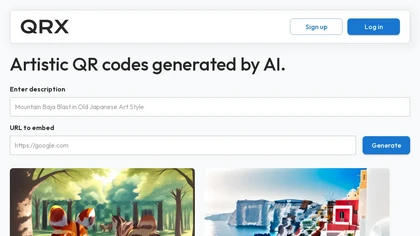
QRX automatically converts URLs into artistic QR codes. Users select a digital‑art style, preview instantly, and embed the code via an enterprise integration framework. A searchable gallery tracks scan counts, likes, and creation date for efficient management.
3 2
Freemium

AIQRHub lets users create QR codes with AI‑driven design options. After login, users enter a URL, select a template style, and generate an artistic QR image instantly. Ideal for marketers, event planners, and small businesses wanting eye‑catching codes.
qriginals is an AI tool for creating and sharing visually appealing QR code art.
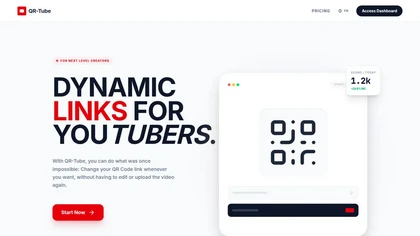
QR-Tube creates dynamic QR codes for YouTube that allow redirect changes, temporary placeholders, timestamped deep-links, and TV-to-mobile sharing, while capturing scan events with real-time analytics and engagement metrics for campaign tracking and redirect management.

design.com is a customizable QR code generator offering thousands of templates and editing options for fonts, colors, layouts, and logos. It produces high-resolution PNG/JPG and vector files for print and digital use, with keyword search, batch editing, and matching social media assets.
Code your brand in minutes
We track 6 QR Code Generation tools.
6
Tools
16.7%
Have API ↗
What it costs
$23.0
median starting price
Most start between $12.0 and $34.0.
3 with a free tier
2 free trial


Built on
Models these tools say they run on
Stability AI 1
Use cases
Create:Url>Image
Generate:Url>Image
Stylize:Url>Image
Design:Url>Image
Design:Url>Document
Stylize:Image>Image
Embed:Image>Document
Generate:Url>Structured_Data
Design:Text>Image
Create:Text>Image
Figures updated 30 October 2026