
Best Free Image Analysis AI tools
Explore the best 16 Free AI tools for Image Analysis and compare them for use cases and features. Use the AI-powered search to find more specialized tools for Image Analysis and more.
16 AI Tools for: Image Analysis
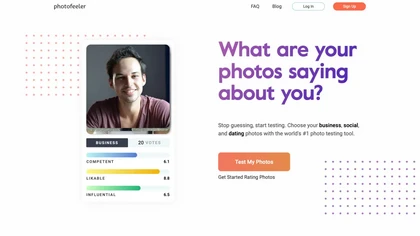
Photofeeler lets users upload business, social, or dating photos and receive scores on competence, likability, attractiveness, and dateability from real people. The platform offers actionable comments, privacy controls, and rapid voting options to improve online image impact.
15 8
Free
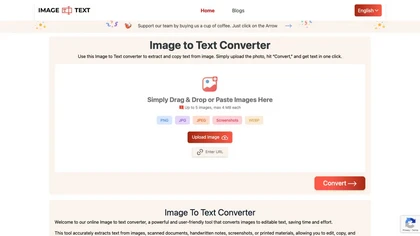
Image to Text Converter extracts text from images, PDFs, and handwritten notes in 30+ languages. It accepts JPEG, PNG, WebP, GIF, PDF, handles blurry files, and can recognize equations. Users can crop regions, and outputs editable TXT, PDF, or DOCX.
3 0
Free
Be My Eyes links blind and low‑vision users to volunteers worldwide via live video, offering instant visual help. Integrated AI provides automated image descriptions, supporting 180+ languages, smartglasses, and multi‑platform access for real‑time, free assistance.
0 1
Free

Generates detailed image descriptions, SEO-friendly alt text, and searchable tags from JPG/PNG/WEBP; performs OCR on text and tables, summarizes charts, converts images into prompts, and offers batch processing, API, and chat-for-image Q&A for workflows.
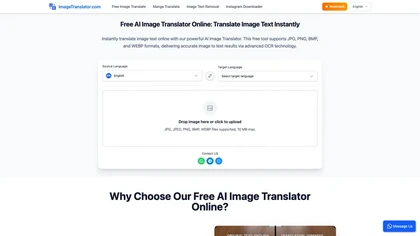
ImageTranslator is an AI tool that translates text in images while maintaining the original layout. It supports various image formats and over 100 languages, using OCR technology for accurate text detection and overlay. Download translated images securely post-processing.
4 1
Free

Scanflow AI delivers AI‑powered visual inspection and asset identification for manufacturing and logistics. It detects defects in real time, scans DOT codes, VINs, and handwritten text, and offers edge or cloud analytics for quality control, inventory visibility, and faster throughput.
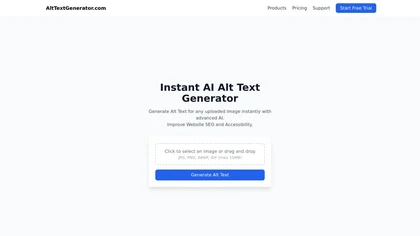
AltTextGenerator is a free, AI-driven online tool that automatically creates high-quality alt text for images, enhancing SEO and accessibility. It supports various image formats, providing instant, contextually relevant descriptions to improve website visibility and user experience.
2 2
Free

MiniGPT-4 is a versatile AI model that can enhance vision-language understanding, generate detailed image descriptions, and teach users to cook through image projection using a frozen visual encoder with Vicuna.
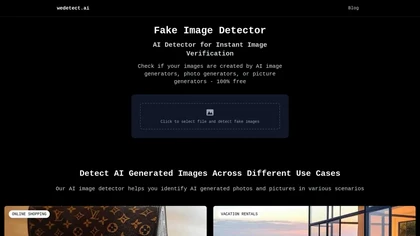
WeDetect.AI is an image detection tool that verifies whether images are AI-generated. Its efficient analysis assists users in combating misinformation, ensuring authenticity in online platforms, and validating visual content for various scenarios like shopping and social media.

This is an image-to-text model that generates prompts based on input images.
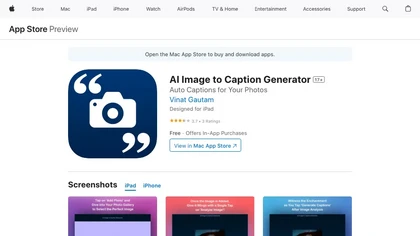
Upload an image and receive AI‑generated captions in multiple languages and tones, tailored for chosen platforms, with hashtag suggestions. Easily copy, edit, or generate variants while ensuring privacy and server‑side processing.
2 3
Free
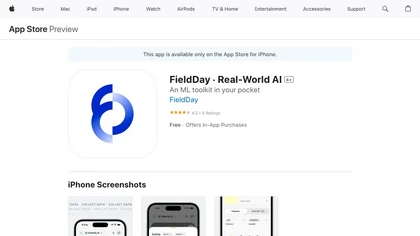
FieldDay is a real-world AI app that allows users to build custom camera-driven experiences without coding and finetune their vision AI with data collection. It supports actions, exports, and integrates with Siri Shortcuts.
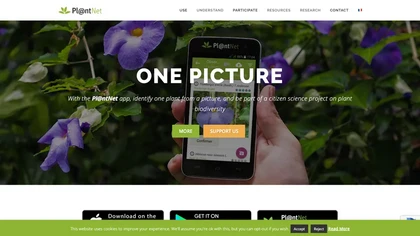
PlantIdentification AI Tool: Offline/embedded image recognition app for identifying plants from a database of 10,000+ species. Supports citizen science initiatives, facilitating fast plant identification for enthusiasts and researchers.
16 5
Free

Pipeless Agents is a serverless platform that turns video feeds into structured event streams. It extracts data from cameras and streams via configurable filters, supports lightweight agents for quick webhook, database, or messaging actions, and offers GDPR‑compliant privacy features.
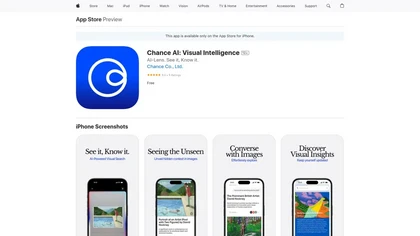
Chance AI is a visual intelligence app for Apple devices that provides contextual insights and narratives by scanning surroundings. It's designed for design enthusiasts and creative professionals, offering real-time feedback and a user-friendly interface for exploration and learning.
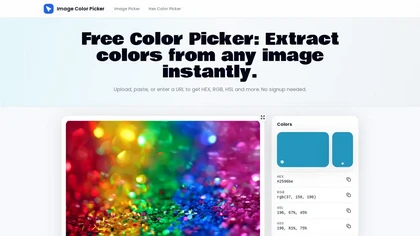
ImageColorPicker.io is a browser-based tool that extracts hex, RGB, HSL, and HSV values from images and screenshots via an eyedropper, and lets you build, copy, and export color palettes with one click.