
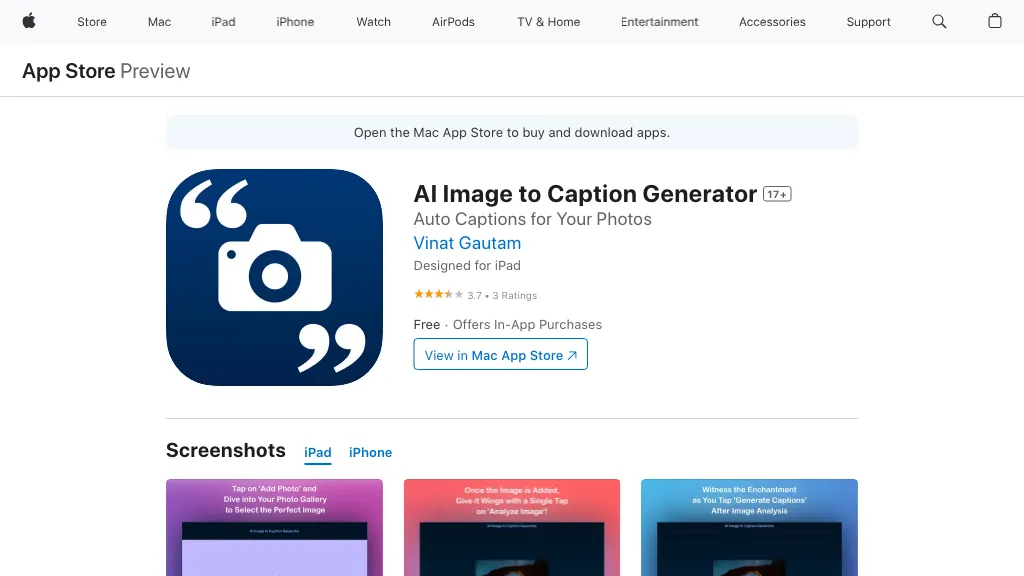
What is Image to Caption Generator?
Image Caption Generator
Upload an image via drag‑and‑drop or file selection and the AI automatically analyzes visual elements and context to produce multiple caption options. Select a target platform—Facebook, Instagram, Twitter, LinkedIn, or others—and choose a tone such as happy, sad, funny, or curious.
The tool supports English, Spanish, German, Japanese, Korean, Simplified Chinese, and Traditional Chinese, allowing multilingual caption creation. Users can copy captions directly to the clipboard, edit them for brand voice, or generate additional variants with a single click.
Image to Caption Generator details
- Jurisdiction
- State of bd
Image to Caption Generator pricing
FreeThis tool is free to use, with no credit card required.
Verify on the official pricing page.
Get started freeImage to Caption Generator's key features
-
Drag-and-drop image upload
-
Automatic caption generation
-
Multiple tone options
-
Multilingual caption support
-
Hashtag recommendation feature
-
Editable caption output
-
JPEG, PNG, GIF support
Image to Caption Generator use cases
-
Generate Instagram captions for travel photos in a playful tone with trending hashtags for maximum engagement
-
Create LinkedIn post captions in a professional tone for corporate event photos, complete with industry-specific hashtags
-
Draft multilingual Facebook post captions for product launch images, offering variant tones and easy copy-to-clipboard
Image to Caption Generator user reviews
Based on 5 reviews, 40% of users recommend Image to Caption Generator, rated highly for ease of use.
Liked for
Disliked for
Would you recommend Image to Caption Generator?
Who is Image to Caption Generator for?
-
Content creators
-
Social media managers
-
Marketing managers
-
Digital bloggers
-
Digital marketers
Image to Caption Generator FAQ
Is Image to Caption Generator free?
Yes. Image to Caption Generator is free to use and does not require a credit card.
What are the best alternatives to Image to Caption Generator?
The closest alternatives to Image to Caption Generator are ImagetoCaption.ai, CapGen AI, Pallyy image caption generator, PhotoCaption AI and Canva AI. You can compare them side by side in the alternatives section further down this page.
What does Image to Caption Generator do with my data?
Image to Caption Generator states that customer content is not used to train its models. Its privacy policy states that personal data is not sold or shared for marketing purposes. Data may be shared with third-party service providers that help run the product.
Compliance, privacy and billing terms are as stated in each product's own published documentation and have not been independently verified by TopAI.tools.


