
What is VectorShift?
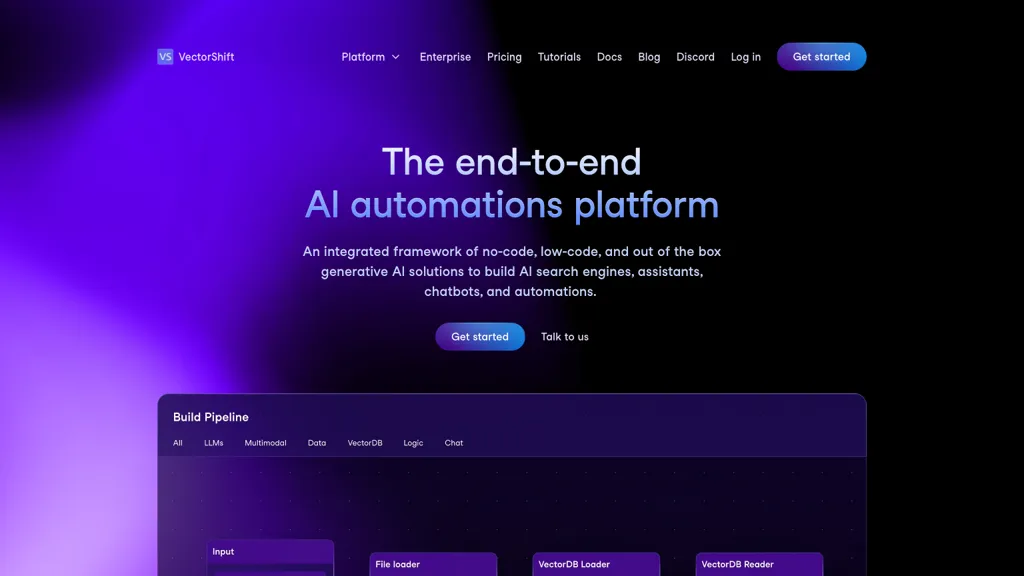
VectorShift is a no‑code AI automation platform that lets users create, deploy, and manage AI applications with drag‑and‑drop components. It supports file inputs in JSON, CSV, and PDF formats, and integrates with large‑language‑model APIs such as OpenAI GPT‑4, Anthropic, Hugging Face, Google LLAMA, and AWS Mistral.
Users can connect data from web pages, documents, or databases, and build pipelines that include file loaders, prompt customization, and output nodes. The platform offers a marketplace of pre‑built use cases, agents for complex task execution, and live‑sync integrations with Google Drive, OneDrive, Salesforce, HubSpot, Notion, and Airtable.
VectorShift provides an SDK for developers to access all functionality from code, enabling seamless transition between no‑code and scripted workflows. The platform is designed for enterprises seeking secure, scalable AI solutions for chatbots, marketing copy, outbound email, document summarization, and knowledge search.
VectorShift pricing Paid
Verify on the official pricing page.
View plansVectorShift user reviews
Would you recommend VectorShift?
VectorShift's key features
-
No-code drag-and-drop builder
-
File loader for JSON, CSV, PDF
-
GPT-4.0-turbo LLM integration
-
Code SDK for custom pipelines
-
Live-sync triggers across tools
-
Instant chatbot or API export
-
Multi-format data support
VectorShift use cases
-
Build an end‑to‑end data ingestion pipeline that pulls CSV sales data, runs it through a pre‑built LLM workflow to generate insights, and outputs JSON dashboards—all using VectorShift’s drag‑and‑drop interface without writing a single line of code
-
Launch an enterprise‑grade AI chatbot that connects to your internal PDF knowledge base, answers IT support questions, and logs interactions to your CRM—all powered by VectorShift’s no‑code builder and seamless LLM API integration
-
Create a predictive maintenance alert system: upload sensor CSV files, let VectorShift’s pre‑built LLM workflow detect anomalies, and push real‑time alerts to your existing dashboard via the provided SDK—all without coding
Who is it for?
-
Automation users
-
Small business operators
-
Data analysts
-
It integration engineers
-
System administrators


