
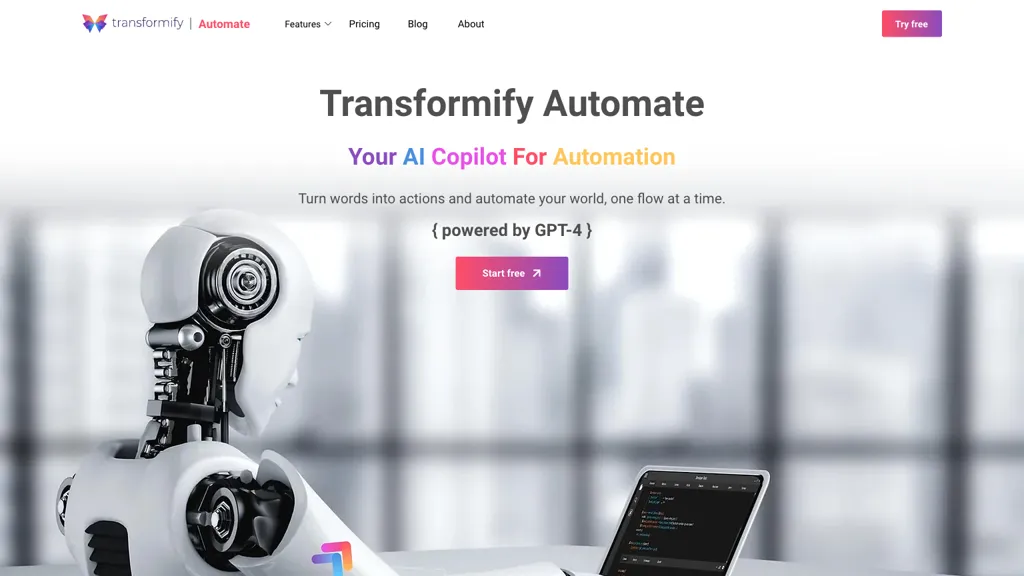
What is Transformify Automate?
Transformify Automate enables users to create, run, and manage automation flows through a natural‑language chat interface. The platform automatically generates triggers, schedulers, and webhooks based on user prompts, allowing flows to start on events or via unique URLs.
AI‑driven data manipulation commands let users classify, format, filter, compress, and verify files without manual coding. A library of prebuilt connectors supports integration with services such as OneDrive, Gmail, Slack, PostgreSQL, and FTP. Enterprise features include Azure Key Vault for secure storage of API keys and certificates, digital signature capabilities, and a file manager for organizing documents and media.
The tool offers a single interface for designing and monitoring flows, reducing the need for multiple specialized tools. Transformify Automate is suited for developers, business analysts, and operations teams looking for streamlined, code‑free automation.
Transformify Automate pricing
FreemiumVerify on the official pricing page.
View plansTransformify Automate's key features
-
Natural language flow generation
-
Automated scheduler setup
-
Connector catalog integration
-
API key access control
-
File manager operations
-
Secure key vault storage
-
Flow execution monitoring
Transformify Automate use cases
-
Create automated daily email reports with Transformify Automate, pulling data from PostgreSQL, formatting it using AI-powered data commands, and sending the results through Gmail—all without writing any code.
-
Build a real‑time Slack alert system that triggers on new file uploads to OneDrive, auto‑extracts relevant metadata via AI, and posts concise updates to Slack channels using Transformify’s natural‑language flow editor.
-
Develop a secure digital signature workflow that retrieves documents from an FTP server, auto‑generates signature fields with AI, signs the documents digitally, and stores the signed files in a protected OneDrive folder while keeping all API keys in the secure vault.
Transformify Automate user reviews
Would you recommend Transformify Automate?
Who is Transformify Automate for?
-
Automation engineers
-
Workflow designers
-
Natural language processors
-
System administrators
-
Gpt-4 developers
Transformify Automate FAQ
Is Transformify Automate free?
Partly. Transformify Automate has a free plan with usage limits, and paid plans unlock the full feature set. Plans include Basic plan at $9.99, Pro plan at $19.99 and Premium plan at $29.99.
What are the best alternatives to Transformify Automate?
The closest alternatives to Transformify Automate are n8n.io, Flowhunt.io, AI-Flow, Flowise and Aident AI. You can compare them side by side in the alternatives section further down this page.
Does Transformify Automate have an API?
Yes. Transformify Automate offers an API, so you can call it from your own applications instead of using the interface directly.


