
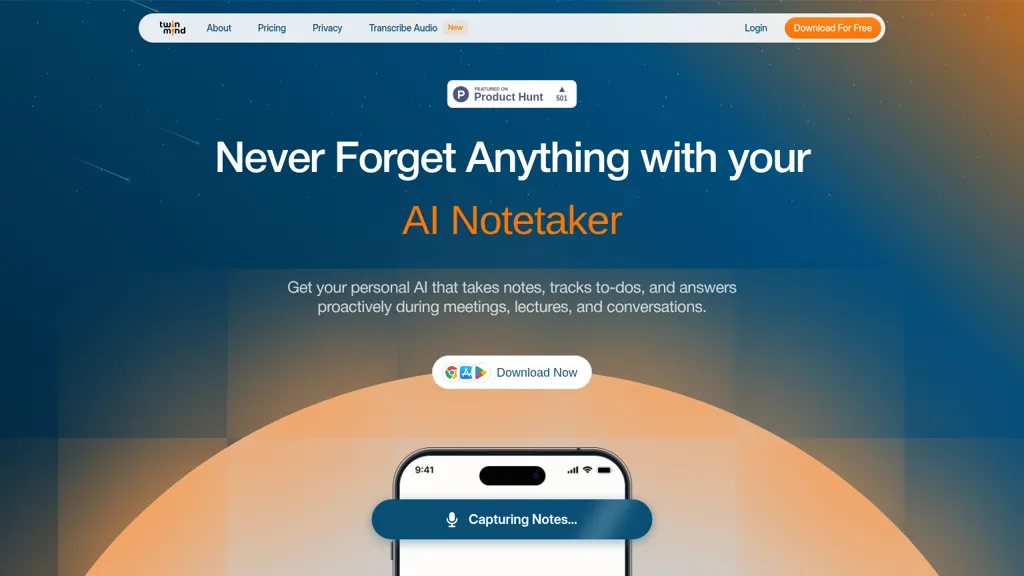
What is TwinMind?
TwinMind — an AI notetaker and memory assistant that records and transcribes meetings, lectures, and conversations in real time. It produces searchable summaries, action items, and follow-up drafts while organizing notes into a local memory vault for quick recall.
On-device processing with optional encrypted cloud backups stores transcripts and chats locally and supports an offline mode that avoids saving raw audio. The tool supports multi-language transcription (140+ languages), long-duration capture, and continuous background recording across desktop and mobile.
A browser extension and contextual integration link open tabs and documents to conversations, enabling contextual answers and faster information retrieval. Typical use cases include meeting productivity for teams, lecture capture and study notes for students, research note-taking for professionals, and document summarization for administrators.
TwinMind details
- Company
- ThirdEar AI, Inc.
- Jurisdiction
- California
- Built for
- Individuals
- Data residency
- United States
- Stated compliance
- SOC 2
Compliance as stated in TwinMind's own published documentation.
TwinMind tech specs
- Works with
- OpenAI / GPT Anthropic / Claude Google / Gemini
- Integrations
TwinMind pricing
SubscriptionPricing details aren't listed here — check the official pricing page below.
- Free trial
- 7 days
- Auto-renewal
- Yes
Verify on the official pricing page.
View plansTwinMind's key features
-
Real-time on-device transcription using the Ear-3 model (processes audio on-the-fly and saves only transcripts)
-
Multilingual transcription support (140+ languages)
-
Automated AI notetaker that captures notes, extracts summaries and action items, tracks to-dos, and answers proactively during meetings
-
Local-first data storage with optional encrypted cloud backups and offline mode; no third-party data sharing
-
Contextual integrations: attach PDFs and browser tabs, sidebar context aggregation, cross-tab comparison, and automated follow-up emails
TwinMind use cases
-
Capture and transcribe client meetings in real time using TwinMind to produce searchable summaries, prioritized action items and polished follow-up drafts while storing notes in a local memory vault with optional encrypted backups for confidentiality
-
Help students and researchers record lectures and interviews with continuous background and multilingual on-device transcription, automatically generating concise study summaries, timestamped highlights and an organized local vault for fast retrieval
-
Keep distributed teams aligned by using TwinMind as an AI meeting notetaker that creates searchable meeting records, assigns and tracks follow-ups, and shares secure summaries across stakeholders without uploading sensitive data thanks to on-device processing and encrypted backups
TwinMind user reviews
Would you recommend TwinMind?
Who is TwinMind for?
-
Knowledge seekers
-
Note takers
-
Memory organizers
-
Meeting participants
-
Lecture attendees
TwinMind FAQ
Is TwinMind free?
No. TwinMind is a paid product and requires a paid plan to use.
Is TwinMind safe to use?
TwinMind states SOC 2 compliance in its own published documentation. TwinMind is operated by ThirdEar AI, Inc., registered in California. It has a substantial audience that is independently measured month to month.
What are the best alternatives to TwinMind?
The closest alternatives to TwinMind are tl;dv, Otter AI, Mymeet.ai, Meeting.ai and Jamie. You can compare them side by side in the alternatives section further down this page.
What does TwinMind do with my data?
TwinMind states that customer content is not used to train its models. Its privacy policy states that personal data is not sold or shared for marketing purposes. Data may be shared with third-party service providers that help run the product. Customer data is held in United States.
Does TwinMind auto-renew or offer refunds?
TwinMind subscriptions renew automatically until you cancel.
Who made TwinMind?
TwinMind is built and operated by ThirdEar AI, Inc., a company registered in California.
Which AI models does TwinMind use?
TwinMind is built on OpenAI / GPT, Anthropic / Claude and Google / Gemini. Which models you can reach may depend on your plan.
What does TwinMind integrate with?
TwinMind connects with WhatsApp.
Compliance, privacy and billing terms are as stated in each product's own published documentation and have not been independently verified by TopAI.tools.


