
What is SlideTeam?
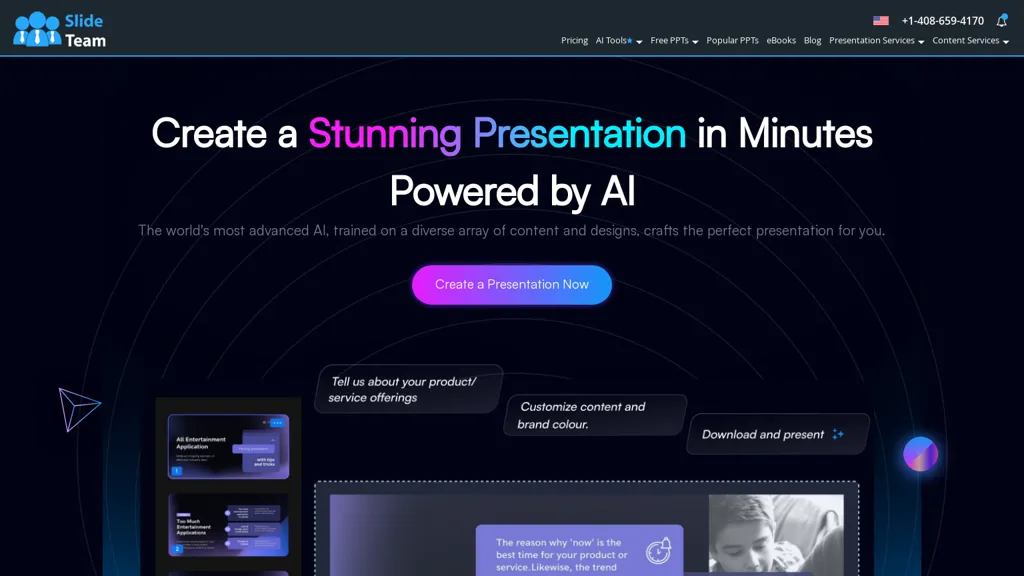
SlideTeam AI Presentation Maker transforms text and documents into fully editable slide decks in seconds.
The tool accepts natural‑language prompts and file uploads such as PDFs, Word, CSV, and XLS, automatically generating a slide outline and applying professional design layouts.
It provides a library of over five million AI‑integrated templates and supports export to PowerPoint, Google Slides, and Keynote.
A brand kit allows one‑click application of corporate colors, fonts, and logos to maintain visual consistency.
Multilingual support enables creation in more than five languages, making the tool suitable for global teams.
SlideTeam details
- Company
- SlideGeeks, India
- Jurisdiction
- India
- Built for
- Individuals
SlideTeam pricing
Paid- Refund window
- 7 days
Verify on the official pricing page.
View plansSlideTeam's key features
-
AI PPT Maker
-
Artificial Intelligence Operations
-
AI Automation For Product Management
SlideTeam use cases
-
Convert a 50-page annual report into a polished PowerPoint deck in under 5 minutes, auto‑generating an executive summary slide and a dynamic chart layout that updates when the source data changes, all while maintaining your company brand colors and fonts.
-
Translate a multilingual marketing brochure into a fully localized slide presentation, with AI‑generated layouts for each language, automatically applying regional design guidelines and exporting directly to Google Slides for instant collaboration.
-
Take a PDF product spec sheet, auto‑extract key features into a structured outline, and produce a customizable Keynote deck using SlideTeam’s premium templates, allowing team members to reorder sections and tweak visuals without any coding.
SlideTeam user reviews
Based on 6 reviews, 67% of users recommend SlideTeam, rated highly for quality results.
Liked for
Disliked for
Would you recommend SlideTeam?
Who is SlideTeam for?
-
Presentation designers
-
Presentation managers
-
Slide presenters
-
Digital marketers
-
Data analysts
SlideTeam FAQ
How much does SlideTeam cost?
SlideTeam is a paid product with no free plan. Plans include Join now 10 at $39.99, 7 days risk-free at $135.97, Semi annual at $407.97 and 50% off annual at $679.97.
Is SlideTeam safe to use?
SlideTeam is operated by SlideGeeks, India, registered in India.
What are the best alternatives to SlideTeam?
The closest alternatives to SlideTeam are SlidesAI, PresentationsAI, Autoppt, AiPPT and Slides.bot. You can compare them side by side in the alternatives section further down this page.
What does SlideTeam do with my data?
Its privacy policy states that personal data is not sold or shared for marketing purposes. Data may be shared with third-party service providers that help run the product.
Does SlideTeam auto-renew or offer refunds?
SlideTeam states a 7-day refund window.
Who made SlideTeam?
SlideTeam is built and operated by SlideGeeks, India, a company registered in India.
Compliance, privacy and billing terms are as stated in each product's own published documentation and have not been independently verified by TopAI.tools.


