
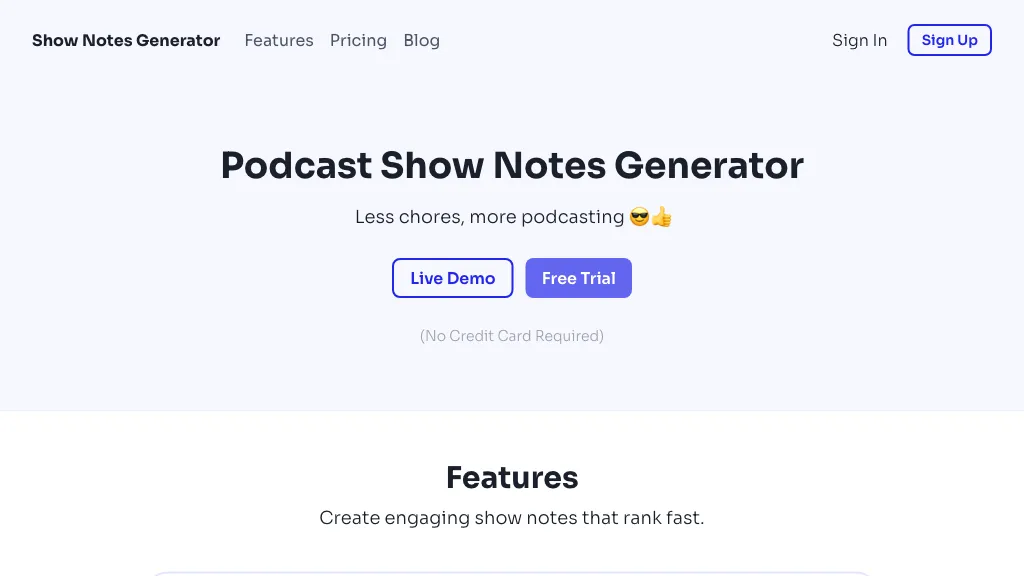
What is Show Notes Generator?
Show Notes Generator
Transform podcast audio into professional show notes that include key takeaways, timestamps, and cited resources.
Generate social media posts optimized for Twitter, LinkedIn, and Instagram, and create engaging email newsletters from the same episode.
Produce long‑form, SEO‑optimized blog posts that convert audio content into web‑friendly articles.
Support file uploads up to 10 GB with unlimited uploads, allowing podcasters to process multiple episodes in one batch.
Serve hobbyist podcasters looking to save hours on content creation, professionals who use podcasts to grow their businesses, and agencies that need scalable repurposing solutions.
Show Notes Generator details
- Jurisdiction
- United States
- Data residency
- Your information, including Personal Data, is processed at the Company's operating offices and in any other places where the parties involved in the processing are located.
Show Notes Generator pricing
PaidVerify on the official pricing page.
View plansShow Notes Generator's key features
-
Generate show notes with timestamps
-
Create platform-optimized social posts
-
Create email newsletters from episodes
-
Convert audio to SEO blog posts
-
Upload audio files up to 10GB
-
Minutes rollover for audio processing
Show Notes Generator use cases
-
Generate a comprehensive, SEO‑optimized blog post from each episode, featuring timestamps, key takeaways, and cited resources—all automatically extracted from the audio file for instant publishing on your website.
-
Batch process an entire season of podcasts to produce ready‑to‑post social media content—Instagram stories, Twitter threads, and LinkedIn updates—each enriched with episode highlights and direct links to the full transcript.
-
Convert live‑streamed podcast audio into a daily newsletter edition, automatically inserting show‑note snippets, resource links, and actionable takeaways for subscribers without manual editing.
Show Notes Generator user reviews
Based on 7 reviews, 86% of users recommend Show Notes Generator, rated highly for quality results.
Liked for
Disliked for
Would you recommend Show Notes Generator?
Who is Show Notes Generator for?
-
Content creators
-
Podcast producers
-
Audio editors
-
Marketing strategists
-
Digital marketers
Show Notes Generator FAQ
How much does Show Notes Generator cost?
Show Notes Generator is a paid product with no free plan. Plans include Pro at $49, Agency at $89 and Starter at $8.99.
What are the best alternatives to Show Notes Generator?
The closest alternatives to Show Notes Generator are Podnotes, Podscribe.io, Shownotes, Castmagic and Podsqueeze. You can compare them side by side in the alternatives section further down this page.
What does Show Notes Generator do with my data?
Its privacy policy states that personal data is not sold or shared for marketing purposes. Data may be shared with third-party service providers that help run the product. Customer data is held in Your information, including Personal Data, is processed at the Company's operating offices and in any other places where the parties involved in the processing are located..
Compliance, privacy and billing terms are as stated in each product's own published documentation and have not been independently verified by TopAI.tools.


