
What is SheetAI?
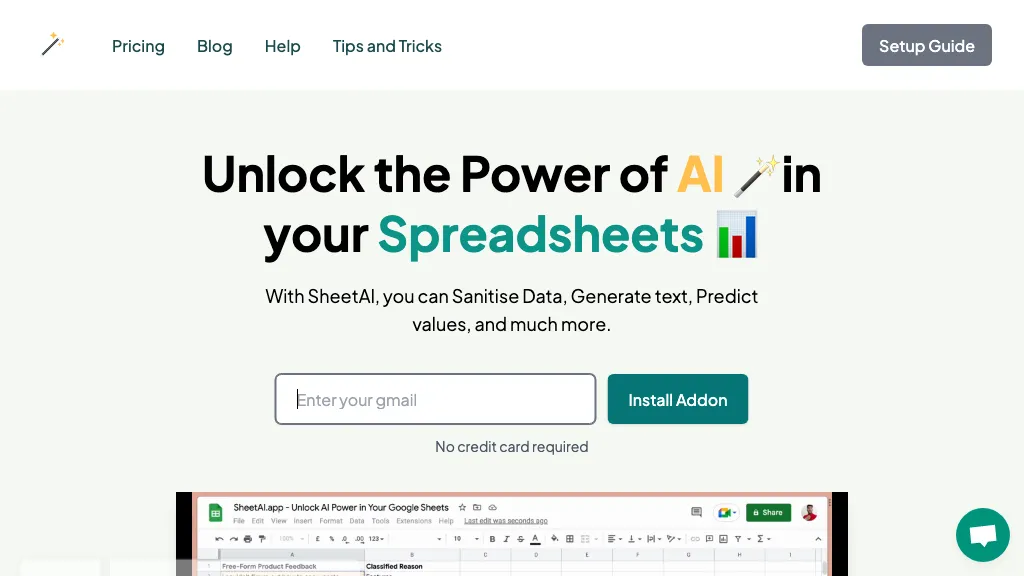
SheetAI is a Google Sheets add‑on that integrates AI functions directly into spreadsheet cells, allowing users to generate lists, tables, and images with simple formulas. It supports multiple AI models, including OpenAI, Claude, and xAI, and can connect to external services such as Replicate for video, OCR, and audio processing.
Users can train the AI on their own data or URLs to provide context‑aware responses, and the add‑on can pull live information from any external API to automate tasks. The add‑on offers pre‑built functions for content creation, data extraction, smart auto‑fill, and structured content generation, helping analysts, marketers, and developers streamline reporting and data analysis.
SheetAI details
- Built for
- Individuals
SheetAI tech specs
- Works with
- OpenAI / GPT Anthropic / Claude Google / Gemini xAI / Grok Midjourney
- Payment Processors
- Stripe
- Integrations
- Google Workspace
SheetAI pricing
SubscriptionVerify on the official pricing page.
View plansSheetAI's key features
-
Ask AI with SHEETAI function
-
Generate content automatically
-
Sentiment analysis of text
-
Image label extraction
-
Audio sentiment extraction
-
Create lists with SHEETAI_LIST
-
Data cleaning and analysis
SheetAI use cases
-
Automate weekly sales dashboards by feeding raw CSV data into SheetAI, which then generates dynamic charts, calculates key metrics, and updates a shared Google Sheet in real time
-
Generate marketing assets directly in a sheet: input product specs and let SheetAI call Replicate to create branded images, while OCR extracts text from supplier PDFs, all stored and sorted in a single spreadsheet
-
Create a knowledge base for customer support: import FAQ PDFs, use OCR to extract Q&A pairs, then let SheetAI populate a table that auto‑updates when new documents are added, providing instant search and version tracking
SheetAI user reviews
Based on 1 review, 100% of users recommend SheetAI, rated highly for ease of use.
Liked for
Would you recommend SheetAI?
Who is SheetAI for?
-
Data analysts
-
Citizen developers
-
Project managers
-
Spreadsheet power users
-
Business analysts
SheetAI FAQ
How much does SheetAI cost?
SheetAI is a paid product with no free plan. Plans include Unlimited monthly at $20/mo, Unlimited yearly at $200/year and Domain license at $299/year.
What are the best alternatives to SheetAI?
The closest alternatives to SheetAI are SheetXAI, AI Excel Bot, SheetGPT, SimpleMetrics and Sheeter.ai. You can compare them side by side in the alternatives section further down this page.
Does SheetAI have an API?
Yes. SheetAI offers an API, so you can call it from your own applications instead of using the interface directly.
Which AI models does SheetAI use?
SheetAI is built on OpenAI / GPT, Anthropic / Claude, Google / Gemini, xAI / Grok and Midjourney. Which models you can reach may depend on your plan.
What does SheetAI integrate with?
SheetAI connects with Google Workspace.


