
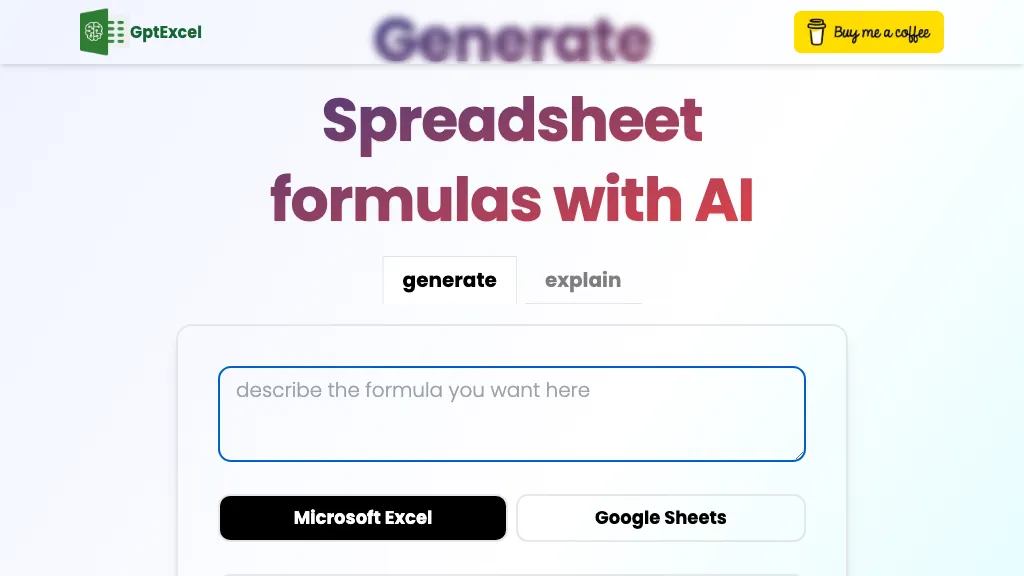
What is GPTExcel?
GPTExcel is an AI‑powered assistant that automates spreadsheet tasks across Microsoft Excel, Google Sheets, LibreOffice Calc, and Airtable.
It generates and explains complex formulas, SQL queries, Apps Script and VBA code, and regular expression patterns for data validation.
The tool creates pivot tables, charts, and table templates, and performs automated data analysis to summarize trends and generate concise reports.
Users can chat directly with their spreadsheets, ask questions about data, and receive actionable insights through a conversational interface.
Image‑to‑table conversion uses OCR to transform photographed tables into editable Excel spreadsheets, supporting a variety of file types including CSV.
The platform supports over 50 languages and integrates with existing spreadsheet workflows, enabling users to streamline calculations, automation, and reporting.
GPTExcel details
- Jurisdiction
- Delaware, USA
- Built for
- Individuals
GPTExcel tech specs
- Integrations
- Google Workspace Airtable
GPTExcel pricing
Freemium- Refund window
- 7 days
- Auto-renewal
- Yes
Verify on the official pricing page.
View plansGPTExcel's key features
-
Generate Excel, Sheets, Airtable formulas
-
Create SQL queries automatically
-
Produce VBA and Apps Script automation
-
Generate regex patterns
-
Convert image tables to editable spreadsheets
-
Auto-generate charts and graphs
-
Chat-based data analysis with Excel
GPTExcel use cases
-
Automate complex budget forecasting by generating dynamic Excel formulas and pivot tables that update in real‑time as new data streams in
-
Translate and clean multilingual sales data from CSV exports into a single Airtable base using OCR table conversion, then produce a ready‑to‑share dashboard with charts
-
Chat with your spreadsheet to quickly extract insights: ask natural‑language questions and get instant SQL queries, regex patterns, and visual summaries across Google Sheets and LibreOffice
GPTExcel user reviews
Would you recommend GPTExcel?
Who is GPTExcel for?
-
Data analysts
-
Spreadsheet analysts
-
Small business owners
-
Finance analysts
-
Project managers
GPTExcel FAQ
Is GPTExcel free?
Partly. GPTExcel has a free plan with usage limits, and paid plans unlock the full feature set. Plans include Pro at $9.00 and Pro plus at $18.00.
What are the best alternatives to GPTExcel?
The closest alternatives to GPTExcel are Formulas HQ, Excelmatic, AI Excel Bot, Excel-bot.com and Sheeter.ai. You can compare them side by side in the alternatives section further down this page.
What does GPTExcel do with my data?
GPTExcel states that customer content is not used to train its models. Its privacy policy states that personal data is not sold or shared for marketing purposes. Data may be shared with third-party service providers that help run the product.
Does GPTExcel auto-renew or offer refunds?
GPTExcel subscriptions renew automatically until you cancel. It states a 7-day refund window.
What does GPTExcel integrate with?
GPTExcel connects with Google Workspace and Airtable.
Compliance, privacy and billing terms are as stated in each product's own published documentation and have not been independently verified by TopAI.tools.


