
What is Seply?
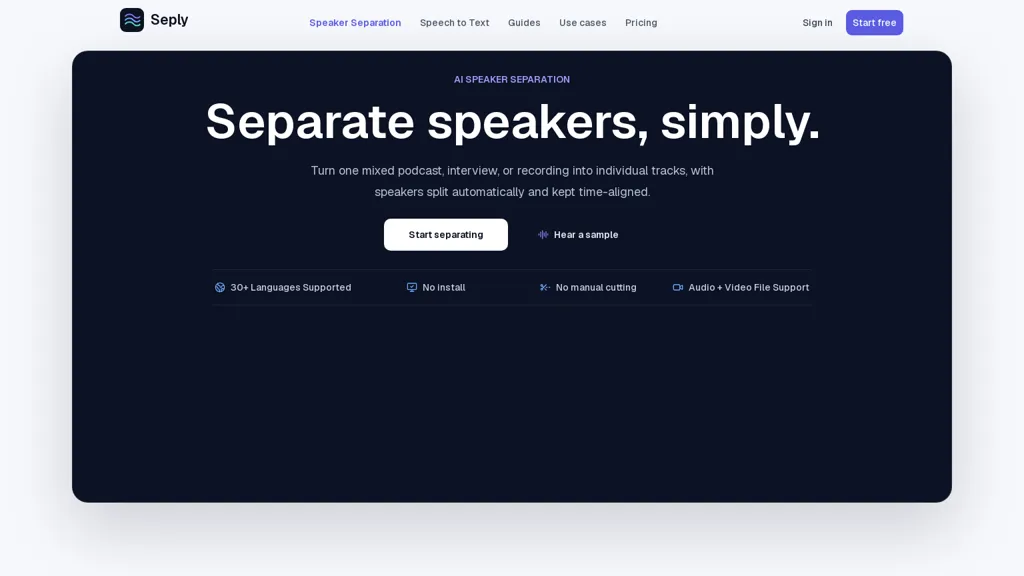
Seply performs AI speaker separation to split mixed audio and video into time-aligned, editor-ready speaker tracks.Automatically or manually detect speaker count and produce individual WAV downloads with preserved timestamps for podcasts, interviews, meetings, and panels.
Supports audio formats WAV, MP3, M4A, AAC, FLAC, OGG, OPUS, WMA, Speex and video formats MP4, AVI, MOV, MKV, WEBM while preserving original audio where possible.Includes an overlap mode for crosstalk and multi-speaker overlap, plus preview playback and browser-based editing workflow.
Outputs time-aligned tracks compatible with DAWs and video editors, enabling level adjustments, noise reduction, transcription, and archival workflows.Suitable for podcasters, producers, researchers, and meeting administrators; supports 30+ languages and file uploads up to 1 GB.
Seply details
- Built for
- Individuals
Seply pricing
Free trial- Free trial
- 30 days
- Refund window
- 7 days
- Auto-renewal
- Yes
Verify on the official pricing page.
Start free trialSeply's key features
-
AI speaker separation that splits mixed audio/video into time-aligned, editor-ready speaker tracks
-
Automatic and manual speaker-count detection with export of individual WAV files preserving timestamps
-
Supports audio formats WAV, MP3, M4A, AAC, FLAC, OGG, OPUS, WMA, Speex and video formats MP4, AVI, MOV, MKV, WEBM while preserving original audio when possible
-
Overlap mode for crosstalk and multi-speaker overlap
-
Preview playback and browser-based editing workflow producing time-aligned tracks compatible with DAWs and video editors
Seply use cases
-
Produce broadcast-ready multitrack podcasts by using Seply to automatically separate hosts and guests into time-aligned WAV stems with crosstalk overlap handling, preview and edit in-browser, then export DAW-ready multitrack files for fast post-production
-
Create accurate speaker-labeled transcripts and captions for interviews, webinars, and meetings by exporting Seply's timestamped speaker tracks to transcription or captioning tools, reducing speaker-attribution errors and speeding delivery
-
Streamline video post-production for interviews, documentaries, and vlogs by isolating on-camera audio sources with Seply, removing bleed and overlap, and exporting synchronized WAVs that plug directly into your video editor for faster mixing and delivery
Seply user reviews
Would you recommend Seply?
Who is Seply for?
-
Podcasters
-
Audio producers
-
Podcast editors
-
Audio engineers
-
Video editors
Seply FAQ
Is Seply free?
Not permanently. Seply gives you a free trial of 30 days, after which a paid plan is required. Plans include Starter at $12/mo, Basic credit pack at $16, Creator at $29/mo and Standard credit pack at $39.
What are the best alternatives to Seply?
The closest alternatives to Seply are AudioPod AI, LALAL.AI, Splitter.ai, wondershare.net and Vocalremover. You can compare them side by side in the alternatives section further down this page.
What does Seply do with my data?
Its privacy policy states that personal data is not sold or shared for marketing purposes. Data may be shared with third-party service providers that help run the product.
Does Seply auto-renew or offer refunds?
Seply subscriptions renew automatically until you cancel. It states a 7-day refund window.
Compliance, privacy and billing terms are as stated in each product's own published documentation and have not been independently verified by TopAI.tools.


