
What is Rube?
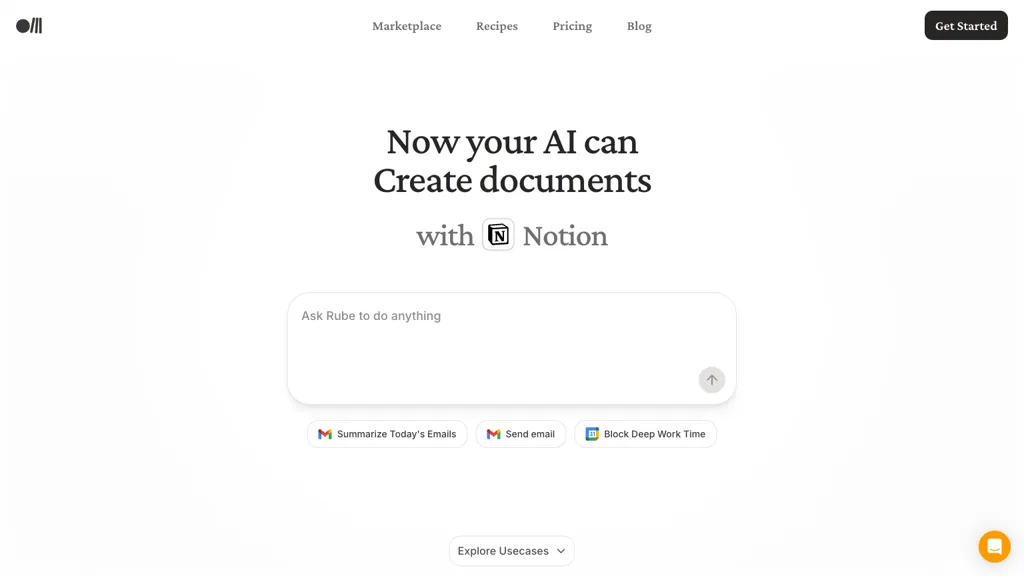
Rube integrates with Notion, Slack, VSCode, Claude, Cursor, WhatsApp, OpenAI, n8n and MCP to automate document creation, email summarization, task generation and social posting.
Features include Notion document generation, daily email summaries, quick email drafting, Slack catch-up prompts, tweet drafting and task creation from recent emails.
Workflow automation and scheduling tools let users block deep work time, create tasks, and deploy prompts across apps for productivity and collaboration.
Developer-focused integrations with VSCode, OpenAI and n8n enable custom pipelines, API-driven workflows and code-based automation.
Research and social media teams can use content generation, summarization and posting workflows to accelerate drafting and review cycles.
Rube runs on the Composio stack and provides data handling and security controls during processing, with options for enterprise deployment and integrations.
Rube pricing Free
Verify on the official pricing page.
Get started freeRube user reviews
Would you recommend Rube?
Rube's key features
-
Create documents in Notion
-
Summarize emails
-
Compose and send emails
-
Block time for deep work (schedule deep work)
-
Integrations with VSCode, Claude, Cursor, WhatsApp, OpenAI, n8n, MCP
Rube use cases
-
Create and maintain a searchable Notion knowledge base using Rube to automatically generate AI-powered articles from meeting notes, Slack conversations and code comments, apply pre-built templates, schedule regular updates, and enforce enterprise data controls for secure deployment
-
Automate email triage and task generation with Rube by summarizing inbox threads using OpenAI or Claude, drafting quick replies and extracting action items into Notion, Slack or your task tracker, then schedule follow-ups and sync tasks to developer workflows
-
Draft, schedule and publish social media campaigns and developer automation pipelines using Rube—convert product updates into optimized social posts with templates, orchestrate cross-application workflows between VSCode, Slack and CI/CD tools, and deploy repeatable code-based automations for teams
Who is it for?
-
Workflow automation specialists
-
Software developers
-
Digital content creators
-
Project managers
-
Enterprise teams


