
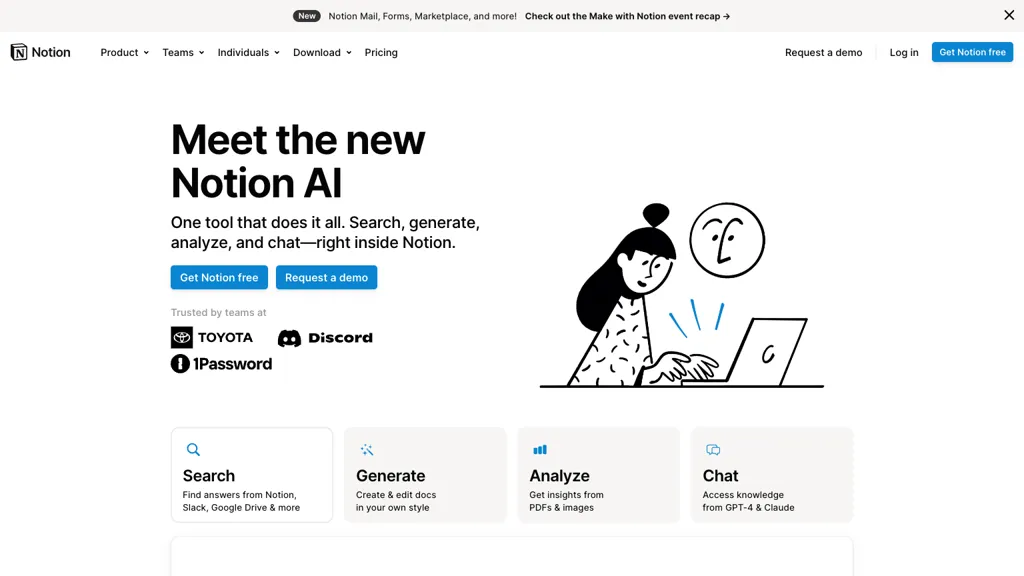
What is Notion AI?
Notion AI is an integrated AI assistant designed to enhance productivity within the Notion workspace.It offers a range of features including a powerful Q&A function, writing assistance, and table autofill capabilities.
Users can ask questions to quickly retrieve information from their wikis, projects, and docs, aiding in efficient knowledge management.The writing assistant helps with brainstorming, drafting, and editing text directly within Notion, while the table autofill feature transforms large datasets into actionable insights.
Notion AI also supports language translation and technical jargon simplification.Security is prioritized with features like encryption, advanced permissions, and compliance with GDPR and CCPA.Enterprise users benefit from additional security tools, single sign-on, and user provisioning.
Notion AI is versatile, catering to various team functions and personal use cases, making it a comprehensive tool for improving workflow and collaboration.
Notion AI pricing
FreemiumVerify on the official pricing page.
View plansNotion AI's key features
-
Generate summaries
-
Analyze notes
-
Create next steps instantly
-
Fix spelling and grammar
-
Translate languages
-
Simplify technical jargon
-
Integrated into Notion's drag-and-drop editor
-
Autofill tables
-
Transform datasets into actionable insights
-
Free trial available
-
Add-on subscription for unlimited usage
Notion AI use cases
-
Generate summaries and analyze meeting notes to instantly create next steps.
-
Assist with writing by fixing grammar, translating languages, and simplifying complex jargon.
-
Automate data handling by autofilling tables and transforming large datasets into actionable insights.
Notion AI user reviews
Based on 20 reviews, 80% of users recommend Notion AI, rated highly for value for money.
Liked for
Disliked for
Would you recommend Notion AI?
Notion AI playbooks
2Step-by-step guides to get the most out of Notion AI
Who is Notion AI for?
-
Product designers
-
Content creators
-
E-commerce sellers
-
Project managers
-
Engineers
Notion AI FAQ
Is Notion AI free?
Partly. Notion AI has a free plan with usage limits, and paid plans unlock the full feature set. Plans include Plus at €9.50 per seat/month and Business at €14 per seat/month.
Is Notion AI safe to use?
Notion AI carries the TopAI.tools verified mark, which we award after a manual review of pricing transparency, published terms, public following and working functionality.
Is Notion AI good?
Notion AI has an 80% recommendation rate from 20 reviewers on TopAI.tools. Reviewers rate it highest on value for money and ease of use.
What are the best alternatives to Notion AI?
The closest alternatives to Notion AI are Grammarly, HyperWrite, Innerai.com, AI Perfect Assistant and Writelyai. You can compare them side by side in the alternatives section further down this page.
Does Notion AI have an API?
Yes. Notion AI offers an API, so you can call it from your own applications instead of using the interface directly.





First I paste raw meeting notes into Notion, hit AI summarize, then I copy the summary into a Google Docs outline. I then push that outline to Asana to schedule sprint tasks.