
What is Rows?
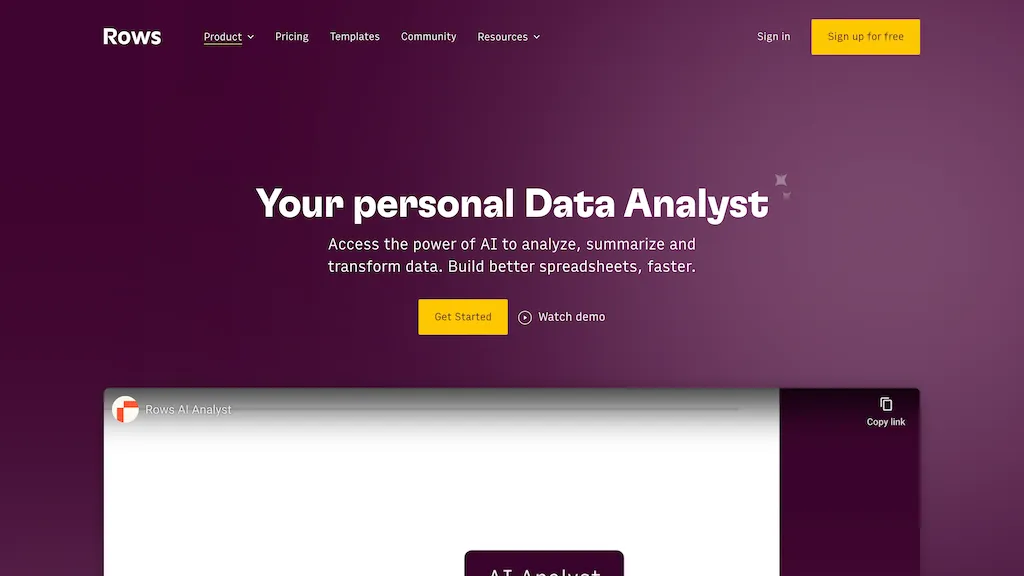
Rows.com is a next-generation spreadsheet. It's the easiest way to import data from your SaaS tools, DBs and APIs, such as Notion, Google Analytics, BigQuery, HubSpot and more. You can also analyze data with our OpenAI Integration and AI Wizard, and share slick reports and charts as webpages or embeds
Rows AI provides an all-in-one spreadsheet tool designed for teams, offering a range of powerful features and use cases. It serves as your data analyst, enabling you to analyze, summarize, and transform data with AI, allowing for faster and more efficient spreadsheet work. Users can skip complex formulas and gain quick insights, summarize datasets at a glance, and uncover trends and patterns beneath the surface. Rows AI also provides the ability to classify and tag text, making it easy to bring clarity to unstructured data.
Additionally, the tool offers features for social media sentiment analysis, support ticket transformation, feedback surveys, and product review insights. It can generate keyword ideas, themes, blog post titles, and outlines for marketing campaigns. Rows AI is versatile and supports logical rules for text, making it possible to summarize and translate text to various languages.
Rows details
- Company
- Superhuman Platform Inc.
- Built for
- Businesses and teams
Rows tech specs
- Integrations
- Zapier
Rows pricing
FreemiumRows offers a free plan with paid upgrades available.
- Auto-renewal
- Yes
Verify on the official pricing page.
View plansRows's key features
-
Importing data
-
Analyzing data with openai integration and ai wizard
-
Creating slick reports and charts as webpages or embeds
-
Classifying and tagging text
-
Sentiment analysis
-
Support ticket transformation
-
Feedback surveys
-
Product review insights
-
Generating keyword ideas
-
Themes
-
Blog post titles
-
Outlines
Rows use cases
-
Efficient data analysis and summarization with AI
-
Streamlining social media sentiment analysis and customer support
-
Generating keyword ideas and automated content creation
Rows user reviews
Based on 16 reviews, 94% of users recommend Rows, rated highly for value for money.
Liked for
Disliked for
Would you recommend Rows?
Who is Rows for?
-
Data analysts
-
Marketing teams
-
Business analysts
-
Strategic planners
-
Digital marketers
Rows FAQ
Is Rows free?
Partly. Rows has a free plan with usage limits, and paid plans unlock the full feature set.
Is Rows safe to use?
Rows is operated by Superhuman Platform Inc.. Rows carries the TopAI.tools verified mark, which we award after a manual review of pricing transparency, published terms, public following and working functionality.
Is Rows good?
Rows has a 94% recommendation rate from 16 reviewers on TopAI.tools. Reviewers rate it highest on value for money and quality of results.
What are the best alternatives to Rows?
The closest alternatives to Rows are Excelmatic, Julius, SheetAI, AskExcel and SheetXAI. You can compare them side by side in the alternatives section further down this page.
What does Rows do with my data?
Rows states that customer content may be used to train its models. Its privacy policy states that personal data is not sold or shared for marketing purposes.
Does Rows auto-renew or offer refunds?
Rows subscriptions renew automatically until you cancel.
Does Rows have an API?
Yes. Rows offers an API, so you can call it from your own applications instead of using the interface directly.
Who made Rows?
Rows is built and operated by Superhuman Platform Inc..
What does Rows integrate with?
Rows connects with Zapier.
Compliance, privacy and billing terms are as stated in each product's own published documentation and have not been independently verified by TopAI.tools.


