
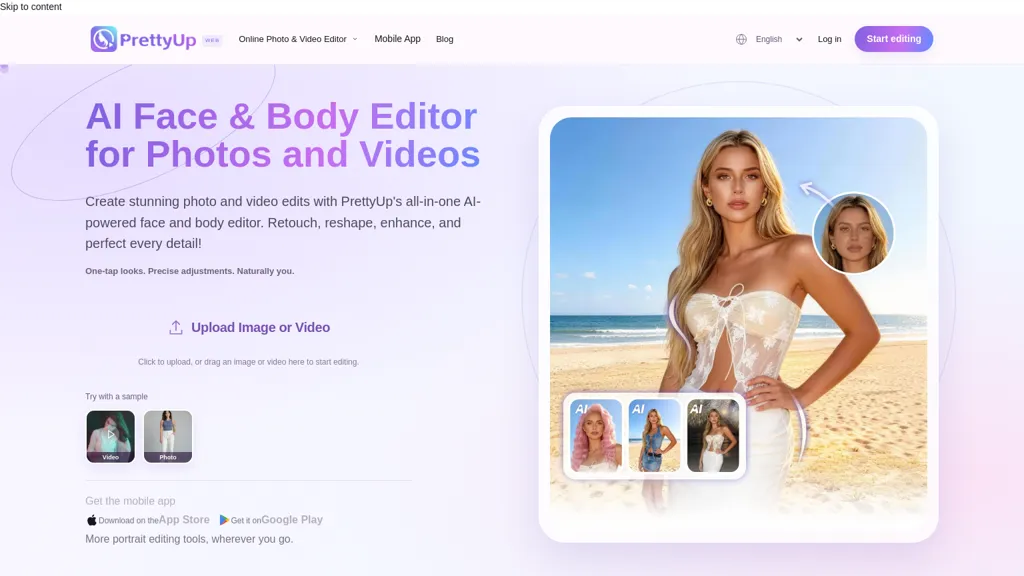
What is Prettyupapp?
PrettyUp lets you look taller in photos and videos by adjusting leg length and overall height with slider controls while preserving body proportions and surrounding background lines. The editor protects nearby scene geometry to reduce distortion when extending legs or rebalancing torso-to-leg ratios.
Dynamic tracking applies height edits consistently across movement in videos, reducing edge shifts and background artifacts. Real-time before-and-after previews and simple sliders enable controlled adjustments without complex retouching steps.
Integrated face and body editing tools help harmonize facial and full-body changes, and selective adjustments preserve clothing drape and pose details. Export the edited photo or clip after previewing the result.
Prettyupapp pricing
FreeThis tool is free to use, with no credit card required.
Verify on the official pricing page.
Get started freePrettyupapp's key features
-
Slider controls to adjust leg length and overall height while preserving body proportions and surrounding background lines
-
Scene-geometry protection to reduce distortion when extending legs or rebalancing torso-to-leg ratios
-
Dynamic tracking that applies height edits consistently across movement in videos
-
Real-time before-and-after previews with simple slider-based controls
-
Integrated face and body editing with selective adjustments that preserve clothing drape and pose details
Prettyupapp use cases
-
Retouch e‑commerce model imagery using PrettyUp to subtly adjust leg length and overall height with proportion‑preserving sliders and background‑geometry preservation, keeping clothing fit intact and ensuring consistent model proportions across product photos
-
Edit social media photos and short videos with PrettyUp's dynamic tracking and integrated face/body tools to lengthen legs or increase height across movement while protecting clothing and pose for natural-looking Instagram Reels and TikTok content
-
Harmonize continuity in photo and video productions using PrettyUp to match actor heights and proportions across shots, leveraging dynamic tracking and selective controls to preserve faces, outfits and background geometry for seamless post-production
Prettyupapp user reviews
Would you recommend Prettyupapp?
Who is Prettyupapp for?
-
Fashion photographers
-
Portrait and wedding photographers
-
Social media influencers
-
Models and modeling agencies
-
Content creators and videographers
-
E-commerce and fashion retailers
-
Professional photo and video retouchers
-
Personal users and selfie enthusiasts
-
Makeup artists and stylists
-
Fitness and body-transformation influencers
-
Advertising and marketing agencies
-
Film and video editors
Prettyupapp FAQ
Is Prettyupapp free?
Yes. Prettyupapp is free to use and does not require a credit card.
What are the best alternatives to Prettyupapp?
The closest alternatives to Prettyupapp are Remaker AI, Photo AI Studio, Facetune, AILab Tools and Videoleap. You can compare them side by side in the alternatives section further down this page.
Is there a mobile app for Prettyupapp?
Yes. Prettyupapp has a mobile app alongside its web version.


