
What is Phew ai tab?
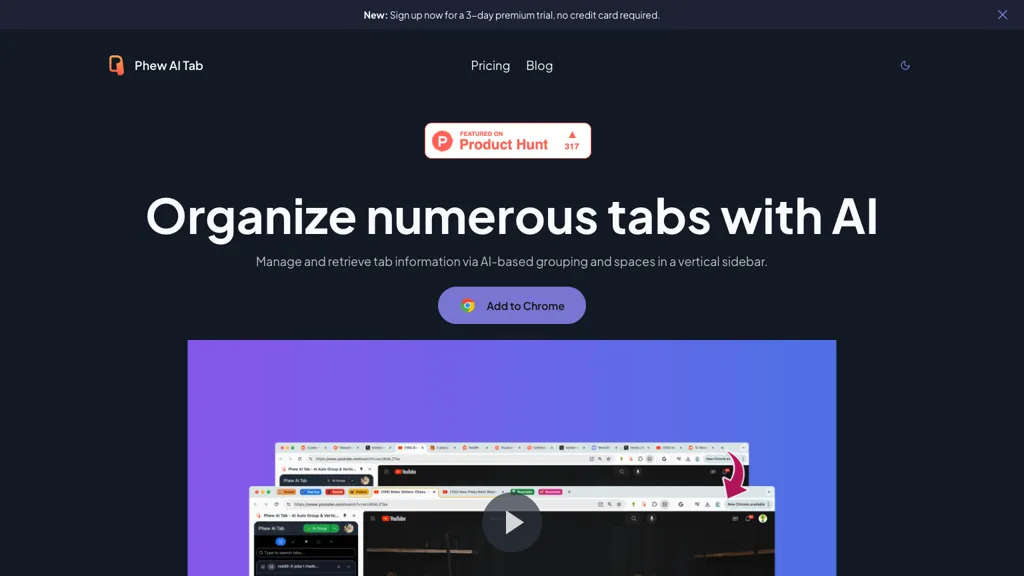
Phew AI Tab organizes browser tabs with AI‑powered grouping, auto‑collapse, and a quick switch shortcut (Option + E). It analyzes each page and stores the results locally, enabling a global search that retrieves tabs by relevant knowledge instead of plain keywords.
Users can tag windows for quick identification and view tabs grouped into themed spaces that synchronize across devices while keeping all data encrypted locally with AES‑256. The app offers secure cloud sync, optional Supabase deployment for LTD users, and protects privacy by requiring no private key to access encrypted data.
Phew ai tab details
- Built for
- Individuals
Phew ai tab tech specs
- Works with
- OpenAI / GPT
- Cloud
- Supabase
Phew ai tab pricing
FreemiumVerify on the official pricing page.
View plansPhew ai tab's key features
-
AI auto-organizes tabs into groups
-
Auto collapse groups when unfocused
-
Option+E shortcut switches groups
-
AI analyzes pages and stores locally
-
Global knowledge-based search
-
Cloud sync across devices
-
AES-256 local encryption of space data
Phew ai tab use cases
-
Organize research workflow by grouping related scholarly article tabs, automatically tagging them by topic, and encrypting sensitive PDFs locally to maintain confidentiality across devices.
-
Enable developers to quickly switch between debugging, documentation, and test environment tabs while keeping session data encrypted and synchronizing across laptops and phones for uninterrupted coding sessions.
-
Facilitate cross-team project meetings by collapsing all unrelated tabs, using the global content‑based search to locate specific resources instantly, and sharing secure, encrypted tab lists via sync to keep everyone on the same page.
Phew ai tab user reviews
Based on 1 review, 100% of users recommend Phew ai tab, rated highly for quality results.
Liked for
Would you recommend Phew ai tab?
Who is Phew ai tab for?
-
Knowledge workers
-
Content creators
-
Product designers
-
Project managers
-
Remote teams
Phew ai tab FAQ
Is Phew ai tab free?
Partly. Phew ai tab has a free plan with usage limits, and paid plans unlock the full feature set. Plans include Pro at $9.90/mo, Premium at $13.90/mo and Lifetime at $139.00.
What are the best alternatives to Phew ai tab?
The closest alternatives to Phew ai tab are TabCrunch, Sider, Sigma Browser, TabMate and Onetab. You can compare them side by side in the alternatives section further down this page.
Which AI models does Phew ai tab use?
Phew ai tab is built on OpenAI / GPT. Which models you can reach may depend on your plan.


