
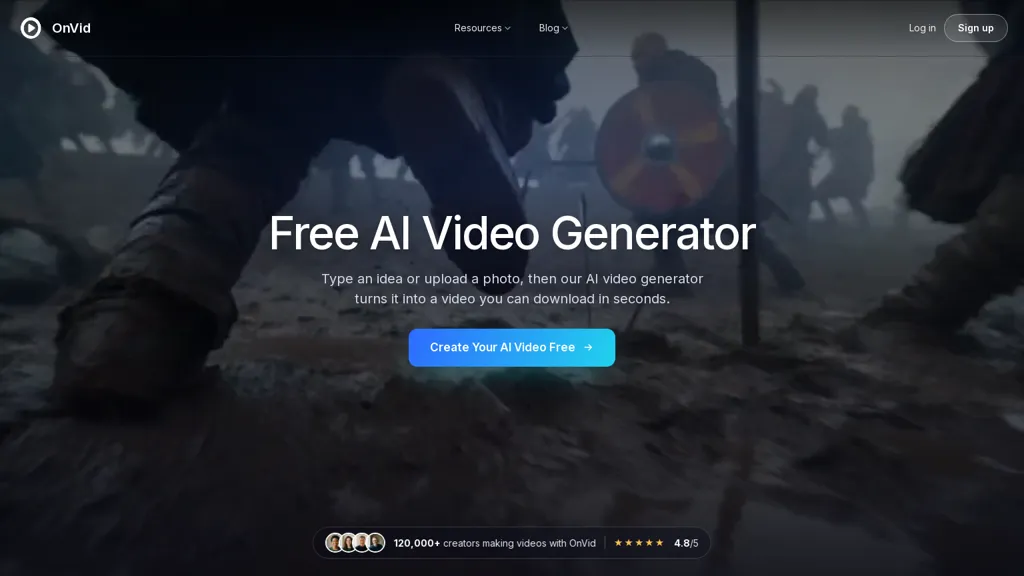
What is Onvid AI?
Onvid is an AI video generator that converts text prompts and still images into short videos. It supports text-to-video and image-to-video workflows with configurable length control and style presets (cinematic, photoreal, anime, product ad, claymation). Users upload a photo or enter a prompt, choose a model and preset, and generate HD-ready video files for download and sharing. Multiple model options (Kling 3, Veo 3.1, Seedance 2, Wan 2.7, Hailuo 2.3) offer trade-offs in resolution, motion fidelity, and native audio. Key features include photo motion, camera-movement simulation, prompt-based scene creation, and preset-driven visual direction to reduce manual editing. The tool targets creators, social media managers, marketers, educators, and hobbyists producing UGC, short ads, explainers, or animated memories without a camera setup. Output formats and HD download options support direct sharing to social platforms and integration into content workflows.
Onvid AI pricing Free trial
Onvid AI offers a free trial before requiring payment.
Verify on the official pricing page.
Start free trialOnvid AI user reviews
Would you recommend Onvid AI?
Onvid AI's key features
-
Text-to-video and image-to-video generation from prompts and still images
-
Configurable length control and style presets (cinematic, photoreal, anime, product ad, claymation)
-
Multiple selectable models (Kling 3, Veo 3.1, Seedance 2, Wan 2.7, Hailuo 2.3) with trade-offs in resolution, motion fidelity, and native audio
-
Photo motion and camera-movement simulation to animate still images
-
HD-ready video output with downloadable formats for direct sharing and integration
Onvid AI use cases
-
Create product promo videos from product photos and short text prompts using Onvid's product-ad presets, camera-motion and photo-motion effects, add native audio and export HD-ready clips for social ads and ecommerce listings
-
Create cinematic or anime-style social reels and short-form content from prompts and images using Onvid's style presets, adjustable length and camera-motion simulation, select model options and native audio to produce eye-catching HD videos for Instagram, TikTok and YouTube Shorts
-
Create animated photo montages and memory videos by turning galleries into motion-rich shorts with Onvid's photo-motion animation and claymation presets, customize pacing and camera moves with prompt-based scene creation, attach background audio and download HD videos for sharing and storytelling
Who is it for?
-
Video creators
-
Content creators
-
Social media managers
-
Marketing managers
-
Educators


