
What is Notation?
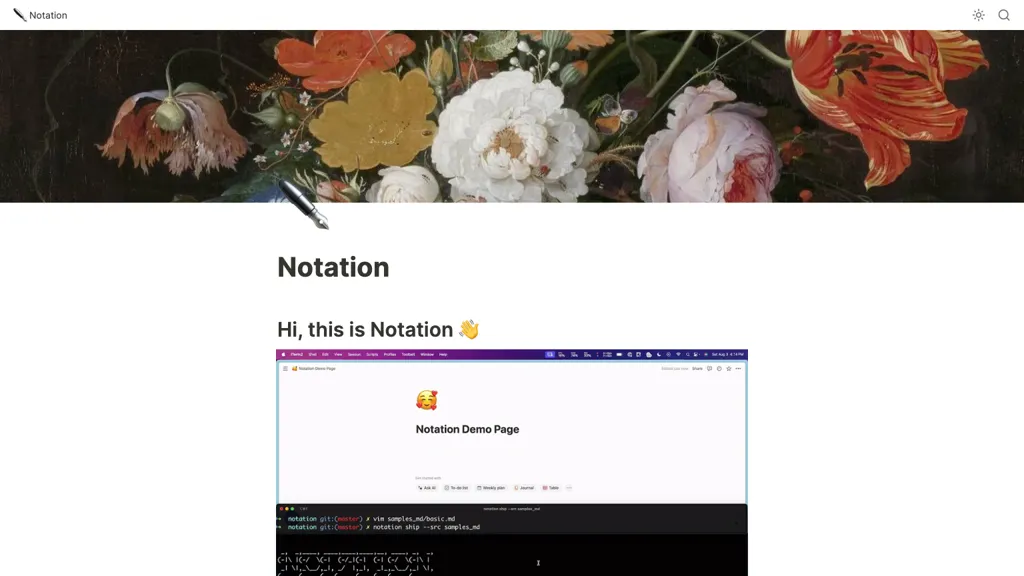
Notation is a command‑line tool that publishes Markdown documentation directly to a Notion page or a static website.
It reads a `Notation.toml` config for a Notion API key and the parent page name, then ships the docs using `notation ship`.
The CLI accepts page‑level metadata such as `--title` and `--emoji` to set the page title and icon in Notion.
Markdown features supported include headers, lists, tables, code blocks, images, links, and relative page links that become Notion page references.
A top‑level `intro.md` file is rendered inline on the parent page, while other files become nested Notion subpages that mirror the repository structure.
Documentation is version‑controlled, reviewable in pull requests, and inherits Notion’s search, AI, and formatting capabilities.
Developers, engineers, and non‑engineering stakeholders can manage and view docs without leaving their code repository.
Notation pricing
FreeThis tool is free to use, with no credit card required.
Verify on the official pricing page.
Get started freeNotation's key features
-
Write documentation in Markdown
-
Automatically publish to Notion
-
CLI flags: title, emoji
-
Handles nested directories as pages
-
Supports Markdown formatting features
-
Deploys as Notion page or website
Notation use cases
-
Automatically sync your repository’s Markdown docs to a structured Notion workspace, preserving headers, tables, images, and nested subpages for instant, collaborative access
-
Deploy a static site by converting repo Markdown into a fully rendered HTML site with a single Notation.toml config—no build scripts or extra tools required
-
Integrate pull request reviews into Notion: render PR diffs as Notion subpages with syntax-highlighting code snippets and metadata, streamlining code review discussions
Notation user reviews
Based on 1 review, 0% of users recommend Notation.
Disliked for
Would you recommend Notation?
Who is Notation for?
-
Product designers
-
Technical writers
-
Documentation engineers
-
Content managers
-
E-commerce sellers
Notation FAQ
Is Notation free?
Yes. Notation is free to use and does not require a credit card.
Does Notation have an API?
Yes. Notation offers an API, so you can call it from your own applications instead of using the interface directly.