
What is MuseVideo?
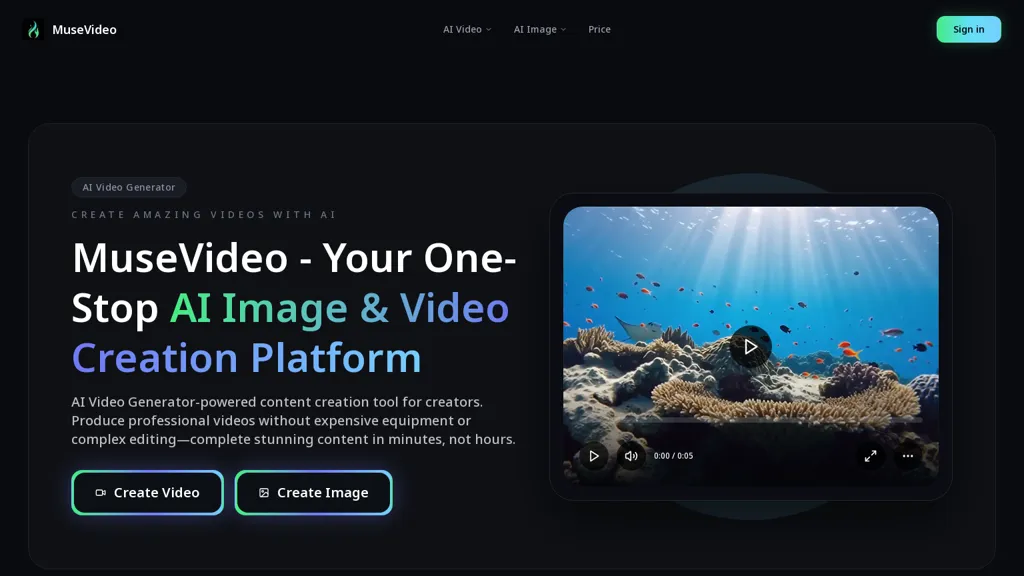
Musevideo is an AI video and image creation platform.It transforms text and images into videos using AI for cinematic motion and soundscapes.The tool supports over 60 AI effects and filters for customization, and provides access to multiple AI models.
It enables the production of videos in minutes.
MuseVideo details
- Built for
- Individuals
MuseVideo tech specs
- Works with
- Google / Veo Google / Nano Banana Meta xAI / Grok Kling
MuseVideo pricing
FreemiumMuseVideo offers a free plan with paid upgrades available.
Verify on the official pricing page.
View plansMuseVideo's key features
-
AI video and image creation
-
Transforms text and images into videos
-
Supports over 60 AI effects and filters
-
Access to multiple AI models
-
Produces videos in minutes
MuseVideo use cases
-
Create dynamic promotional videos for your products using Musevideo's AI effects and soundscapes, allowing businesses to engage customers in minutes without extensive video editing skills
-
Transform blog posts or articles into visually compelling videos, utilizing Musevideo's ability to convert text into cinematic presentations that can enhance audience engagement on social media
-
Generate personalized video messages or invitations for events, customizing visuals and audio with Musevideo to create memorable experiences that resonate with viewers
MuseVideo user reviews
Based on 4 reviews, 75% of users recommend MuseVideo, rated highly for value for money.
Liked for
Disliked for
Would you recommend MuseVideo?
Who is MuseVideo for?
-
Content creators
-
Marketing specialists
-
Video editors
-
Creative designers
-
Strategic planners
MuseVideo FAQ
Is MuseVideo free?
Partly. MuseVideo has a free plan with usage limits, and paid plans unlock the full feature set.
What are the best alternatives to MuseVideo?
The closest alternatives to MuseVideo are VideoAI, Canva AI, Video Generator - A2E.ai , Image-to-Video Maker and MindVideo AI. You can compare them side by side in the alternatives section further down this page.
What does MuseVideo do with my data?
MuseVideo states that customer content is not used to train its models. Its privacy policy states that personal data is not sold or shared for marketing purposes. Data may be shared with third-party service providers that help run the product.
Which AI models does MuseVideo use?
MuseVideo is built on Google / Veo, Google / Nano Banana, Meta, xAI / Grok and Kling. Which models you can reach may depend on your plan.
Compliance, privacy and billing terms are as stated in each product's own published documentation and have not been independently verified by TopAI.tools.


