
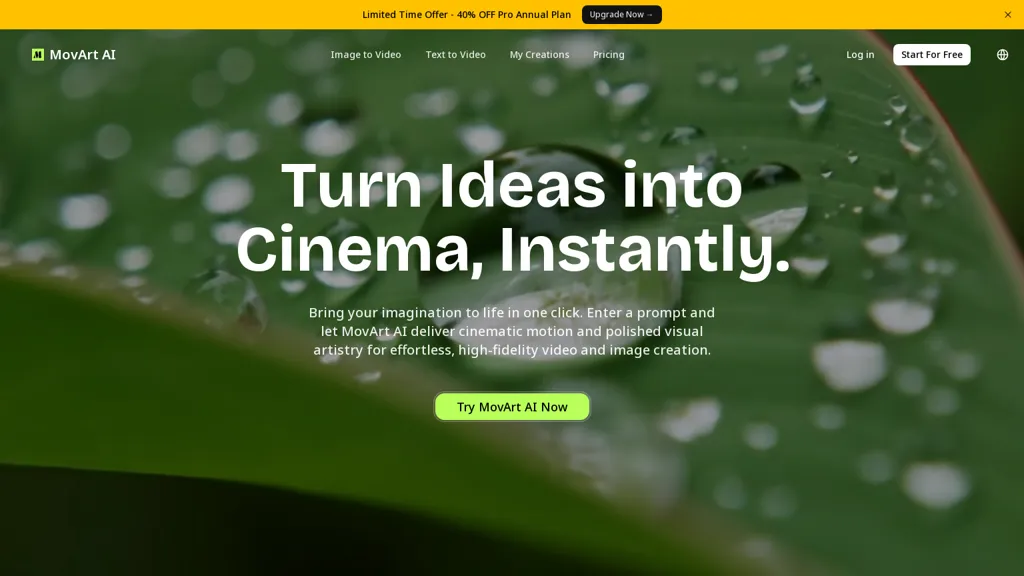
What is Movart AI?
Movart.ai is an AI video generator offering text-to-video and image-to-video capabilities for content creators, marketers, and agencies.It transforms images into multi-angle videos and supports image-to-image editing for refined visual outputs.
Core features include multi-angle generation, batch processing, customizable templates, and export options for common video formats.The platform provides controls for aspect ratios, frame rates, and scene composition to maintain consistency across channels.
Workflow integrations and export-ready files support editing, publishing, and collaboration in production pipelines.Typical use cases include social media clips, product demos, promotional content, and rapid prototyping of visual concepts.
Movart AI pricing Freemium
Movart AI offers a free plan with paid upgrades available.
Verify on the official pricing page.
View plansMovart AI user reviews
Based on 5 reviews, 80.0% of users recommend Movart AI, rated highly for quality results.
Liked for
Disliked for
Would you recommend Movart AI?
Movart AI's key features
-
Text-to-video and image-to-video generation
-
Multi-angle video generation from images
-
Image-to-image editing for refined visuals
-
Batch processing
-
Controls for aspect ratios, frame rates, and scene composition
Movart AI use cases
-
Create high-converting product demo videos from product images and short copy using movart.ai's multi-angle video creator and customizable templates, fine-tuning aspect ratios and frame rates for Shopify, Amazon, or your website and exporting ready-to-publish formats
-
Batch-produce social media clips by converting image catalogs and captions into platform-optimized vertical, square, and landscape videos with image-to-image edits, automated scene composition, and export-ready presets for TikTok, Instagram Reels, and YouTube Shorts
-
Rapidly prototype marketing concepts and ads by turning text prompts and concept art into multi-angle videos, iterating with image-to-image editing and template variations to test camera angles, pacing, and scene composition, then export high-quality drafts for stakeholder review and A/B testing
Who is it for?
-
Content creators
-
Video editors
-
Influencers
-
Product designers
-
Freelance videographers


