
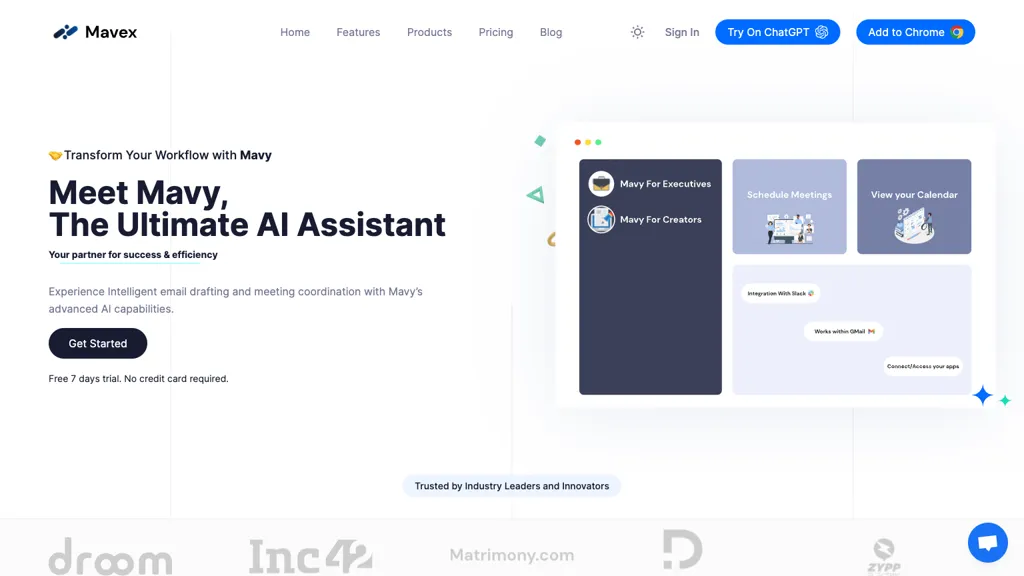
What is Mavy?
Mavy is an AI‑powered scheduling assistant that works directly from email.Users add [email protected] as a CC, and the tool coordinates with Gmail or Outlook calendars to propose, confirm, and lock meeting times automatically.
It can manage multiple calendars, handle last‑minute changes, and send follow‑up reminders, keeping schedules consistent without manual intervention.Mavy operates 24/7, reducing the back‑and‑forth of email scheduling for individuals, teams, and recruitment agencies.
The system requires no additional software—just standard email and calendar access—and operates within existing work hours or around the clock as needed.
Mavy pricing
FreemiumVerify on the official pricing page.
View plansMavy's key features
-
Schedule via email CC
-
Google and Microsoft calendar integration
-
Suggests optimal meeting times
-
Manages multiple calendars
-
24/7 availability and replies
-
Auto-adjusts to last-minute changes
-
No extra software required
Mavy use cases
-
Schedule recurring weekly team standups by sending a simple email to Mavy, which automatically syncs with all attendees’ Gmail and Outlook calendars, proposes optimal slots, locks the meeting, and sends 15‑minute reminders
-
Coordinate client onboarding sessions across multiple time zones by emailing Mavy a brief request; it checks all parties’ calendars, proposes mutually available slots, confirms the appointment, and updates both Gmail and Outlook with a calendar invite and confirmation email
-
Manage last‑minute interview slots by emailing Mavy; it instantly scans the candidate’s and interviewer's calendars, proposes open windows, locks the chosen time, and automatically sends 30‑minute reminders to all participants
Mavy user reviews
Based on 1 review, 100% of users recommend Mavy, rated highly for value for money.
Liked for
Would you recommend Mavy?
Who is Mavy for?
-
Product designers
-
E-commerce sellers
-
Busy executives
-
Business owners
-
Meeting coordinators
Mavy FAQ
Is Mavy free?
Partly. Mavy has a free plan with usage limits, and paid plans unlock the full feature set. Plans include Enterprise at $25.00.
What are the best alternatives to Mavy?
The closest alternatives to Mavy are Meet-Ting, SkedPal, Reclaim AI, Superhuman and Noah AI. You can compare them side by side in the alternatives section further down this page.


