
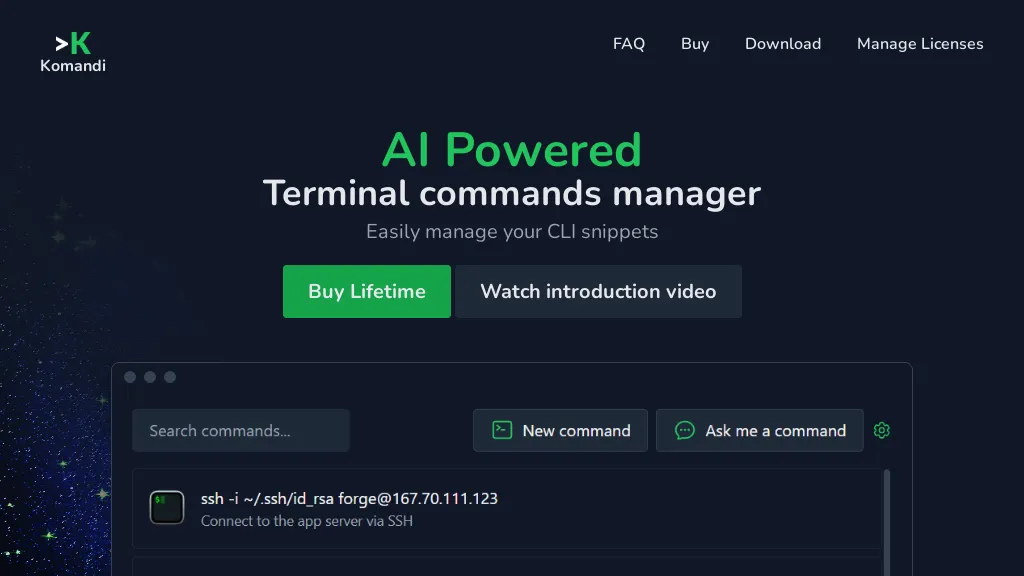
What is Komandi?
Komandi is an AI‑powered terminal command manager that lets developers and system administrators organize, favorite, copy, and execute frequently used CLI snippets.
It can generate new commands from natural‑language prompts, supporting multiple operating systems such as macOS, Windows, and Linux.
Commands can be run directly in environments including Windows Terminal, PowerShell, iTerm2, and Gnome Terminal, or on specified paths.
The tool flags potentially dangerous commands to prevent accidental execution.
Users can import and export command sets, and licenses enable perpetual use on a single device with optional AI token purchase for additional command generation.
✅ AI Powered
✅ Terminal commands manager
✅ Stop searching for complicated commands
✅ Generate terminal commands from natural language prompts using AI
✅ Manage your most used commands
✅ Komandi allows you to insert, favorite, copy and execute your commands (AI-generated or manually)
✅ Detect potentially dangerous commands
✅ It detects and marks potentially dangerous commands to avoid accidental execution
Komandi pricing Paid
Buy lifetime
$19
Verify on the official pricing page.
View plansKomandi user reviews
Would you recommend Komandi?
Recommend this tool?
Komandi's key features
-
AI command generation from prompts
-
Insert, favorite, copy, execute snippets
-
Detect potentially dangerous commands
-
Cross-platform terminal support
-
Execute on multiple terminal environments
-
Search commands with shortcuts
-
Import and export snippets
Komandi use cases
-
Generate a Docker build command from natural‑language prompt and save it as a favorite for rapid reuse across projects
-
Run system maintenance commands with built‑in safety checks that flag potentially destructive flags and ask for confirmation before execution
-
Export and share your curated set of git workflow snippets to teammates, ensuring consistent command usage across the team
Who is it for?
-
Software developers
-
System administrators
-
Technical writers
-
Devops engineers
-
Security analysts


