
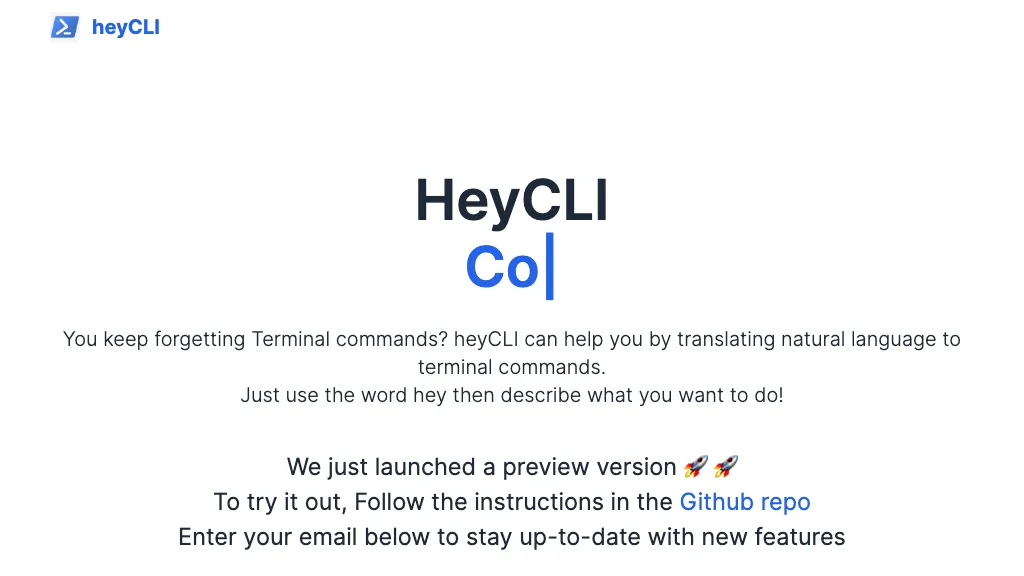
What is HeyCLI?
HeyCLI translates natural language into Linux commands. By typing “hey” followed by a description, it generates the corresponding shell command, eliminating the need to recall syntax. The preview release can be tested through the GitHub repository, allowing users to give feedback.
HeyCLI pricing
FreemiumHeyCLI offers a free plan with paid upgrades available.
Verify on the official pricing page.
View plansHeyCLI's key features
-
Translate natural language to commands
-
Use 'hey' keyword to trigger
-
Copilot assistance for Linux
-
Access GitHub repo for setup
-
Email notifications for updates
HeyCLI use cases
-
Generate intricate file copy operations with HeyCLI using plain English, eliminating the need to remember 'cp' syntax or flags, and ensuring accurate file transfers
-
Automate routine system updates and cleanup tasks by describing them in natural language to HeyCLI, streamlining maintenance without diving into command syntax
-
Translate everyday descriptions into precise shell commands with HeyCLI, allowing beginners to experiment and learn command line skills quickly
HeyCLI user reviews
Would you recommend HeyCLI?
Recommend this tool?
Who is HeyCLI for?
-
Software developers
-
Technical writers
-
System administrators
-
Data analysts
-
Cloud architects
HeyCLI FAQ
Is HeyCLI free?
Partly. HeyCLI has a free plan with usage limits, and paid plans unlock the full feature set.
What are the best alternatives to HeyCLI?
The closest alternatives to HeyCLI are BashBuddy, Programming Helper, Oh-heck and ShellMate. You can compare them side by side in the alternatives section further down this page.


