
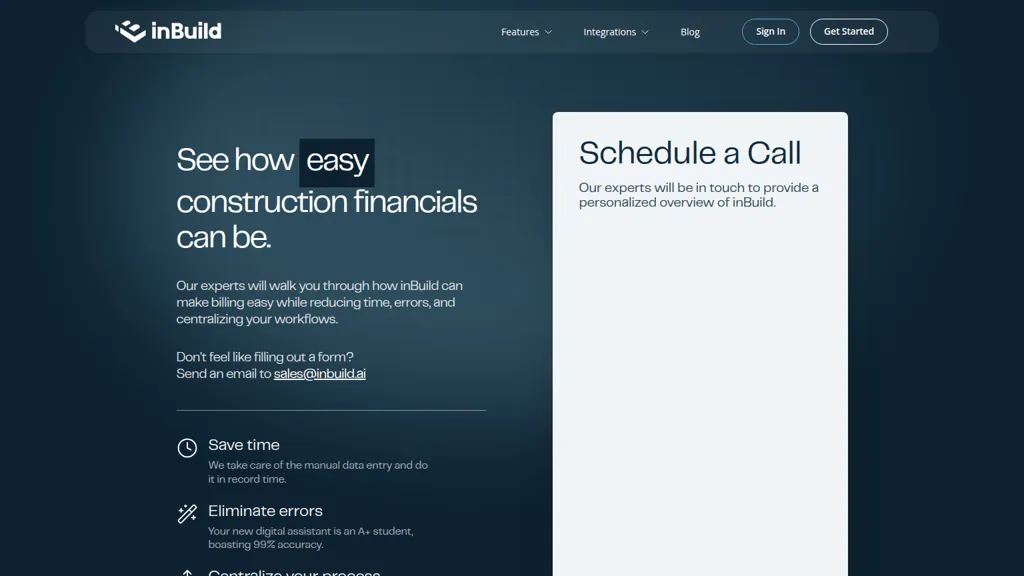
What is inBuild?
inBuild automates construction billing and financial workflows for contractors, subcontractors, and accounting teams. It centralizes invoices, a payable inbox, and billing records while syncing with accounting systems such as QuickBooks and Procore. The platform automates manual data entry and invoice processing to reduce processing time and minimize errors.
Built-in financial insights and reporting provide project-level cost visibility, accounts payable tracking, and reconciliation support. Integrations and a mobile app enable on-the-go invoice approvals and vendor communication. Designed for construction accounting, inBuild supports project billing, payment workflows, and audit-ready recordkeeping.
inBuild details
- Company
- inBuild Inc.
- Jurisdiction
- Delaware
- Built for
- Businesses and teams
- Data residency
- United States
inBuild pricing
FreemiuminBuild offers a free plan with paid upgrades available.
Verify on the official pricing page.
View plansinBuild's key features
-
Automated data entry
-
Payable Inbox
-
Financial Insights
-
Mobile App
-
Integrations with Procore, QuickBooks, and Outlook
inBuild use cases
-
Automate subcontractor and supplier billing workflows with inBuild to centralize invoices and payables, sync seamlessly with QuickBooks and Procore, eliminate manual data entry and errors, speed up approvals via mobile, and maintain audit-ready records
-
Provide project managers and accounting teams with real-time project-level cost visibility using inBuild, reconcile billing against budgets and contracts, detect discrepancies early, and generate audit-ready reports for owner billing and compliance
-
Simplify construction accounts payable and approval processes for contractors by routing invoices for mobile approvals in inBuild, enforcing approval hierarchies and controls, automating billing reconciliation and posting to accounting systems to reduce errors and accelerate payments
inBuild user reviews
Would you recommend inBuild?
Who is inBuild for?
-
Contractors
-
Subcontractors
-
Accounting teams
inBuild FAQ
Is inBuild free?
Partly. inBuild has a free plan with usage limits, and paid plans unlock the full feature set.
Is inBuild safe to use?
inBuild is operated by inBuild Inc., registered in Delaware. It has a substantial audience that is independently measured month to month.
What are the best alternatives to inBuild?
The closest alternatives to inBuild are Abstra workflows, Glean AI, Appzen.com, Vic AI and chargezoom.com. You can compare them side by side in the alternatives section further down this page.
What does inBuild do with my data?
inBuild states that customer content is not used to train its models. Its privacy policy states that personal data is not sold or shared for marketing purposes. Data may be shared with third-party service providers that help run the product. Customer data is held in United States.
Is there a mobile app for inBuild?
Yes. inBuild has a mobile app alongside its web version.
Who made inBuild?
inBuild is built and operated by inBuild Inc., a company registered in Delaware.
Compliance, privacy and billing terms are as stated in each product's own published documentation and have not been independently verified by TopAI.tools.


