
What is Hotpot Youtube thumbnail maker?
Hotpot YouTube Thumbnail
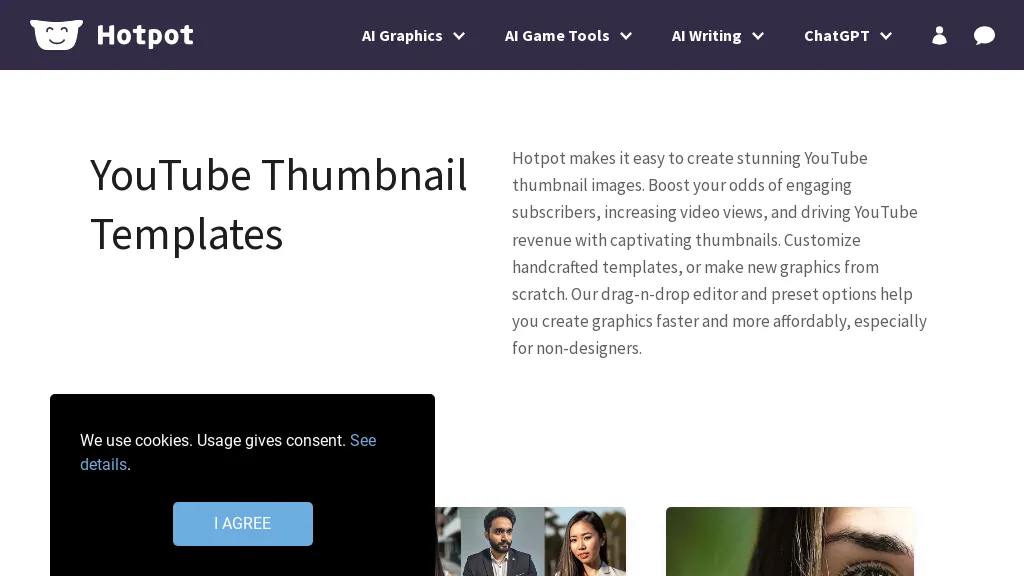
Hotpot provides a drag‑and‑drop editor that lets users create YouTube thumbnails quickly. The platform offers a library of pre‑designed templates and a “from scratch” mode for custom graphics. Built‑in AI tools handle background removal, color adjustment, and image upscaling to improve visual quality.
Users can adjust layout, text, and images without design experience. The interface supports real‑time preview and export in common image formats. Hotpot also includes basic photo editing features such as object removal and colorization. It supports batch processing so multiple thumbnails can be created at once.
Hotpot Youtube thumbnail maker user reviews
Based on 15 reviews, 60.0% of users recommend Hotpot Youtube thumbnail maker, rated highly for quality results.
Liked for
Disliked for
Would you recommend Hotpot Youtube thumbnail maker?
Hotpot Youtube thumbnail maker's key features
-
AI Image Generation
-
AI Headshot Creation
-
AI Image Editing Tools
-
AI Writing Assistant
-
API Access Integration
-
No-code Bulk Creation
-
Self-hosted Container Support
Hotpot Youtube thumbnail maker use cases
-
Create eye‑catching YouTube thumbnails for a full playlist using Hotpot’s drag‑and‑drop editor, pre‑designed templates, AI background removal, and batch export—no graphic design expertise required
-
Design consistent brand‑themed thumbnails for a series of videos with Hotpot’s template library and automated color adjustments, ensuring each thumbnail matches your channel’s visual identity effortlessly
-
Quickly produce high‑resolution thumbnails for short‑form video content (TikTok, Reels, Shorts) by leveraging Hotpot’s AI upscaling and real‑time preview, saving hours of manual editing
Who is it for?
-
Content creators
-
Digital marketers
-
E-commerce sellers
-
Video editors
-
Product designers


