
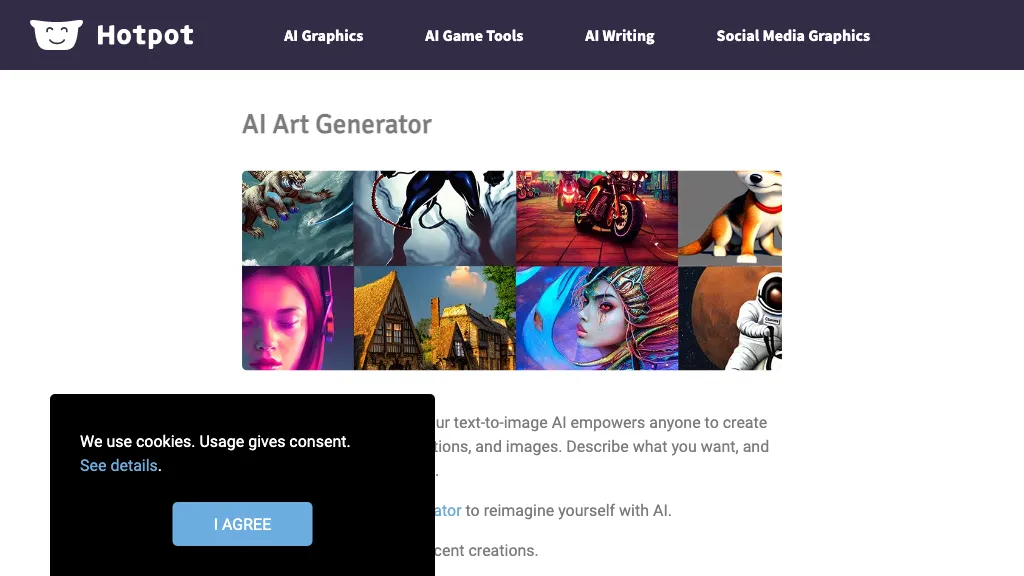
What is Hotpot Art Generator?
AI Art Generator produces digital art, illustrations, and photographs using a Stable Diffusion–based model. The tool offers preset styles—oil painting, anime, realistic portrait, and game asset—alongside a “Custom” option that accepts detailed prompts such as “oil painting of water lilies with vibrant brushstrokes.
” It includes post‑generation utilities, photo upscaler, background remover, object remover, and colorizer, allowing designers to refine outputs for print or web. Developers can access the image generator via the AI Image Generator API or the Stable Diffusion API, integrating generation directly into websites, apps, or workflows.
The platform supports headshot creation for corporate, profile, and gaming characters, and avatar design for social or virtual environments. Users such as graphic designers, marketers, content creators, and game developers benefit from rapid, on‑demand asset creation that reduces manual illustration time while preserving creative control.
Hotpot Art Generator user reviews
Based on 29 reviews, 79.3% of users recommend Hotpot Art Generator, rated highly for value for money.
Liked for
Disliked for
Would you recommend Hotpot Art Generator?
Hotpot Art Generator's key features
-
AI headshot generation
-
AI image editing
-
AI art creation
-
AI logo generation
-
Bulk creation via API
-
No-code bulk generation
-
AI object removal
Hotpot Art Generator use cases
-
Generate high‑resolution oil‑painting style illustrations for marketing campaigns without hiring a designer
-
Create customizable game assets—characters, environments—by feeding simple prompts, then refine with background removal for instant deployment
-
Produce unique avatar headshots for gaming communities and upscale them for profile use, all in one workflow
Who is it for?
-
Visual artists
-
Creative designers
-
Tech enthusiasts
-
Creative directors
-
Art collectors


