
What is Ezier AI?
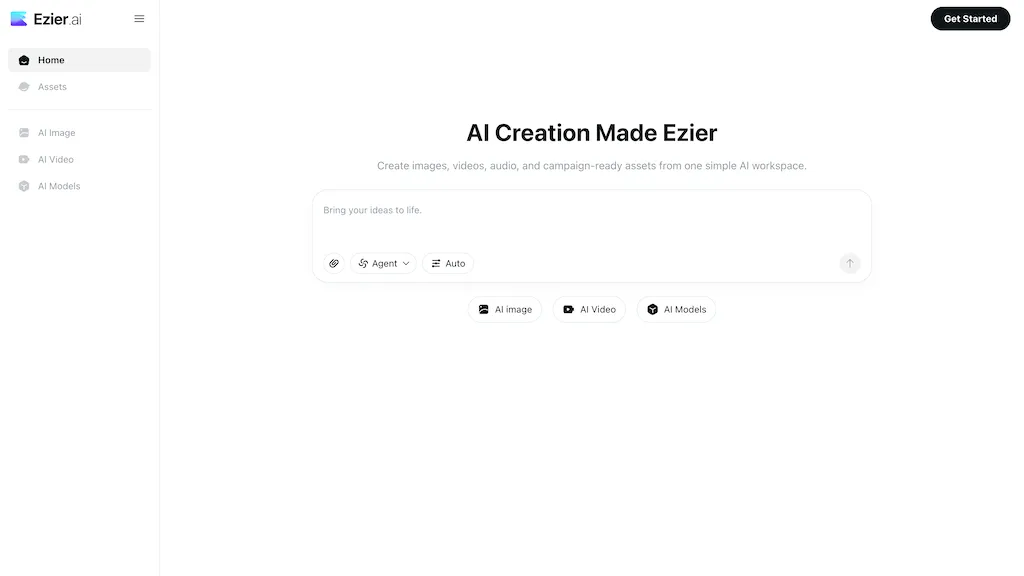
Ezier.ai is an all-in-one AI creation workspace for generating and editing images, videos, and audio.It combines an AI image generator, text-to-video and image-to-video tools, image and video enhancement, background remover, object remover, image upscaler, video upscaler, and lip-sync features in a single workflow.
The platform provides access to multiple AI models (Nano Banana, Nano Banana Pro, GPT-Image-2, Qwen Image, Wan Image, Veo, Kling, Seedance, Hailuo) so users can compare outputs and select the appropriate model per task.
Creators, marketers, e-commerce teams, designers, and small product teams can produce product visuals, social posts, ad clips, thumbnails, logos, and short-form videos without moving assets between tools.
Prompts, references, model choices, and edit history are retained to support iterative refinement from draft to campaign-ready assets.Built-in editors and automated workflows streamline background removal, object erasure, denoising, frame-by-frame enhancement, upscaling, and lip-syncing to accelerate content production.
Ezier AI tech specs
- Works with
- Google / Veo Google / Nano Banana Qwen Kling ByteDance / Seedance MiniMax / Hailuo
Ezier AI pricing
SubscriptionPricing details aren't listed here — check the official pricing page below.
- Auto-renewal
- Yes
Verify on the official pricing page.
View plansEzier AI's key features
-
All-in-one AI workspace for generating and editing images, videos, and audio
-
Text-to-video and image-to-video conversion tools
-
Image and video enhancement suite (background remover, object eraser, denoising, frame-by-frame enhancement, upscaling)
-
Lip-sync feature for synchronizing audio with video
-
Access to multiple AI models with comparison and per-task model selection
Ezier AI use cases
-
Create high-converting product videos for your ecommerce store by turning images and short scripts into polished text-to-video ads with background/object removal, AI upscaling, lip-synced voiceovers and iterative asset refinement — all within ezier.ai without complex editing software
-
Repurpose raw user-generated content and mobile footage into platform-ready social posts using ezier.ai’s image-to-video and video enhancement workflows to remove backgrounds/objects, upscale resolution, stabilize clips and quickly iterate creative variations for TikTok, Instagram and YouTube
-
Produce multilingual explainer and training videos by generating visuals from text or images, adding realistic lip-sync and translated voice tracks, then automatically refining and localizing assets with built-in editors and automated workflows for consistent branding and faster delivery
Ezier AI user reviews
Would you recommend Ezier AI?
Who is Ezier AI for?
-
Content creators
-
Video editors
-
Audio producers
-
Graphic designers
-
Social media marketers
Ezier AI FAQ
Is Ezier AI free?
No. Ezier AI is a paid product and requires a paid plan to use.
What are the best alternatives to Ezier AI?
The closest alternatives to Ezier AI are Canva AI, DeepAI, AIAI, Video Generator - A2E.ai and AIimagine.io. You can compare them side by side in the alternatives section further down this page.
What does Ezier AI do with my data?
Its privacy policy states that personal data is not sold or shared for marketing purposes. Data may be shared with third-party service providers that help run the product.
Does Ezier AI auto-renew or offer refunds?
Ezier AI subscriptions renew automatically until you cancel.
Which AI models does Ezier AI use?
Ezier AI is built on Google / Veo, Google / Nano Banana, Qwen, Kling, ByteDance / Seedance and MiniMax / Hailuo. Which models you can reach may depend on your plan.
Compliance, privacy and billing terms are as stated in each product's own published documentation and have not been independently verified by TopAI.tools.


