
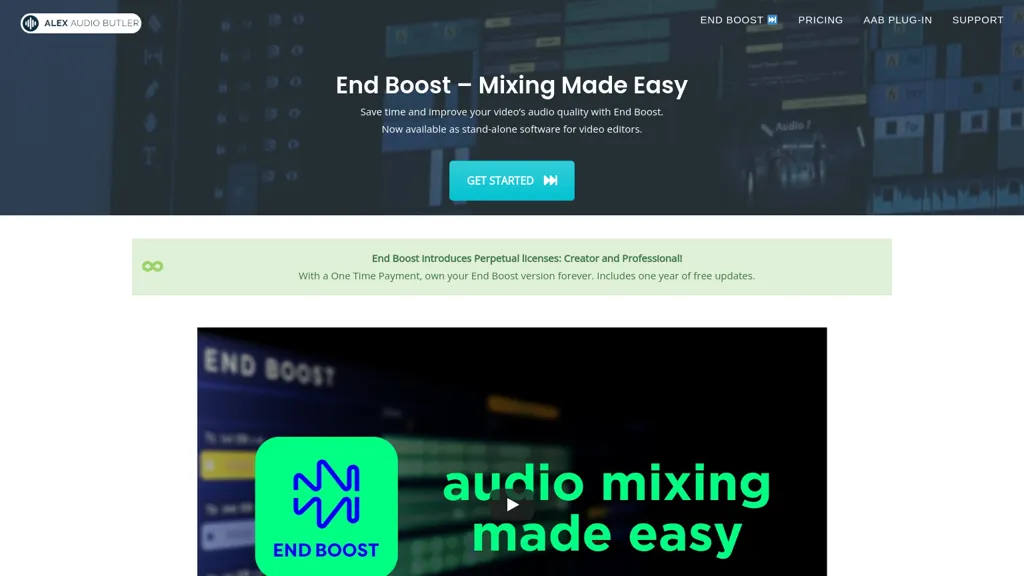
What is End boost?
End Boost automates audio mixing for video projects, applying AI-driven presets that balance voice, music, and sound effects. The application offers over 25 smart preset combos that deliver appropriate volume curves, compression, limiting, and ducking without manual adjustment.
Integrated AI de‑noising and mastering cleans recordings and normalizes loudness to EBU R128 standards. End Boost runs on Windows and macOS and exports WAV files that are compatible with major NLEs, including Premiere Pro, DaVinci Resolve, Final Cut Pro X, and Magix Vegas.
Users such as content creators, corporate video producers, and filmmakers can reduce post‑production time while achieving consistent audio quality across projects. The software also supports future workflow enhancements and additional algorithms, ensuring adaptability to evolving production needs.
End boost details
- Company
- Unimule
- Jurisdiction
- Netherlands
- Built for
- Businesses and teams
End boost tech specs
- Payment Processors
- PayPal
End boost pricing
Paid- Refund window
- 14 days
Verify on the official pricing page.
View plansEnd boost's key features
-
Smart preset combos
-
AI denoising & mastering
-
Automatic volume, compression, limiting, ducking
-
Cross-platform NLE-compatible desktop app
-
Voice‑music‑FX auto‑mixing
-
Background analysis for loudness
-
AI mixing engine
End boost use cases
-
Automatically balance audio in a YouTube vlog by applying compression, ducking for dialogue, and de‑noising, achieving EBU R128 loudness, and exporting a ready‑to‑import WAV for Premiere
-
Efficiently post‑produce a short film’s soundtrack: use preset compression, limiting and ducking to match action scenes, denoise background ambience, normalize volume, and output NLE‑compatible WAVs for DaVinci Resolve
-
Streamline podcast audio editing by applying AI presets for compression and de‑noising, ensuring consistent loudness across episodes, then export mastered WAVs for final distribution
End boost user reviews
Based on 1 review, 0% of users recommend End boost.
Disliked for
Would you recommend End boost?
Who is End boost for?
-
Video creators
-
Content producers
-
Creative designers
-
Digital marketers
-
Audio engineers
End boost FAQ
How much does End boost cost?
End boost is a paid product with no free plan. Plans include Perpetual creator at €249 €159 once, Perpetual professional at €399 €249 once and Yearly business at €399 €249/yr.
Is End boost safe to use?
End boost is operated by Unimule, registered in Netherlands.
What are the best alternatives to End boost?
The closest alternatives to End boost are UniFab AI, AI Mastering, Vmake Video Enhancer, Audo AI and Music.AI. You can compare them side by side in the alternatives section further down this page.
What does End boost do with my data?
Its privacy policy states that personal data is not sold or shared for marketing purposes.
Does End boost auto-renew or offer refunds?
End boost states a 14-day refund window.
Who made End boost?
End boost is built and operated by Unimule, a company registered in Netherlands.
Compliance, privacy and billing terms are as stated in each product's own published documentation and have not been independently verified by TopAI.tools.


